Adaptive Frequency Hopping (Option 15) Assessing AFH
MT8852B Operation Manual PN: 13000-00205 Rev. N 15-7
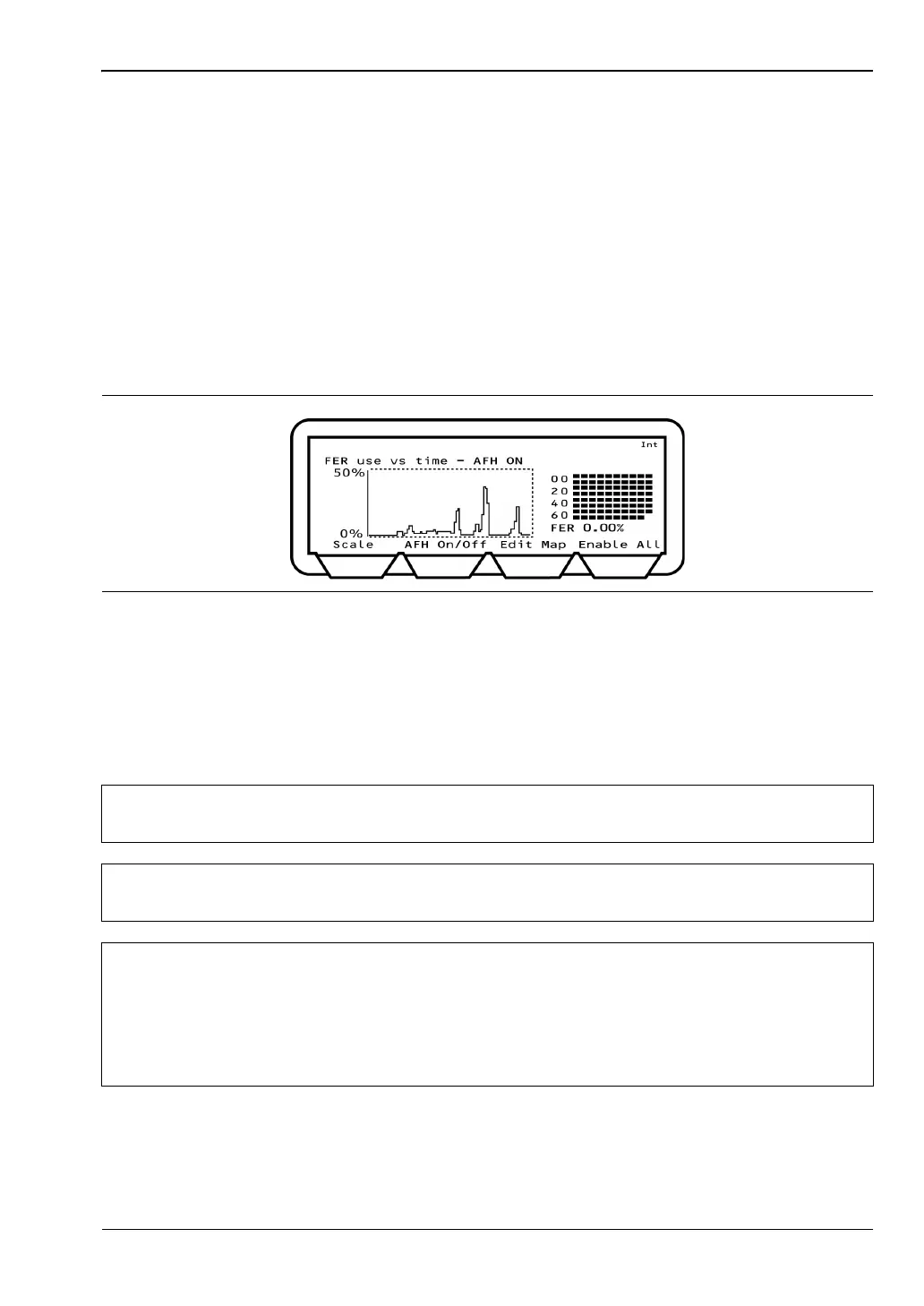
FER vs Time
Using this method the user activates an interference source into the EUT in order to validate
that the EUT can recognize the channels that should be blocked. The performance of the
EUT can be monitored at the MT8852B by confirming that the frame error rate shown on the
graph drops as the channels in the channel plan to the right are blocked as required. FER is
measured by counting the number of Null packets returned by the EUT as a result of the
number of transmitted Poll packets. The FER measurement runs at a one second interval,
and the FER measurement is always made on 800 transmitted packets.
1. Configure the MT8852B as detailed earlier in this chapter.
2. Apply interference to the EUT.
3. Press the [FER vs T] soft key to display the page shown below.
4. Press the [AFH On/Off] soft key to enable AFH. The current AFH status is shown in the
display above the graph area.
5. Activate the interference source into the EUT.
6. Confirm that the graph of FER over time drops down to zero as channels are
systematically identified and blocked by the EUT.
Figure 15-8. FER Use vs Time
Note
When displaying [Channel vs Time] and [FER vs Time], the MT8852B is sending
Poll packets to the EUT in each transmit slots (800 polls a second).
Note
It is advisable to disable Inquiry and Page scanning on the EUT while running FER
vs time measurements.
Note
The decisions made at the EUT regarding which channels are good or bad, will
vary significantly depending on the relative level of the interfering source and the
MT8852B power level. If the interfering source is connected directly to the EUT
and the interfering power level exceeds -20dBm, this may saturate the EUT
receiver and cause it to fail. The Bluetooth specification for receiver maximum
input power is -20dBm.














 To Next Page