Configuring the MT8852B Configuration Reference
11-6 PN: 13000-00205 Rev. N MT8852B Operation Manual
RS232 mode: For normal operation the RS232 mode must be set to EXT COMMS.
When an external computer is being used to interface to the
MT8852B baseband through the rear panel system RS232 interface,
then RS232 mode must be set to EXT HCI. In this setting, the
MT8852B HCI interface is accessible to a remote computer that can
be used to run the layers of Bluetooth protocol above HCI.
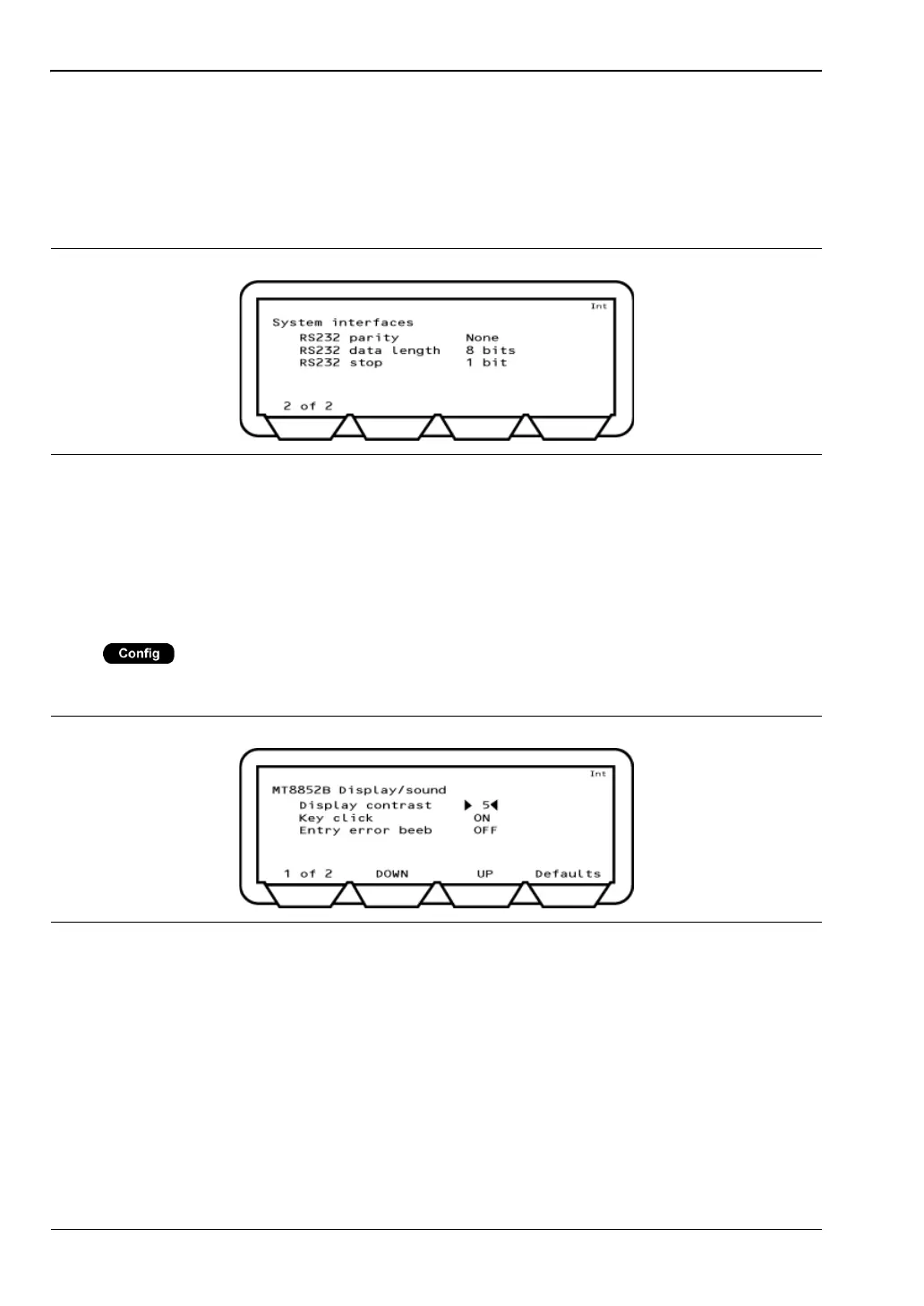
RS232 Parity: 0, 1 or None. The default setting is “None”.
RS232 Data length: 7 or 8 bits. The default setting is 8.
RS232 Stop: 1 or 2 bits. The default setting is 1.
Display and Sound
Press > “MT8852B” > “Display/sound”
This menu allows the user to configure the MT8852B interface as required.
Display contrast: The display contrast reduces or increases the lighting to the display in
the range of 1 (light) to 10 (dark).
Key Click: When set to ON, the instrument makes a clicking sound each time a key
is pressed.
Figure 11-4. System Interfaces 2
Figure 11-5. MT8852B Display/Sound 1














 To Next Page