Audio Measurements Putting the EUT into Remote Loopback
MT8852B Operation Manual PN: 13000-00205 Rev. N 14-7
14-4 Putting the EUT into Remote Loopback
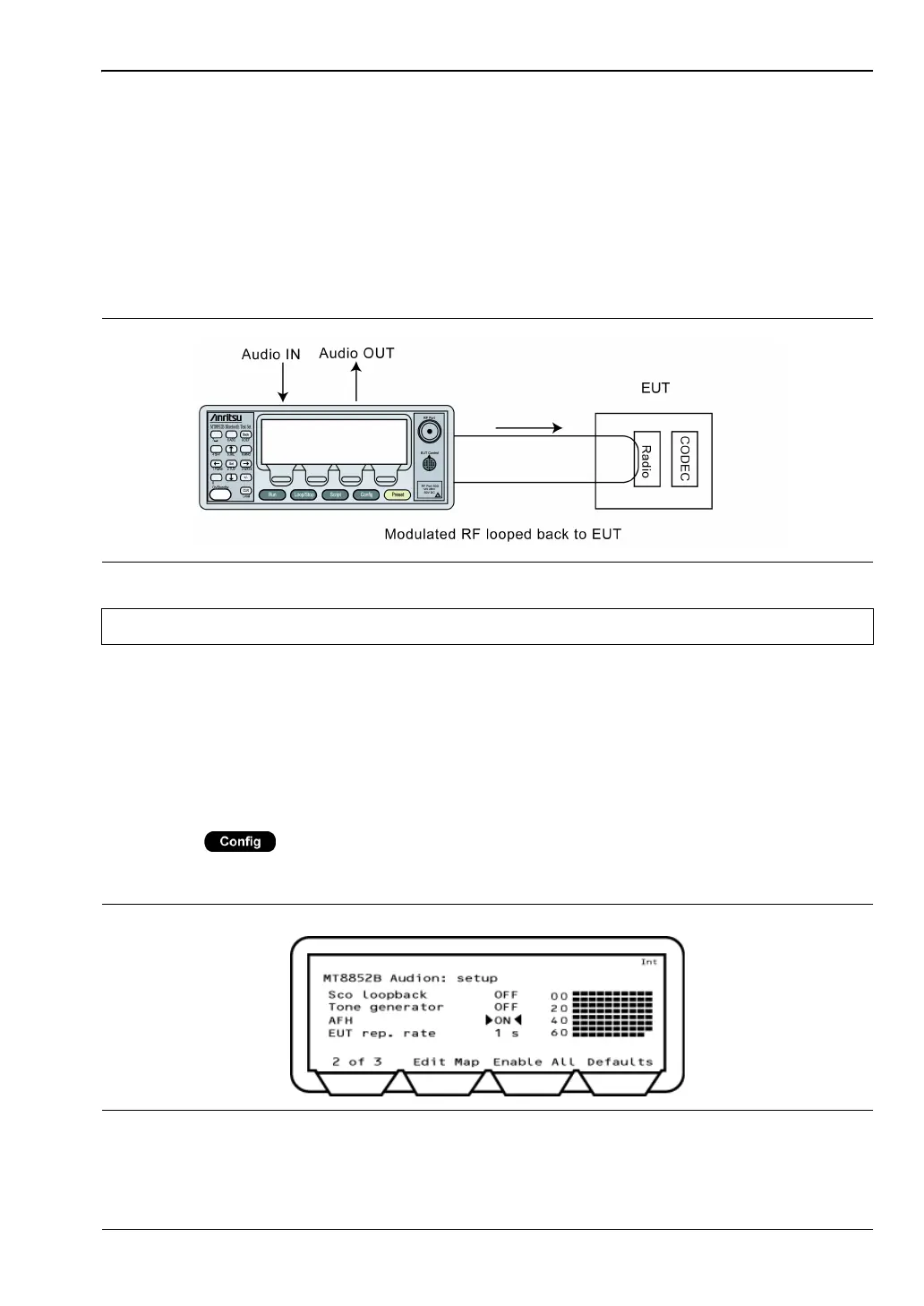
It is also possible to put the EUT into remote loopback. The MT8852B will then send and
receive SCO packets from the EUT. The packets will be looped back digitally in the EUT
baseband and will not introduce any distortion from the analogue circuits.
As with the set-up for testing the performance of the receiver, it is also possible to use an
internally generated 1 kHz tone. Use of this tone is ideal for quick tests, and as it is
generated internally, it does not pass through the MT8852B CODEC. The tone is fixed at
1kHz. For measurements at other frequencies use of external audio is required.
1. Follow the procedure for "Testing the EUTs Audio Performance" and use the HCI
software on the control PC to set the EUT to remoter loopback. SCO loopback for the
MT8852B should be set to "OFF".
2. Set the "SCO tone generator" on page 2 of 3 to "ON" or "OFF" as required.
14-5 Using Audio Measurements with AFH
1. Press > "MT8852B" > "Audio".
2. Press the [1 of 3] soft key to display page 2 of the audio section as shown below.
3. Set up an audio connection as detailed earlier in this chapter.
Figure 14-9. Remote Loopback
Note Refer to the jack plug diagram on the previous page.
Figure 14-10. MT8852B Audio Setup














 To Next Page