Configuring Scripts Configuration Reference
11-18 PN: 13000-00205 Rev. N MT8852B Operation Manual
11-4 Configuring Scripts
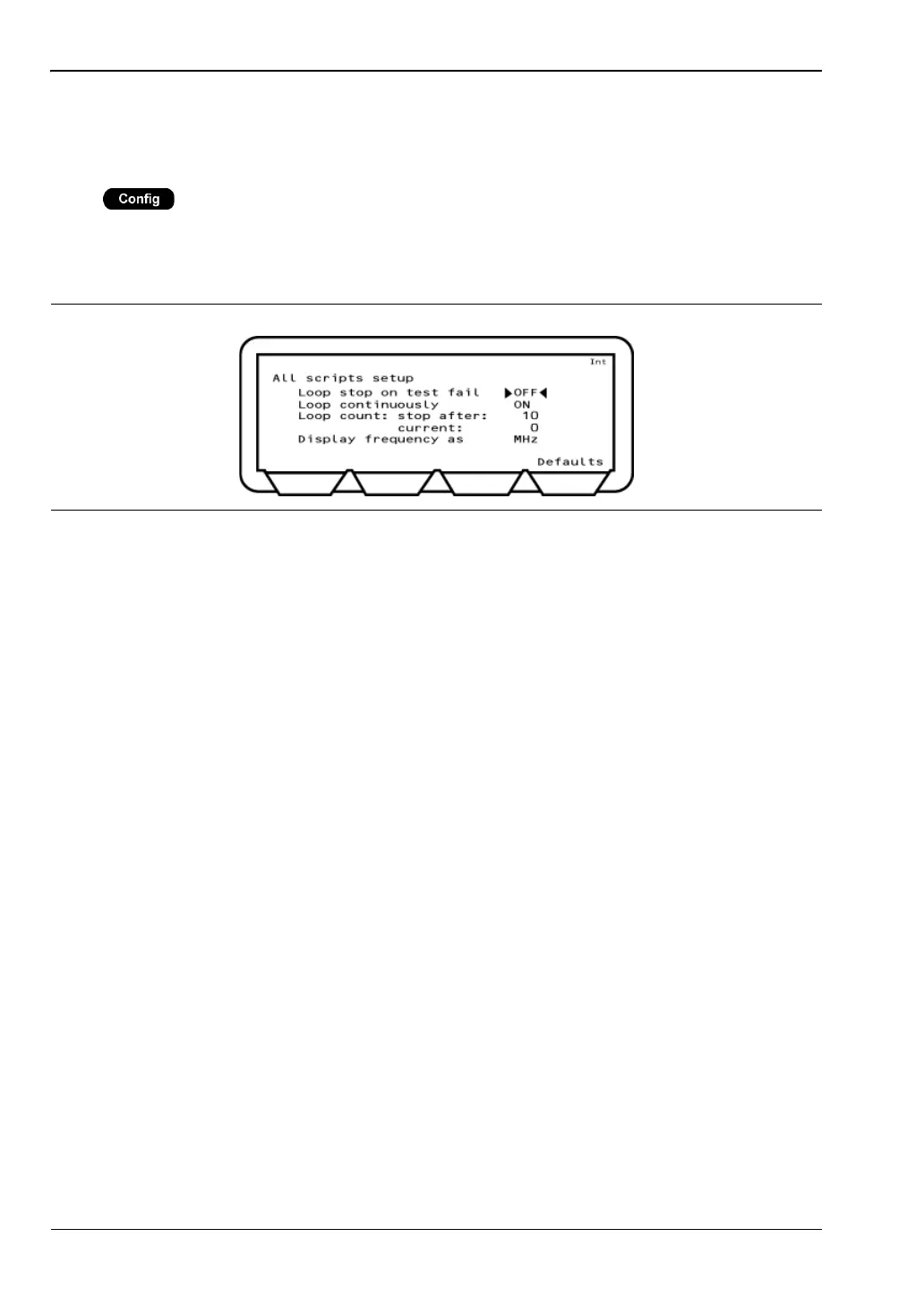
All Scripts Setup
Press > “All scripts setup”
This menu allows the user to configure the parameters that are applied to all scripts. These
settings include items to determine if and how measurements are looped. Refer to chapter 5
for complete details of script configuration.
Loop stop on test fail: Select either ON or OFF. If set to “ON” the test is run repeatedly
until a failure is recorded or the test is stopped
Loop continuously: Select either ON or OFF. If set to “ON”, the test is run continuously
until stopped by the user.
Loop count: Enter the number of times that the test will be looped before
stopping.
Display frequency as: Select whether a channel is displayed in number format (0 to 78) or
by actual frequency in MHz.
Figure 11-19. All Scripts Setup














 To Next Page