Preparing the EUT for Testing Low Energy Testing
MT8852B Operation Manual PN: 13000-00205 Rev. N 6-7
6-2 Low Energy Testing
A cable connection (RS232, USB HCI interface, USB->RS232, or 2-Wire interface) to the EUT
control interface is required when performing low energy tests. The Bluetooth address is not
required for low energy testing as no connection is established between the MT8852B and the
EUT. The EUT is controlled directly using BLE test mode commands through the control
interface.
Select RS232, USB, or USB->RS232 if the low energy device has an HCI interface. Typically
this will be a dual mode device supporting basic rate, EDR, and low energy measurements.
Select BLE2WIRE or USB->BLE2WIRE if the EUT does not have an HCI interface and is to
be controlled using the special Bluetooth 2-Wire interface. Typically this will be a single mode
device supporting Bluetooth low energy only.
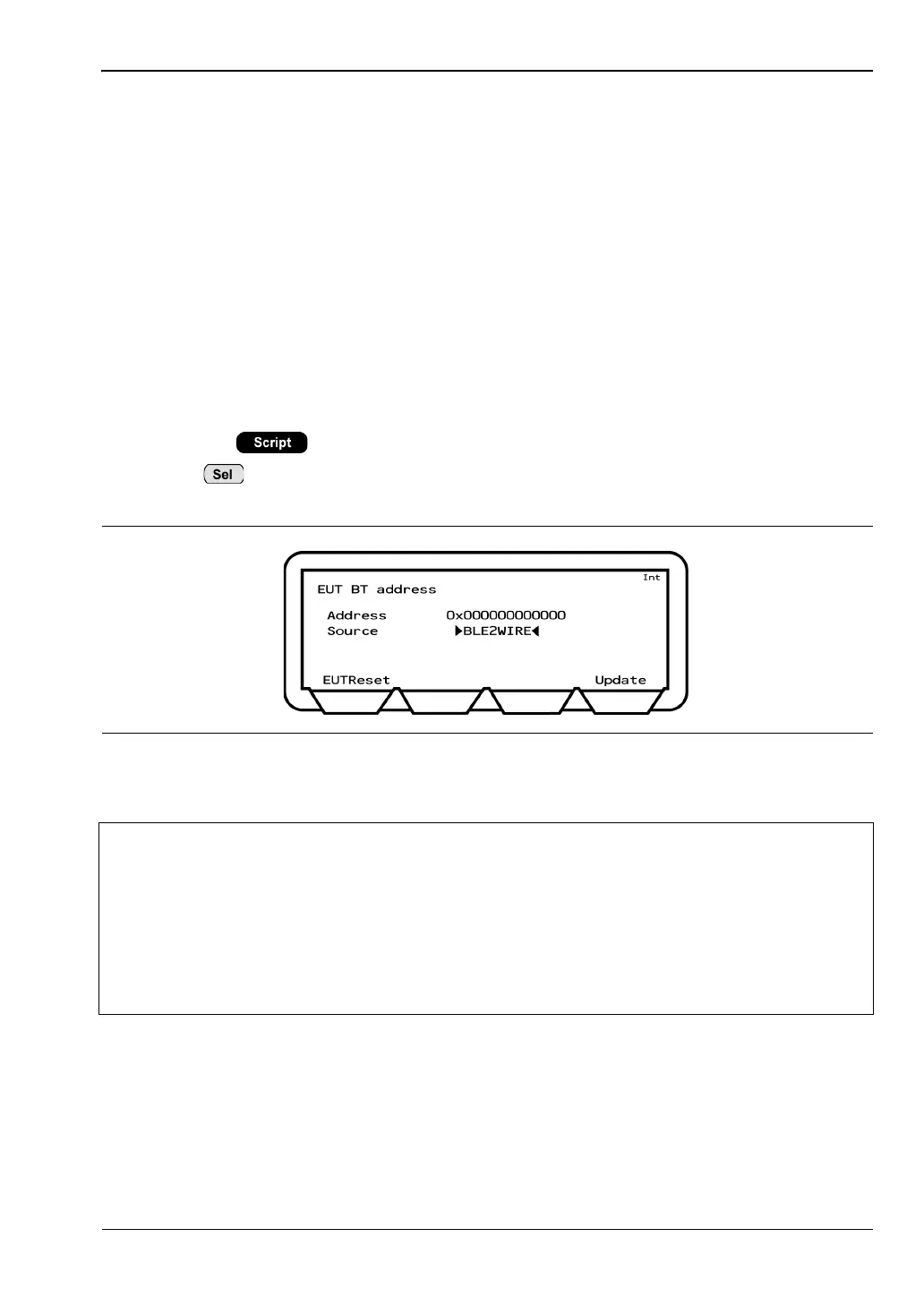
Select “BLE2WIRE” if using a 2-Wire cable between the MT8852B and the Bluetooth low
energy EUT.
1. Press the > [EUT addr].
2. Press to toggle the “Source” setting to the connection interface in use (“RS232”,
“USB”, or “BLE2WIRE”).
3. Press the [Update] soft key to view the address.
Figure 6-9. BLE2WIRE Selection for Low Energy Testing
Note
The “INQUIRY” and “MANUAL” settings are not suitable for low energy testing.
Refer to section 6.1 for details.
The “USB->RS232” and “USB->BLE2WIRE” settings can only be used with FTDI
chips. Other USB->RS232 chips are not supported.
The “USB->RS232” and “USB->BLE2WIRE” setting can be used with FTDI > Hub
configurations only if the FTDI chip is connected to port 1 on the hub.
The [EUTReset] softkey sends an HCI reset to the EUT via the “EUT Control” port.














 To Next Page