Configuring a Script Test Scripts
5-12 PN: 13000-00205 Rev. N MT8852B Operation Manual
Configuring Display Preferences
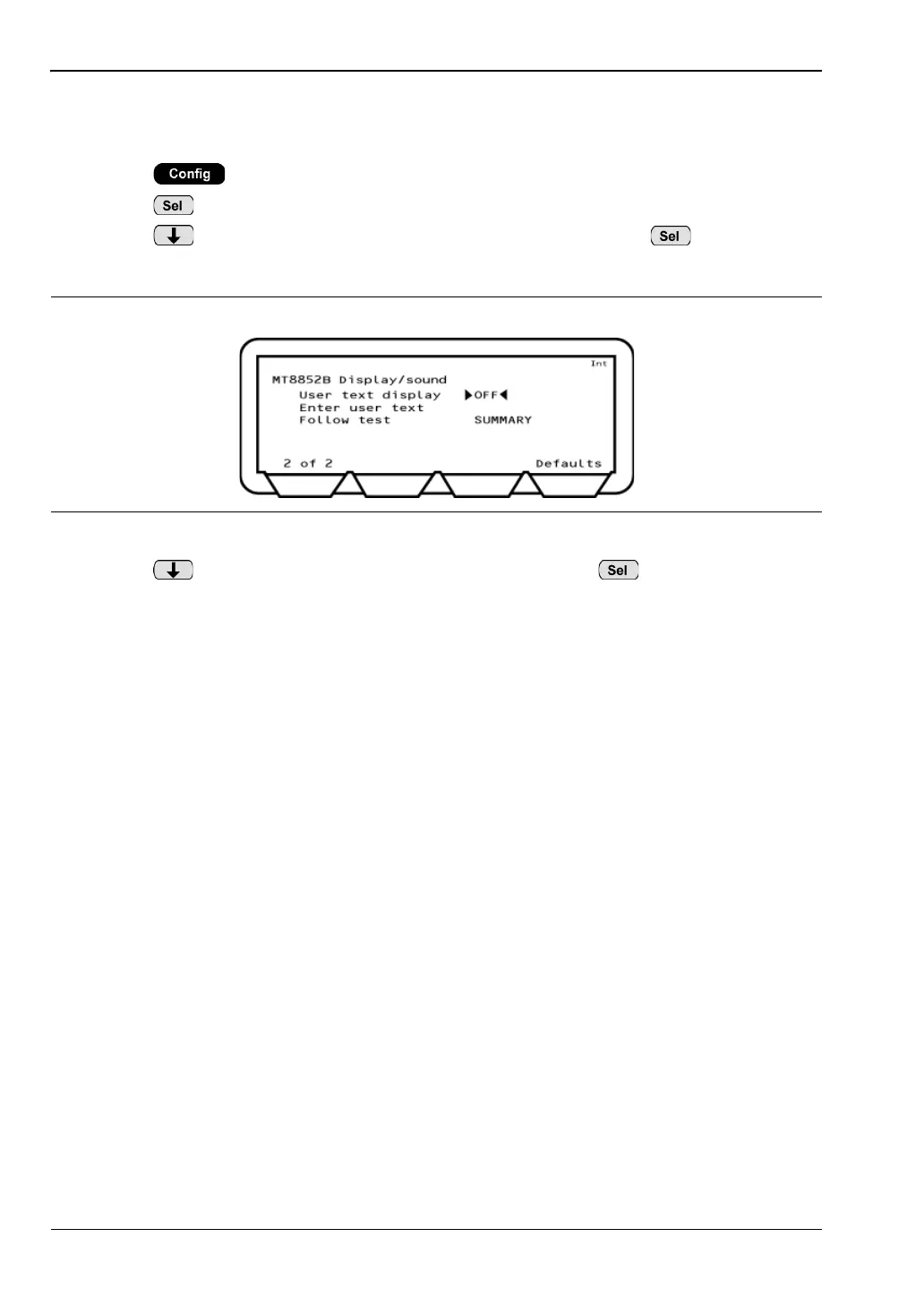
The user can select what displays on the MT8852B while scripts are running.
1. Press .
2. Press to select “MT8852B”.
3. Press twice to move the cursor to "Display/sound" and press .
4. Press the [1 of 2] soft key to display the second page of settings.
5. Press to position the cursor At "Follow test" and press to toggle through the
available settings:
SUMMARY: A summary of the test results displays on the instrument while the
script is running.
EXTENDED: The extended results pages display on the instrument while the script is
running.
OFF: No test results display on screen while the script is running. The results
pages must instead be displayed by the user when the script is complete.
Figure 5-13. Display/Sound














 To Next Page