Selecting a Script Test Scripts
5-2 PN: 13000-00205 Rev. N MT8852B Operation Manual
5-2 Selecting a Script
1. Power on the MT8852B.
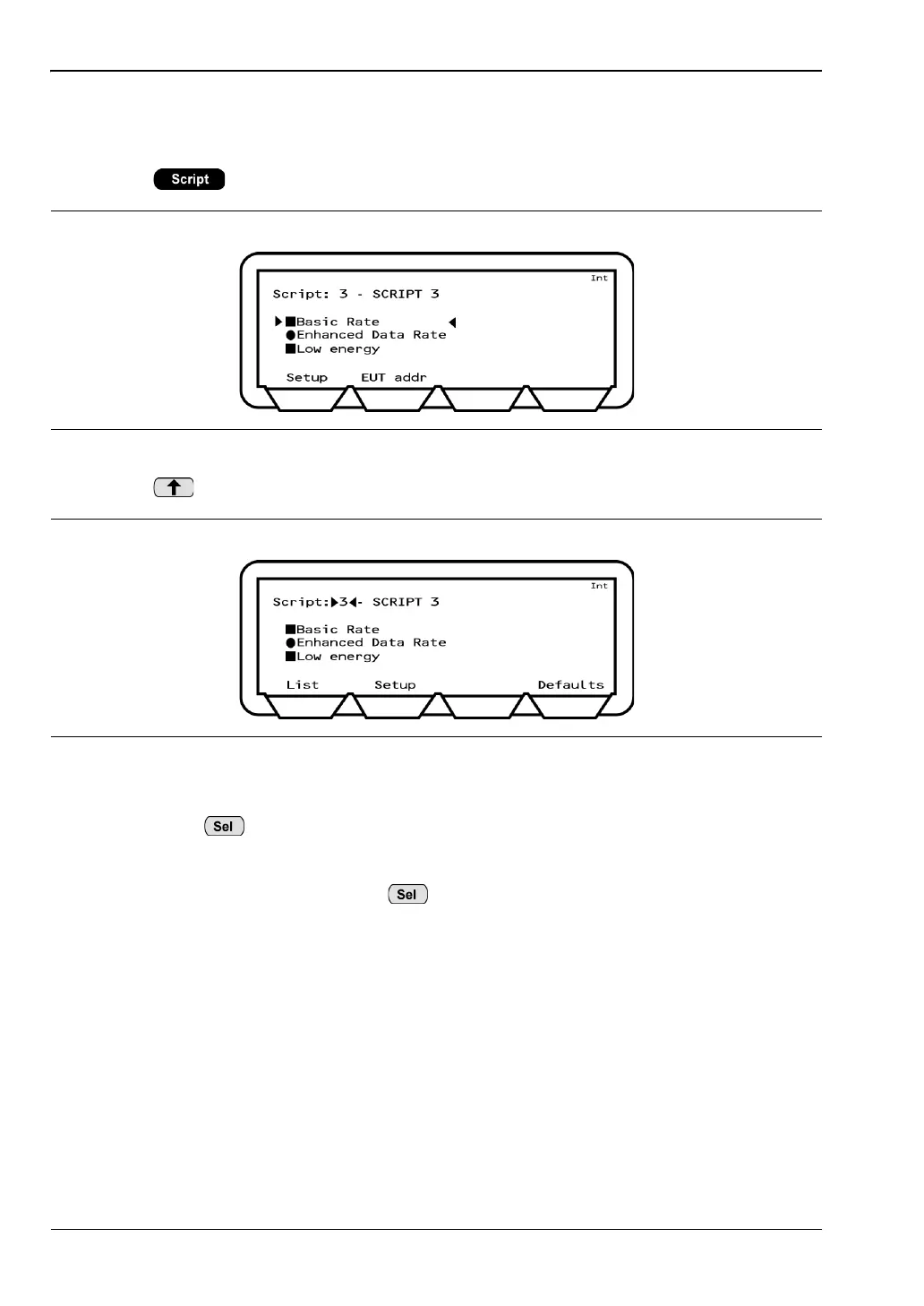
2. Press to access the test group page shown below.
3. Press to move the cursor to the script number.
4. Select the script using either of the methods below:
• Press , enter the required script number from the keypad, and press
[Enter].
• Press [List], use the up and down arrow keys on the keypad to move the cursor to
the desired script and press .
The selected script number displays at the top of the page.
Figure 5-1. Tes t Groups
Figure 5-2. Script Number














 To Next Page