Instrument Overview Configurations for Testing
MT8852B Operation Manual PN: 13000-00205 Rev. N 4-11
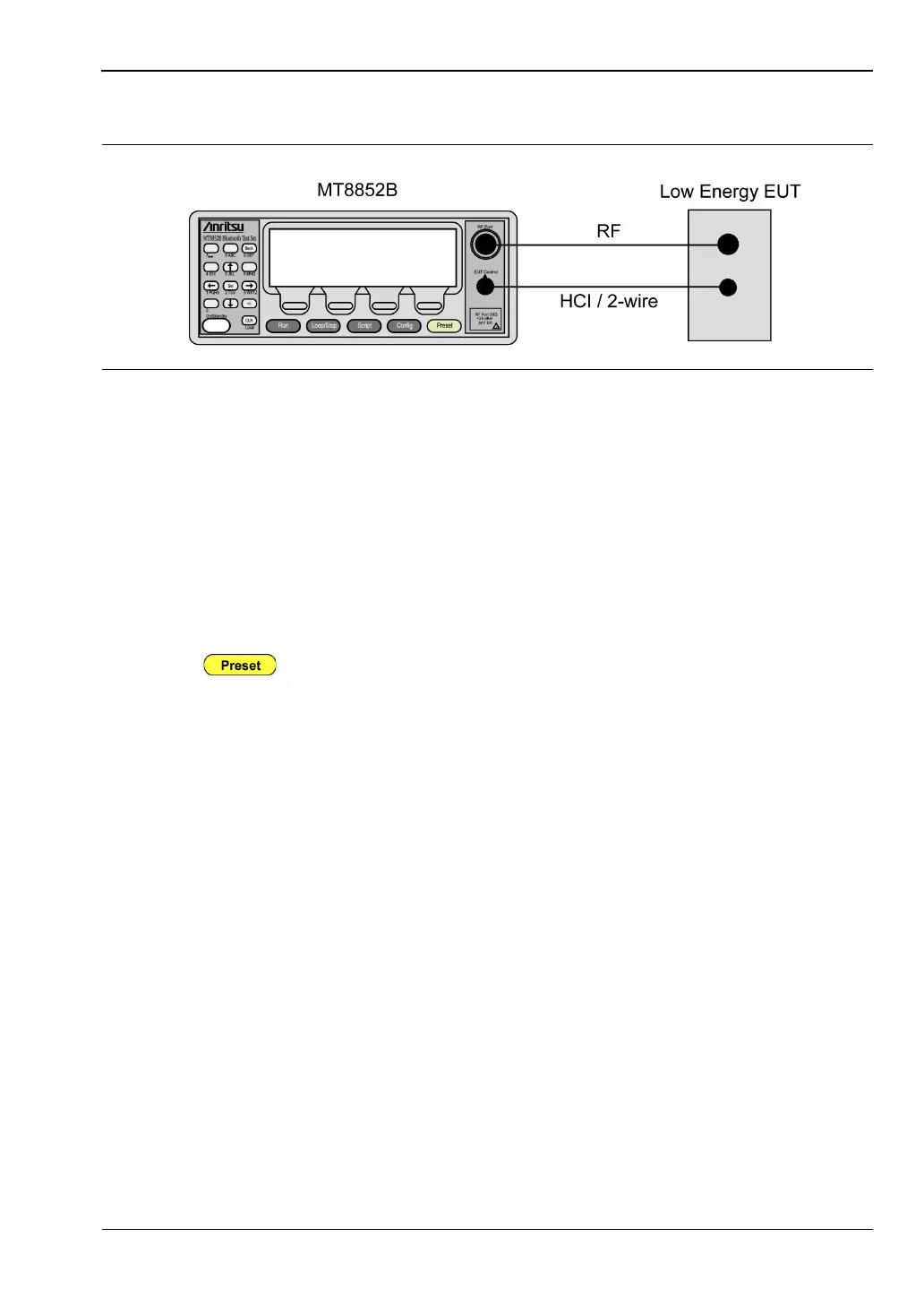
Cable Connection for Low Energy Testing
1. Connect an RF cable between the antenna connector on the DUT and the RF Port on the
front of the MT8852B.
2. Connect the supplied RS232 or USB HCI control cable from the EUT Control connector
on the front of the MT8852B to the HCI / 2-Wire interface on the EUT.
3. Ensure the MT8852B is connected to the mains power supply.
4. Press the [On/Standby] key on the front panel of the MT8852B.
5. The MT8852B performs a brief power-on self test (POST). After the POST, the
instrument displays the Test group menu. If a POST error occurs, information and
available options display on the screen.
6. Press to restore the default settings. See Appendix C, Preset Values for
details.
Figure 4-11. Configuration for Low Energy Testing














 To Next Page