Test Scripts Unlocking a Script
MT8852B Operation Manual PN: 13000-00205 Rev. N 5-15
5-6 Unlocking a Script
The lock on a script can be removed if changes are required or if protection is no longer
necessary.
1. Press the key.
2. Press the key to position the cursor next to the script number.
3. Press the [List] soft key.
4. Use the key to move the cursor to the script to be unlocked.
5. Press [Passwd], enter the password from the keypad and press [Enter]. The default
password is 1234.
6. Press the [Unlock] soft key. The status of the script in the list changes to “Unlocked”.
5-7 Changing the Password
The default password (1234) can be changed if required.
1. Press the key.
2. Press the key to position the cursor next to the script number.
3. Press the [List] soft key.
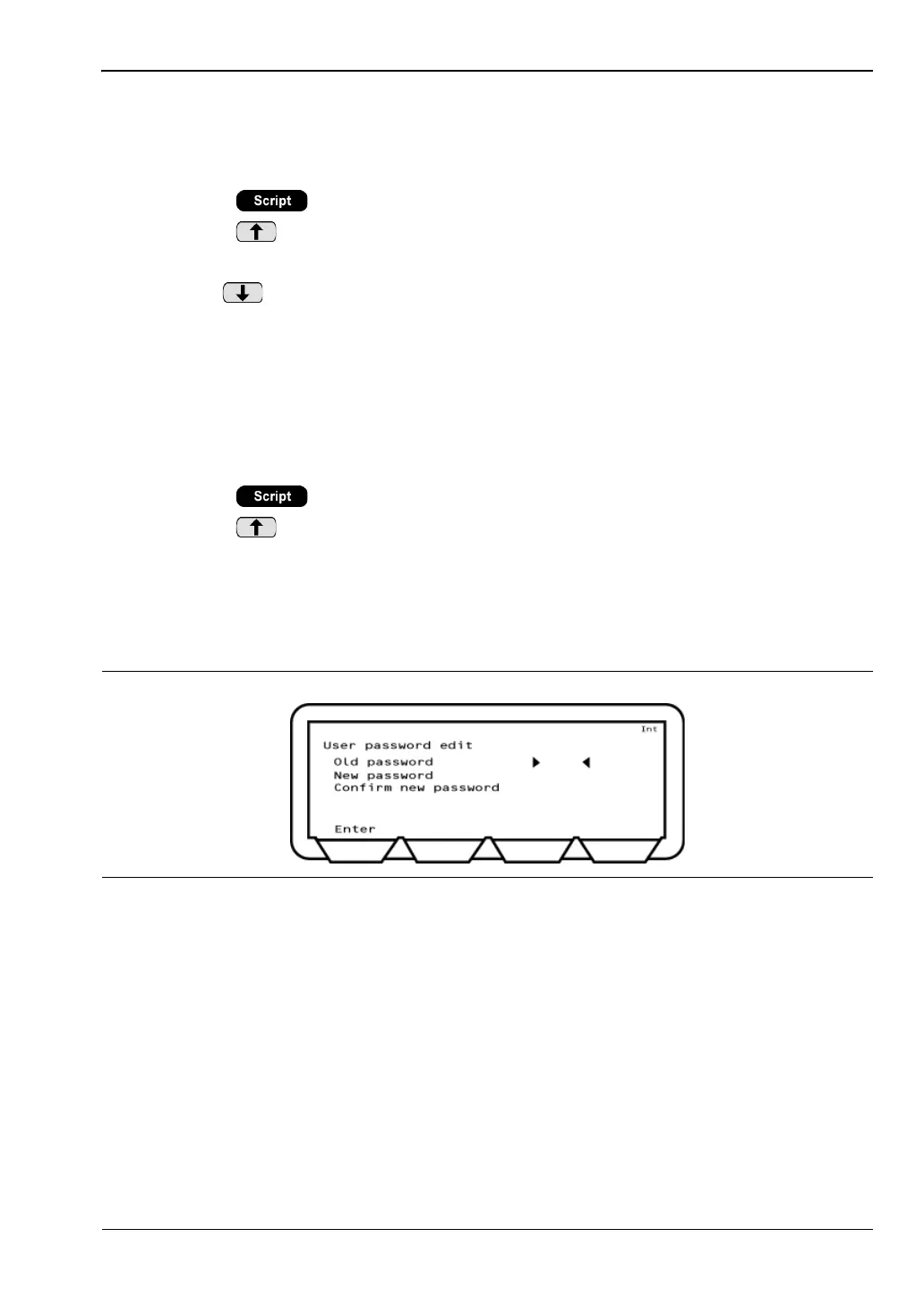
4. Press the [Password] soft key, enter the password and press [Enter].
5. Press [Edit Passwd]. Enter the current password and a new four digit password and
press [Enter].
Figure 5-17. User Password Edit














 To Next Page