Test Scripts Configuring a Script
MT8852B Operation Manual PN: 13000-00205 Rev. N 5-7
Configuring Test Limits
The Bluetooth specification defines a number of critical pass criteria for each test; these are
reflected on the MT8852B through the use of limit items. Each of the limits is set by default
to the value as defined in the specification but the settings can be modified by the user if
required.
Follow the procedure below to access a test’s limit settings.
1. Use the arrow keys to move the cursor to the test group containing the required test.
2. Press the [Setup] soft key to display a page showing the tests within the selected test
group.
3. Use the arrow keys to move the cursor to the required test.
4. Press the [Setup] soft key to display the test conditions.
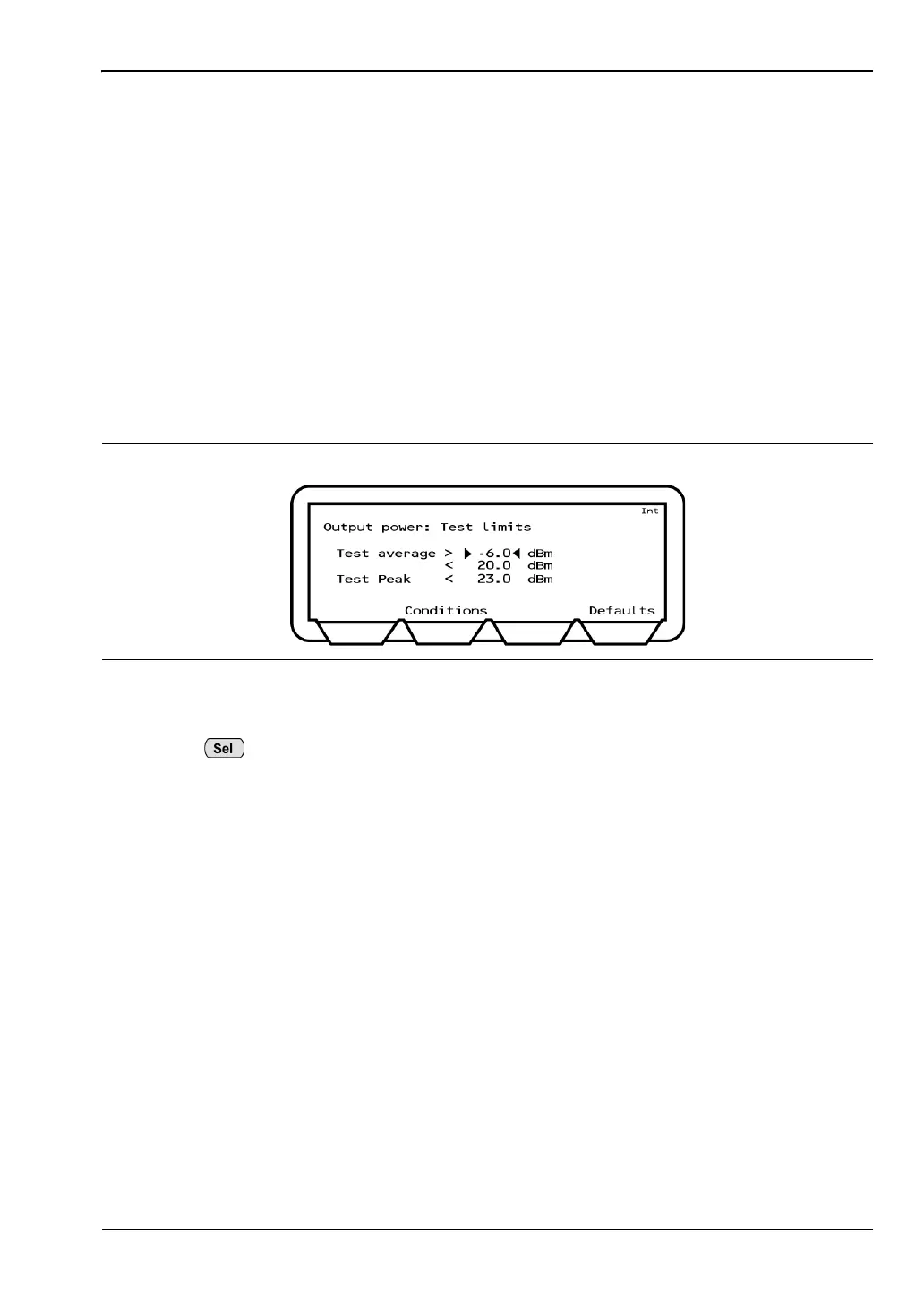
5. Press the [Limits] soft key to display the Limits page.
6. Use the arrow keys to move the cursor to the required position.
7. Press , enter a new value from the keypad and press the [Enter] soft key.
8. Use the arrow keys to move to any further limits to be changed and enter a new value in
the same manner.
9. Press the [Conditions] soft key to return to the test conditions page.
Figure 5-7. Test Limits for the Output Power Test














 To Next Page