Configuration Reference Configuring System Features
MT8852B Operation Manual PN: 13000-00205 Rev. N 11-21
The download procedure requires that files be copied from the upgrade disk and a program be
run to implement the changes. This procedure is described in the Readme document supplied
on the upgrade disk.
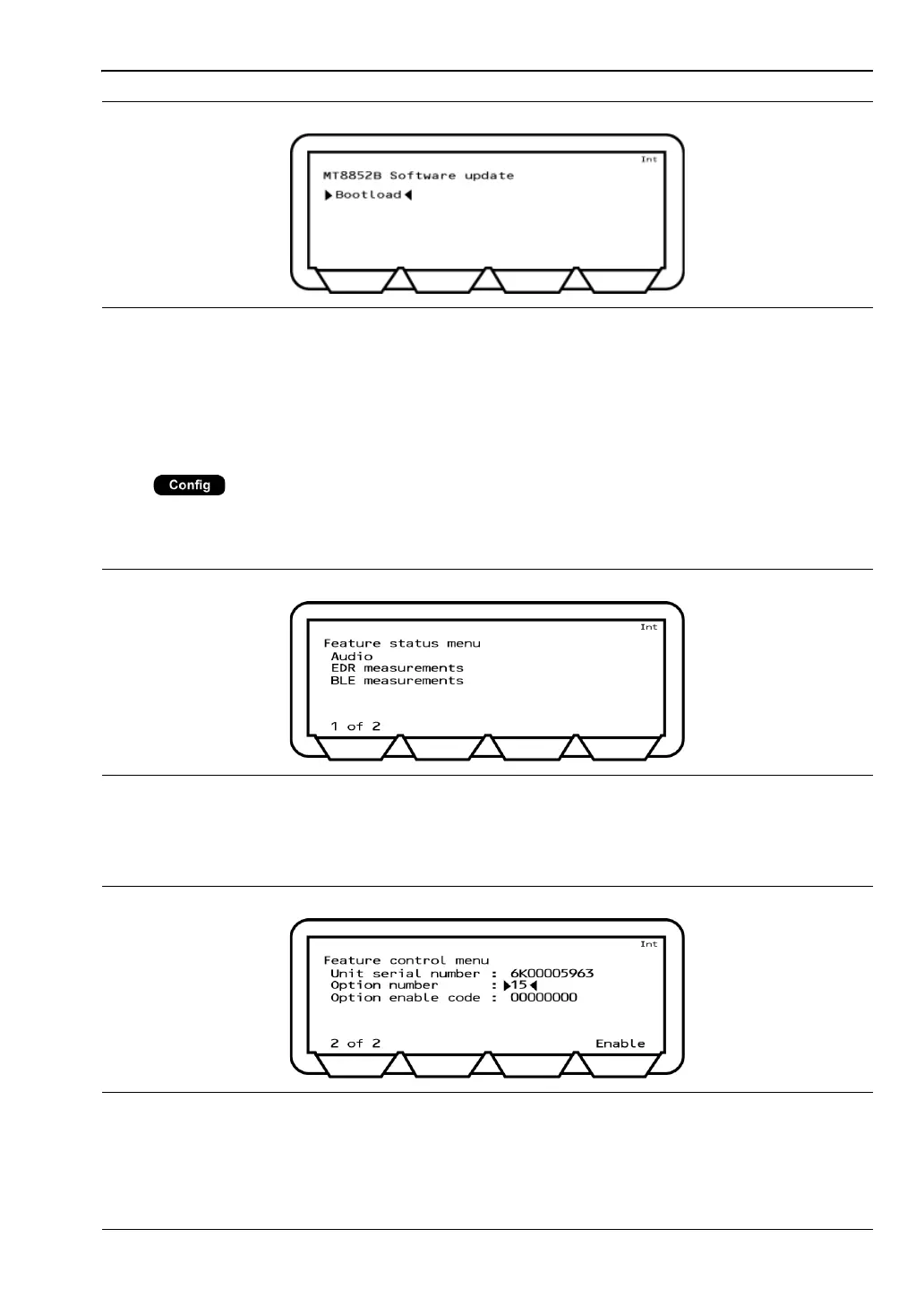
Feature Control
Press > “System features” > “Feature control”
This menu is used to view a list of installed options and to enable (turn on) options or retrofits
purchased after the delivery of the instrument.
The options currently installed are displayed on page 1 of 2. The second page (2 of 2) is used
to enable further options that have been purchased.
Unit serial number: Displays the serial number of the MT8852B.
Figure 11-22. MT8852B Software Update
Figure 11-23. Feature Status Menu 1
Figure 11-24. Feature Status Menu 2














 To Next Page