Configuration Reference Configuring the Equipment Under Test (EUT)
MT8852B Operation Manual PN: 13000-00205 Rev. N 11-15
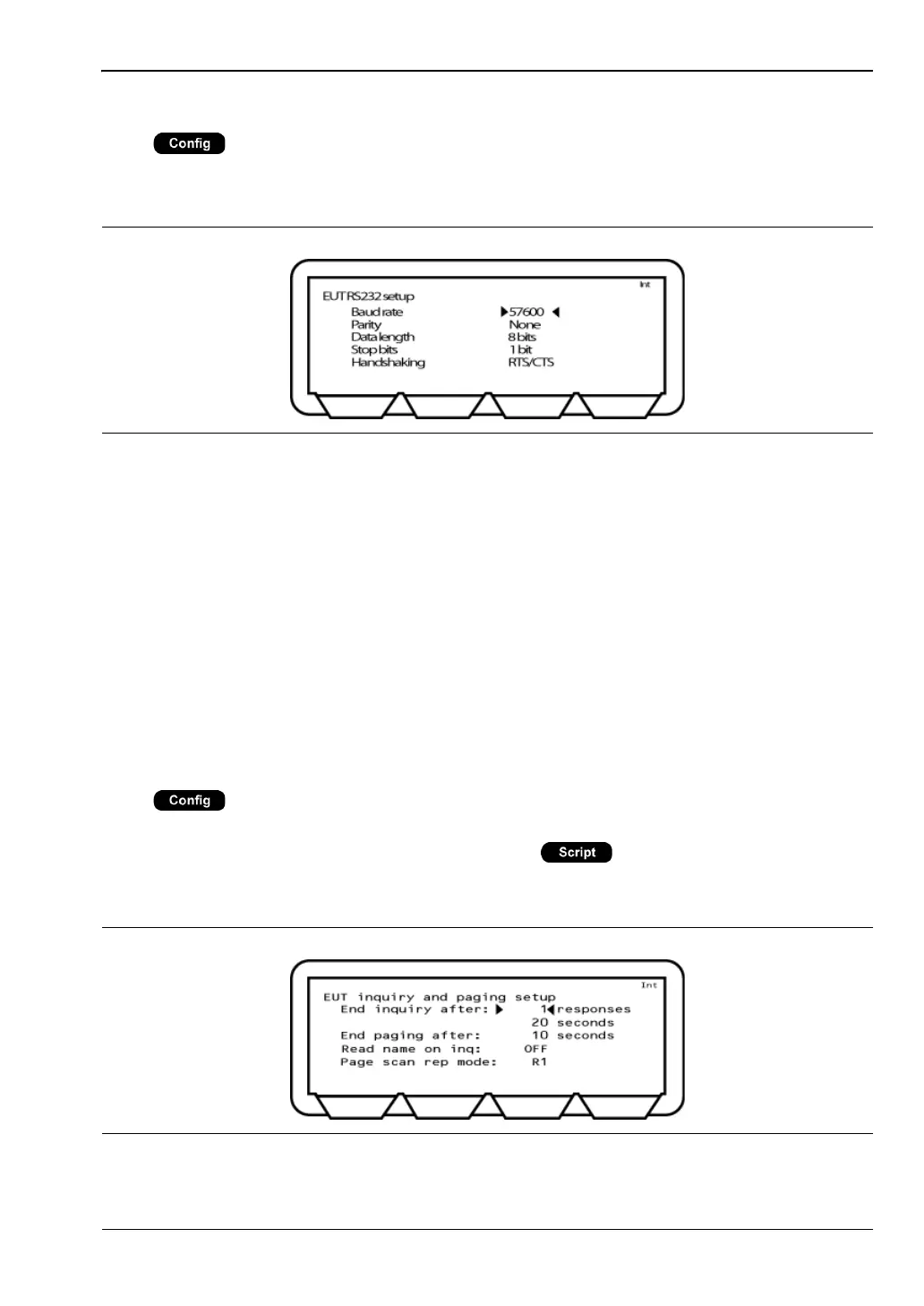
EUT RS232 Setup
Press > “Equipment Under Test (EUT)” > “EUT RS232 setup”
This menu allows the user to configure an RS232 cable connection between the MT8852B and
the EUT.
Baud rate: These settings relate to the RS232 interface of the EUT control port on
the front panel of the MT8852B. When interfacing to the EUT HCI using
the RS232 interface from the MT8852B, the MT8852B RS232 settings
must match those of the EUT. Available HCI RS232 baud rates are;
1200, 240, 4800, 9600, 19200, 38400, 57600, 115200, 230400, 460800,
921600.
Parity: Fixed at “None”.
Data length: Fixed at 8 bits.
Stop bits: Fixed at 1 bit.
Handshaking: RTS/CTS or NONE
Inquiry/Paging Setup
Press > “Equipment Under Test (EUT)” > “Inquiry/paging setup”
This menu allows the user to configure the conditions under which an inquiry is performed.
The inquiry settings made here are used if “Source” ( > [EUT addr]) is set to
“Inquiry” to read the Bluetooth address directly from the EUT through the radio interface.
Refer to chapter 6 for details.
Figure 11-16. EUT RS232 Setup
Figure 11-17. EUT Inquiry and Paging Setup














 To Next Page