Configuring System Features Configuration Reference
11-20 PN: 13000-00205 Rev. N MT8852B Operation Manual
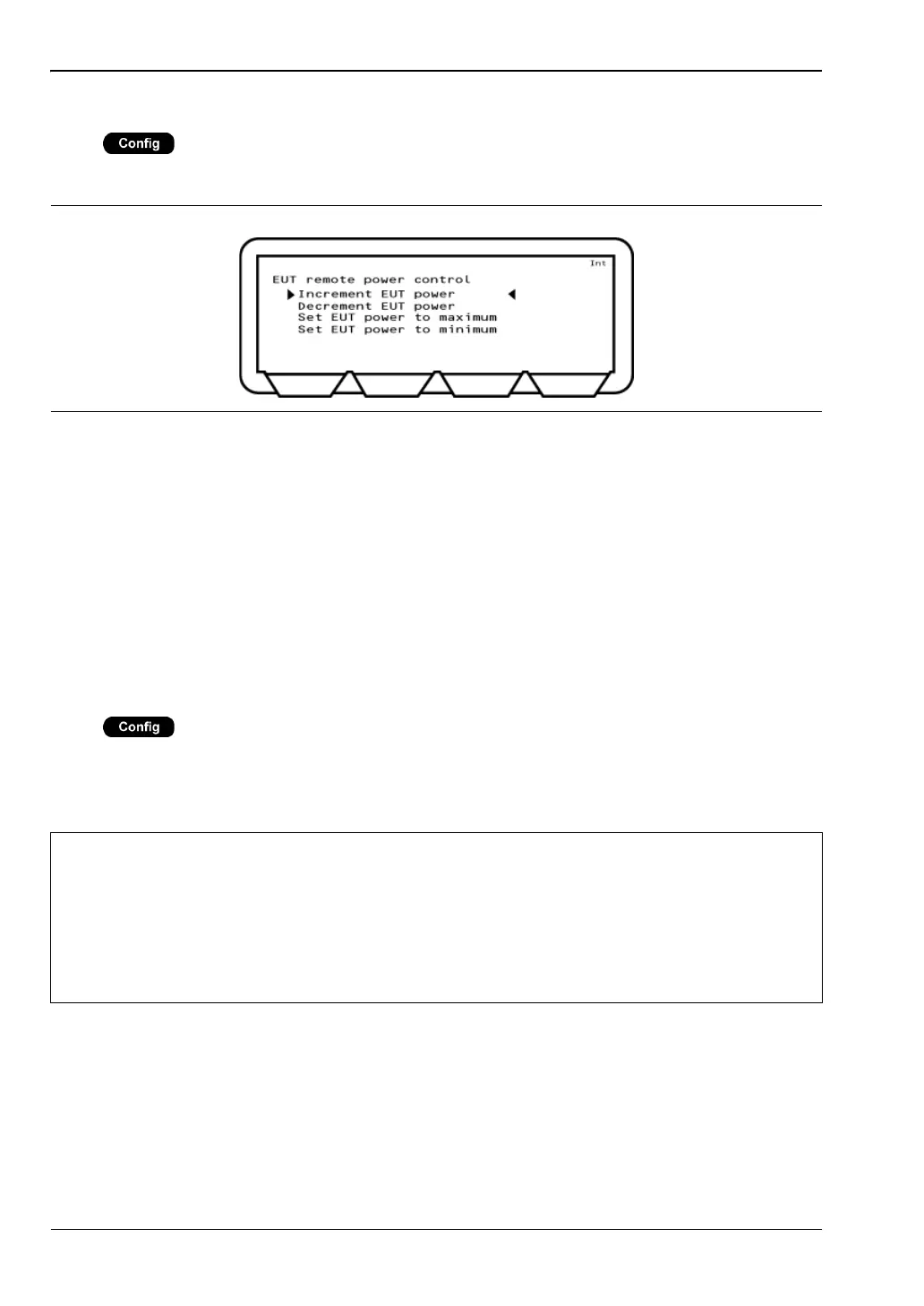
EUT Remote Power Control
Press > “System features” > “EUT remote power control”
This menu allows the operator to control the EUT power incrimination.
Increment EUT power: Select to increment the EUT power by one increment.
Decrement EUT power: Select to decrement the EUT power by one increment.
Set EUT power to maximum: Select to have the MT8852B continuously send increment
power commands until the EUT reports that the maximum
power has been reached.
Set EUT power to minimum: Select to have the MT8852B continuously send decrement
power commands until the EUT reports that the minimum
power has been reached.
Software Upgrade
Press > “System features” > “Software update”
This menu allows the operator to upgrade the firmware. Upgrading is performed using the
supplied accessory cable to download the software from a PC connected to the MT8852B
through the RS232 connector.
Figure 11-21. EUT Remote Power Control
Caution
This menu should not be used unless ready to update the software.
If the firmware is not upgraded when “Bootload” is selected, it will be necessary to
disconnect the instrument from the power supply.
If the upgrade is interrupted before completion (by the user or by a power failure)
the instrument is left in a state from which normal operation cannot be resumed.
Contact your Anritsu Service Center for advice.














 To Next Page