Preparing the EUT for Testing Basic Rate and EDR Testing
MT8852B Operation Manual PN: 13000-00205 Rev. N 6-3
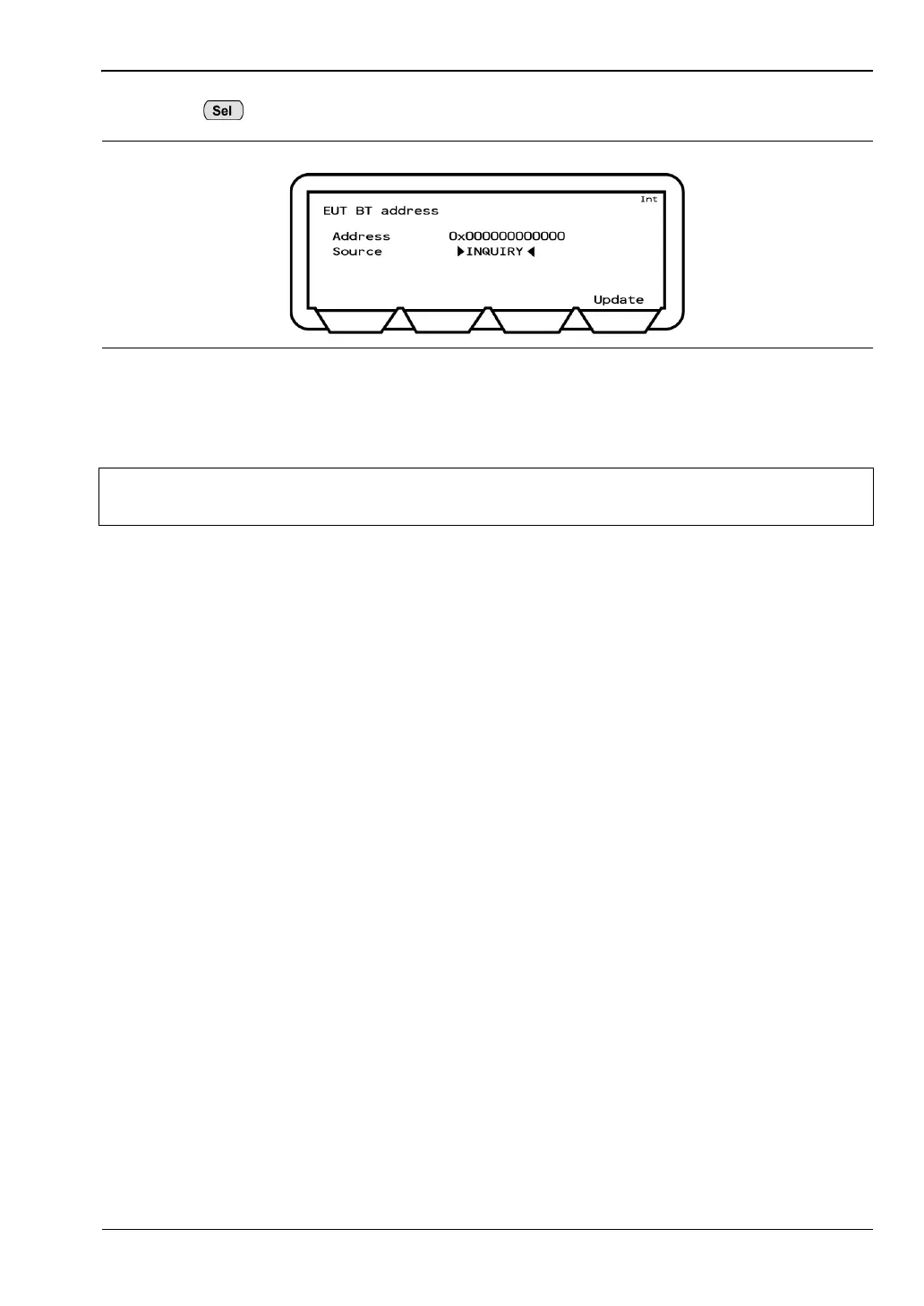
3. Press to toggle the “Source” setting to “Inquiry”.
4. Enable EUT test mode and set page scanning and inquiry scanning to on.
5. Press the [Update] soft key to commence the inquiry.
Figure 6-3. Acquiring the Bluetooth Address by Inquiry
Note
The “INQUIRY” setting is not suitable for low energy testing. Refer to section 6.2
for details.














 To Next Page