3-23
Confidential
10. DISASSEMBLY PROCEDURE (MAIN BODY)
10.1 Preparation
■ Wiring and disassembling supplied parts
Prior to proceeding with the disassembly procedure,
(1) Unplug
-the AC cord,
- the USB cable, if connected, and
- the LAN cable, if connected.
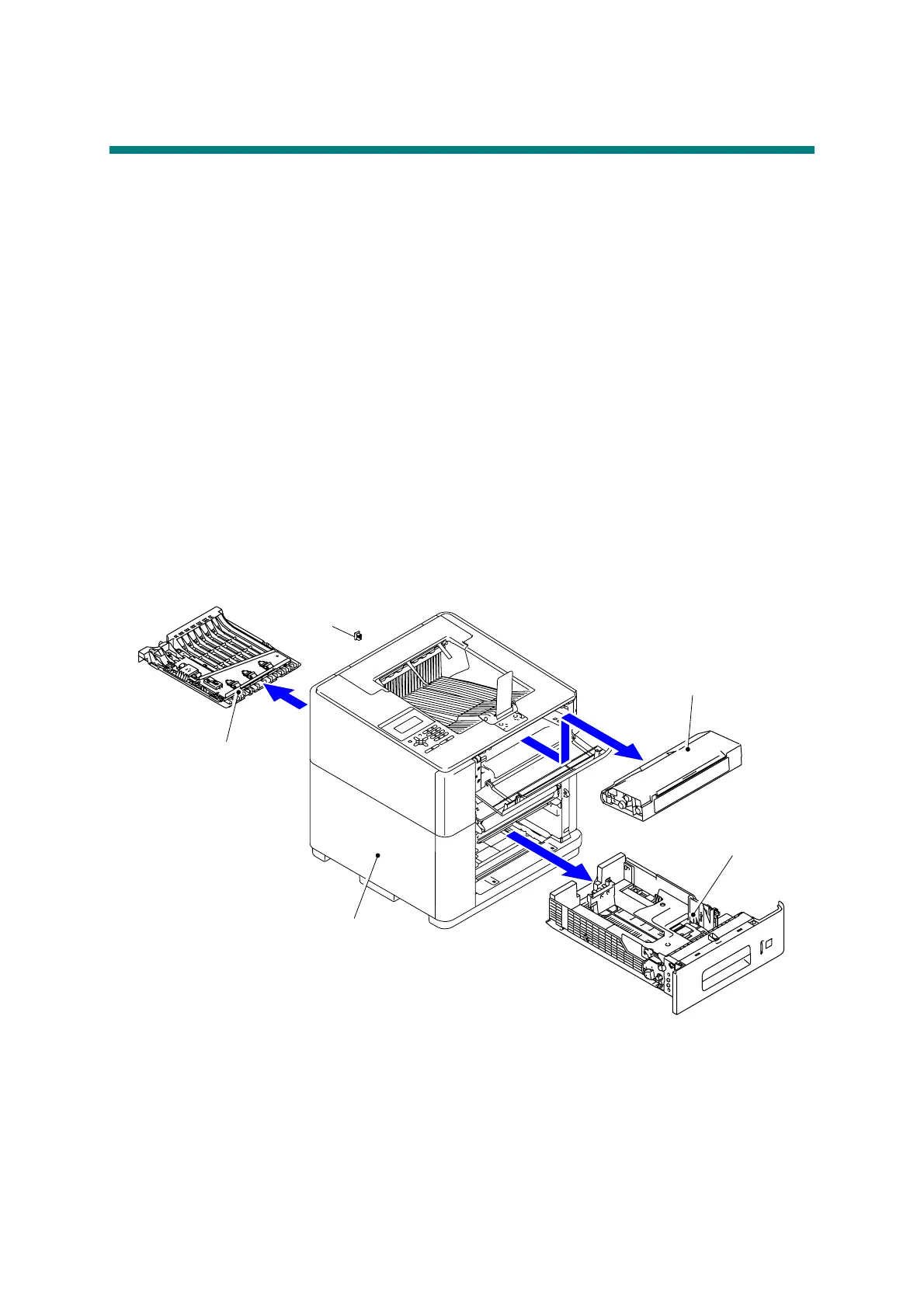
(2) Remove
- the Paper tray,
- the Ink cartridge,
- the 2-sided tray, and
- the LAN port cap.
Paper tray
Ink cartridge
2-sided tray
LAN port cap
Main body



 To Next Page
 Loading...












