4-9
Confidential
2.3 Missing Dot Check (Maintenance Mode: Code 68)
(1) Press the 6 and 8 buttons in this order in the initial state of the maintenance mode.
"1. PIN CHK HD ADJ" is displayed on the LCD.
(2) Press the OK button. "1.1 PRINT PTN FK" is displayed on the LCD.
(3) Press the OK button. Displaying "PRINTING" on the LCD, the machine prints the missing
dot/head inclination adjustment patterns which are shown in the next page. After the
patterns are printed, the display on the LCD returns to "1.1 PRINT PTN FK."
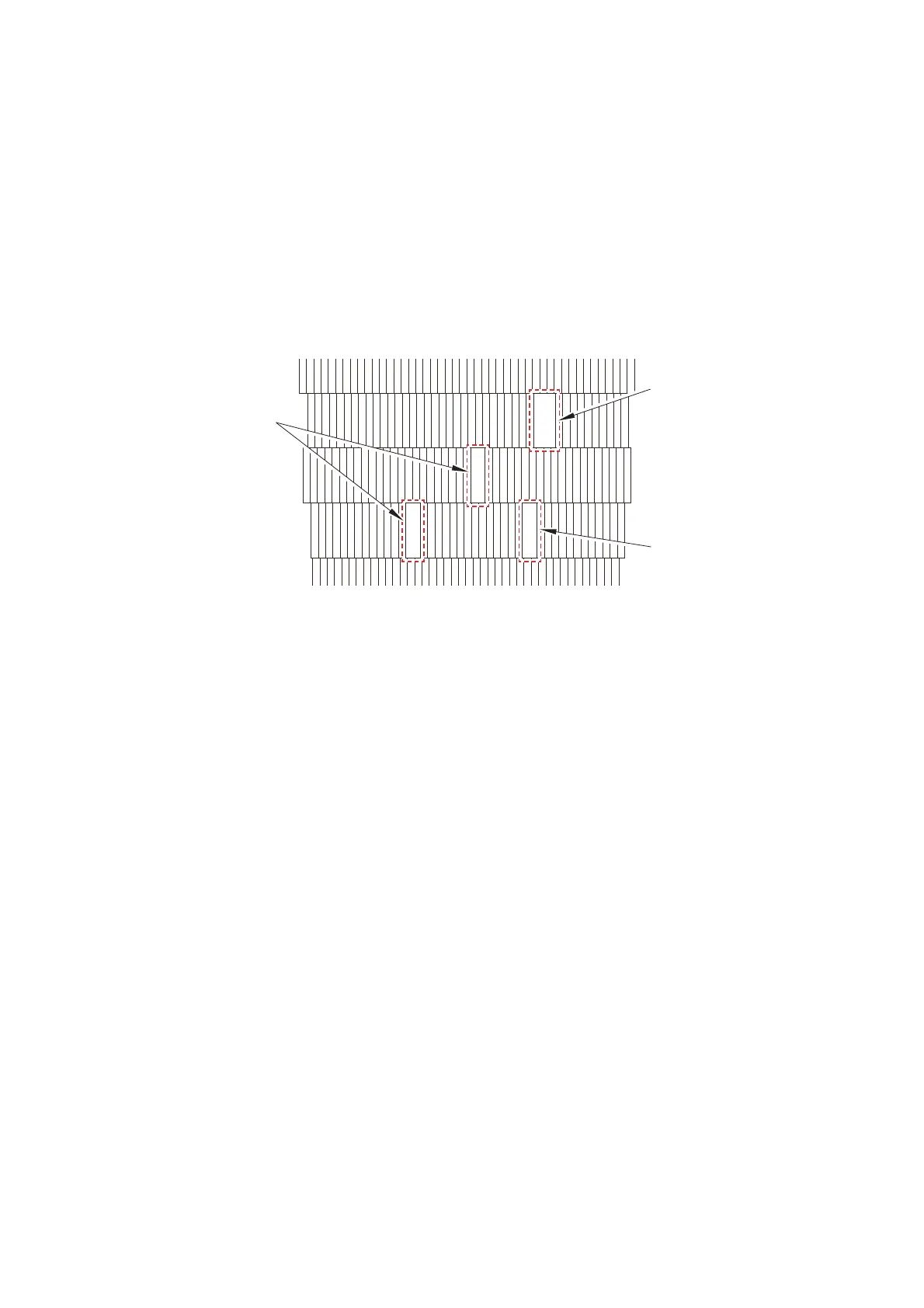
(4) Check the patterns for missing dots/head inclination, and if there is a missing dot(s),
perform an appropriate purge operation in "Function code 17". Then print and check the
missing dot/head inclination adjustment patterns again.
Fig. 4-2
(5) If all dots are printed, the missing dot check is finished.
As you proceed to "2.4 Head Inclination Adjustment" following the missing dot check,
leave the indication of "1.1 PRINT PTN FK" displayed on the LCD after printing the
missing dot/head inclination adjustment patterns.
One missing dot
One missing dot
Two missing dots



 To Next Page
 Loading...












