5-6
Confidential
1.4.4 Operational check of LCD (Function code 12)
<Function>
This function allows you to check whether the LCD on the control panel works normally.
<Operating procedure>
(1) Press the 1 and 2 buttons in this order in the initial state of the maintenance mode.
The LCD shows.
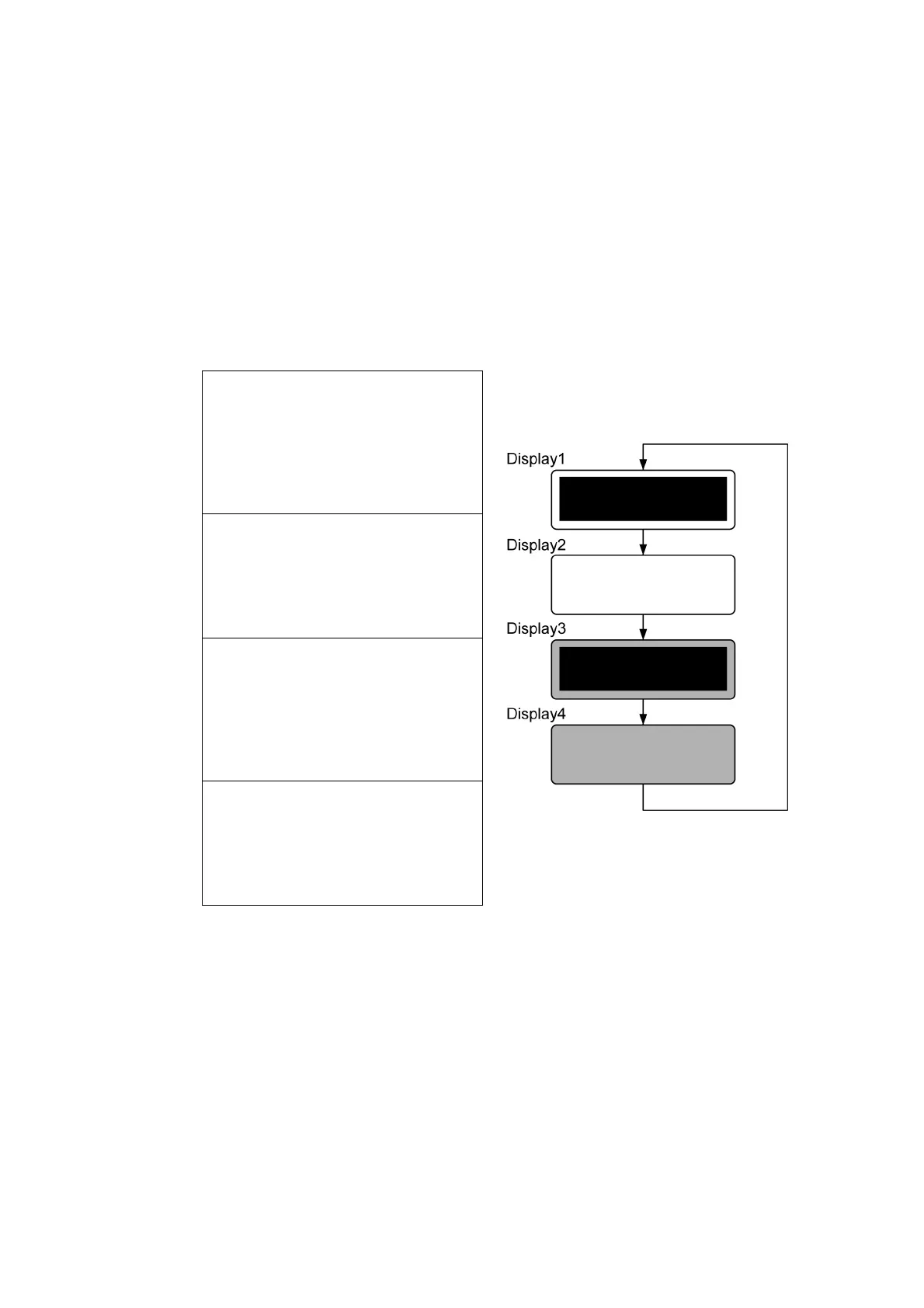
(2) Each time you press the Go button, the LCD cycles through the displays as shown below.
(3) Press Cancel button in any process of the display cycle. The machine returns to the
initial state of the maintenance mode.
<Display 1>
Backlight
LCD
Data LED
Error LED
: ON
: Display of all dots
ON
: Green ON
: Orange ON
<Display 2>
Backlight
LCD
Data LED
Error LED
: ON
: No display
: Green ON
: Orange ON
<Display 3>
Backlight
LCD
Data LED
Error LED
: OFF
: Display of all dots
ON
: Green ON
: Orange ON
<Display 4>
Backlight
LCD
Data LED
Error LED
: OFF
: No display
: Green ON
: Orange ON
Fig. 5-2



 To Next Page
 Loading...












