5
5
5-50
5-50
Troubleshooting > Updater > Error Messages
Troubleshooting > Updater > Error Messages
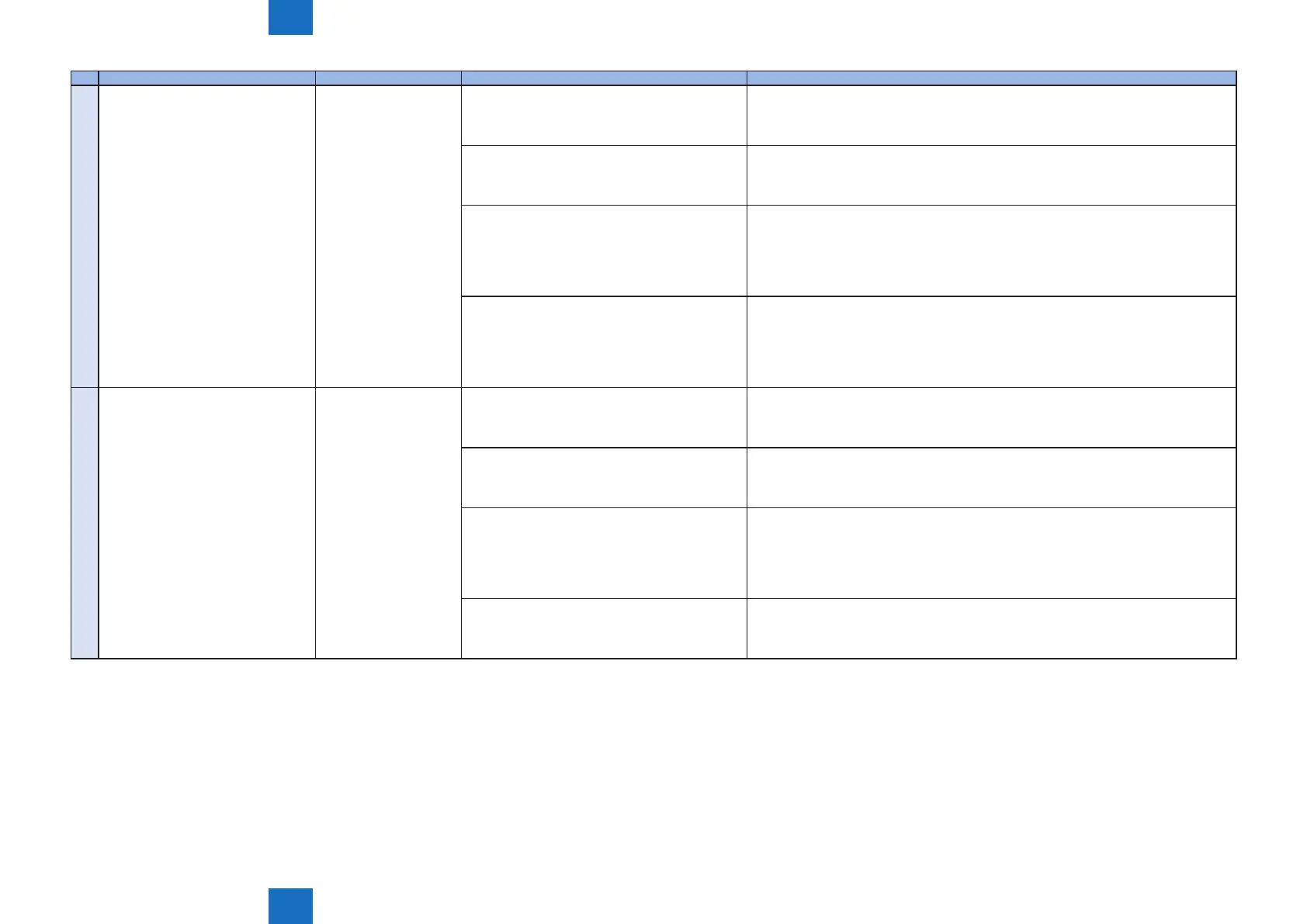
No. Messages Timing of display Cause Remedy
9 Delivery Server : Connect Failed
File Server : Retrieve Failed
Error Code: [xxxx]
Communication test, etc.
(communication test result
dialogue)
In the communication test, failed to connect to the
delivery server.
In SOAP communication, failed to success after 1
min retry.
Check the network environment of the device, and re-execute the job.
If it recurs, obtain the log etc. (Refer to "System Management Operations" under “Version
Upgrade”of "Updater" in Chapter 6 “Troubleshooting” of this manual.) and contact
Support Div. of the sales company.
ID and Password required for proxy to connect to
the internet are not congured in device.
Set proxy and restart the communication test.
If it recurs, obtain the log etc. (Refer to "System Management Operations" under “Version
Upgrade”of "Updater" in Chapter 6 “Troubleshooting” of this manual.) and contact
Support Div. of the sales company.
The access to the network is limited. Set the user environment to make the access to the following domain available.
https://device.cdsknn.net/
http://cdsknn.net.edgesuite.net/
If it recurs, obtain the log etc. (Refer to "System Management Operations" under “Version
Upgrade”of "Updater" in Chapter 6 “Troubleshooting” of this manual.) and contact
Support Div. of the sales company.
Delivery server stopped. Contact Field Support Group in the sale company.
After conrmation that the delivery server has been restored, restart the communication
test.
If it recurs, obtain the log etc. (Refer to "System Management Operations" under “Version
Upgrade”of "Updater" in Chapter 6 “Troubleshooting” of this manual.) and contact
Support Div. of the sales company again.
10 Delivery Server : Connect OK
File Server : Retrieve Failed
Error Code: [xxxx]
Delivery Server : Connect
OK
File Server : Retrieve
Failed
Error Code: [XXXX]
Due to no return of data for the communication test,
time-out (in HTTP communication, no response
for 1min) occurred. After that, retried but failed to
connect to server.
Check the network environment of the device and re-execute the job.
If it recurs, obtain the log etc. (Refer to "System Management Operations" under “Version
Upgrade”of "Updater" in Chapter 6 “Troubleshooting” of this manual.) and contact
Support Div. of the sales company.
The network cable was disconnected during data
download in the communication test.
Reconnect the network cable and then restart the communication test.
If it recurs, obtain the log etc. (Refer to "System Management Operations" under “Version
Upgrade”of "Updater" in Chapter 6 “Troubleshooting” of this manual.) and contact
Support Div. of the sales company.
The le server stopped during data download in the
communication test.
Contact the sales company's Support Department.
After conrmation that the delivery server has been restored, restart the communication
test.
If it recurs, obtain the log etc. (Refer to "System Management Operations" under “Version
Upgrade”of "Updater" in Chapter 6 “Troubleshooting” of this manual.) and contact
Support Div. of the sales company again.
Hash value in the communication test le is
incorrect.
Check the network environment and re-execute the job.
If it recurs, obtain the log etc. (Refer to "System Management Operations" under “Version
Upgrade”of "Updater" in Chapter 6 “Troubleshooting” of this manual.) and contact
Support Div. of the sales company.














 To Next Page