2
2
2-22
2-22
Technology > Embedded RDS > E-RDS Setup > Steps to E-RDS settings
Technology > Embedded RDS > E-RDS Setup > Steps to E-RDS settings
CAUTION:
The following settings i.e. RGW-PORT and RGW-ADDRESS in Service mode must not
be change unless there are specic instructions to do so.
Changing these values will cause error in communication with UGW.
RGW-ADDRESS
U/D Keys: Adjust Value
Keys: Move Cursor
R/L
https://a01.ugwdevic
RGW-PORT
(1-65535)
443
S
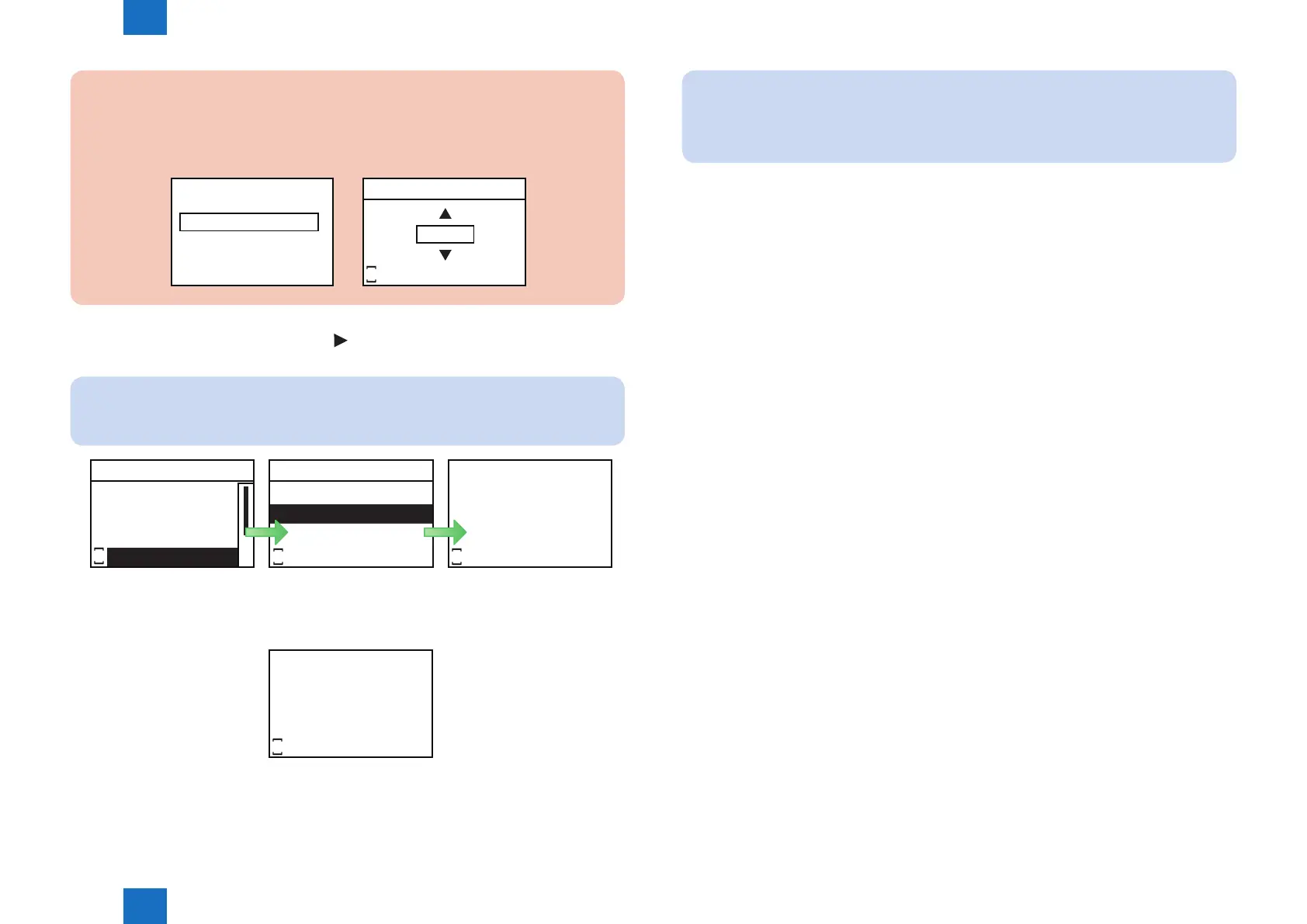
10. Select [COM-TEST] and press [OK] or [ ] button to display Conrm Communication Test
screen. Select [Yes] and press [OK] button.
NOTE:
This initiates the communication test between the device and the UGW.
E-RDS
COM-TEST
E-RDS SWITCH
RGW-ADDRESS
RGW-PORT
S
Executing...
S
Excute?
No
Yes
S
If the communication is successful, “Done.” is displayed. If “Could not execute.” (failed)
appears, refer to the “Troubleshooting“ and repeat until “Done.” is displayed.
Done.
S
F-2-33
F-2-34
NOTE:
The communication results with UGW can be distinguished by referring to the
communication log. By performing the communication test with UGW, E-RDS acquires
schedule information and starts monitoring and meter reads operation.














 To Next Page