2
2
2-49
2-49
Technology > MEAP > MEAP Application Management > Starting, Stopping, or Uninstalling the MEAP Application
Technology > MEAP > MEAP Application Management > Starting, Stopping, or Uninstalling the MEAP Application
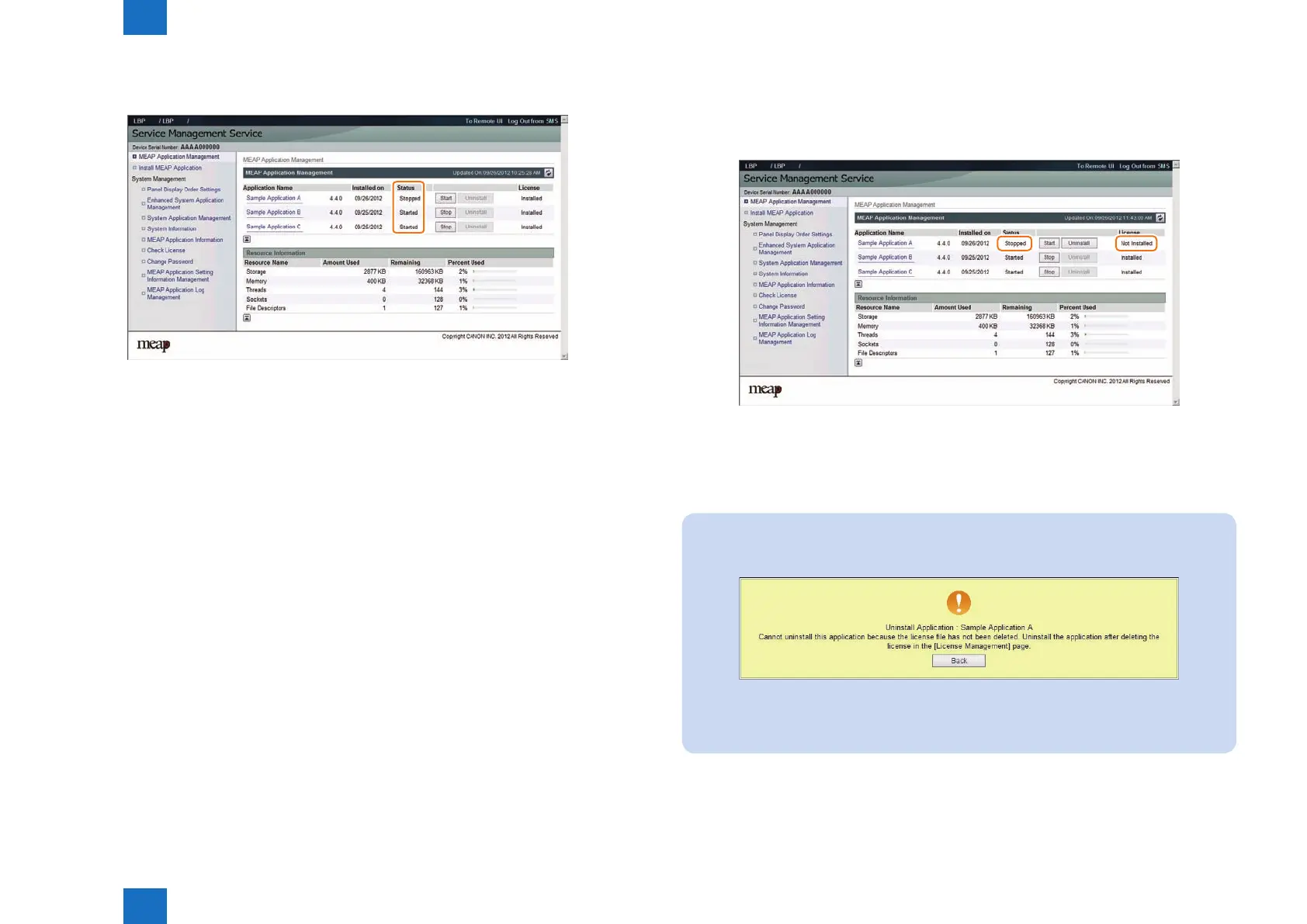
4) Check to see that the status of the MEAP application in question is either [ Started ] or [
Stopped ].
●
If the MEAP application cannot be started
If the conditions to start the MEAP application are not satised, the MEAP application cannot
be started.
If the MEAP application cannot be started, check the following items.
Is a valid license installed?
If the license has expired, you cannot start the application. If the license has already expired,
obtain a new license and then update the license. ( See "Managing the License File" in this
manual.)
Are the necessary resources available?
If the resources such as memory capacity or number of threads are not sufcient, the
application also cannot be started.
Delete any unnecessary data to secure sufcient resources.
If the application still cannot be started after checking the foregoing conditions, contact the
support department of the sales company.
F-2-87
●
Proc edure to uninstall the MEAP application
Before uninstalling the MEAP application, check that the following conditions are met.
• The MEAP application has stopped.
• The license has been disabled or deleted. (The status is "Not Installed".)
For information on the procedure to stop the MEAP application, see the previous section
"Procedure to start and stop a MEAP application".
For information on the procedure to delete the license le, see the following section
"Managing the License File".
Note:
When a user tries to uninstall an application before deleting the license, the following
message is shown.
If the license le of the selected application cannot be deleted, the [Uninstall] button is
grayed out and therefore the application cannot be uninstalled.
F-2-89
F-2-88














 To Next Page