2
2
2-61
2-61
Technology > MEAP > Enhanced System Application Management > SSO-H (Single Sign-On-H) overview
Technology > MEAP > Enhanced System Application Management > SSO-H (Single Sign-On-H) overview
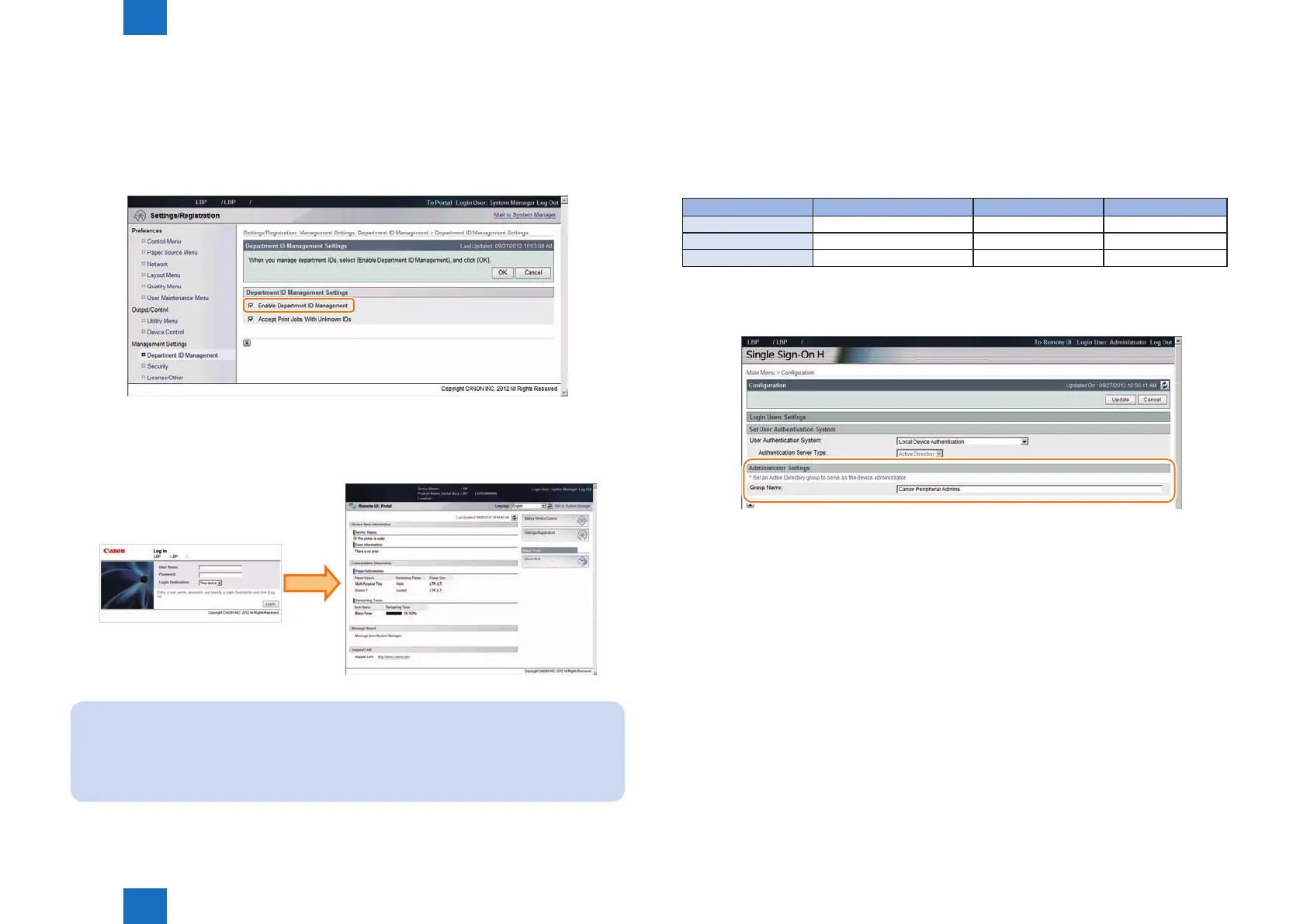
18) Enable Depart ID Management.
In user mode ([Settings/Registration]), select [Management Settings] > [User Management]
> [Department ID Management] > [ON]. In the case of remote UI, access [Settings/
Registration] > [Management Settings] > [User Management] > [Department ID
Management] > [Department ID Management Settings], and select [Enable Department ID
Management].
19) Check that the device can be logged in.
Log off and then log on to check that the device can be logged in with an environment
where Local Device Authentication and Department ID Management are enabled.
Note:
In the case of conventional SSO, department management can be conducted also
when server authentication is used provided that iWAM/iW EMC account management
is used, which is not supported by SSO-H.
F-2-124
F-2-125
●
Setting the Administrator for Server Authentication
When using Server Authentication, the user who satises the specied conditions (user
attribute and its match criteria) becomes the administrator (the device administrator and the
SSO-H administrator).
The default user attribute and whether the setting value can be changed or not are shown
below.
Item Default value Active Directory LDAP
Search Criteria: Exact Match Not Available Available
User Attribute: memberOf Not Available Available
Character String: Canon Peripheral Admins Available Available
The settings of the administrator can be changed on the following screen: remote UI > Single
Sign-On H > Conguration (http://device's IP address:8000/sso/ActionSet)
●
System Manager Linkage (automatic ID allocation to
SystemManagers)
SSO provided the automated function conventionally on Security Agent (hereinafter “SA”) to
authenticate System Manager by allocating IDs set on SA to domain authentication managers
(users belonging to Canon Peripheral Admins group). However, SSO-H does not support this
function.
T-2-18
F-2-126














 To Next Page