Doc. 065031-04 1/08 91
TC Description
2.19 TC Front Features
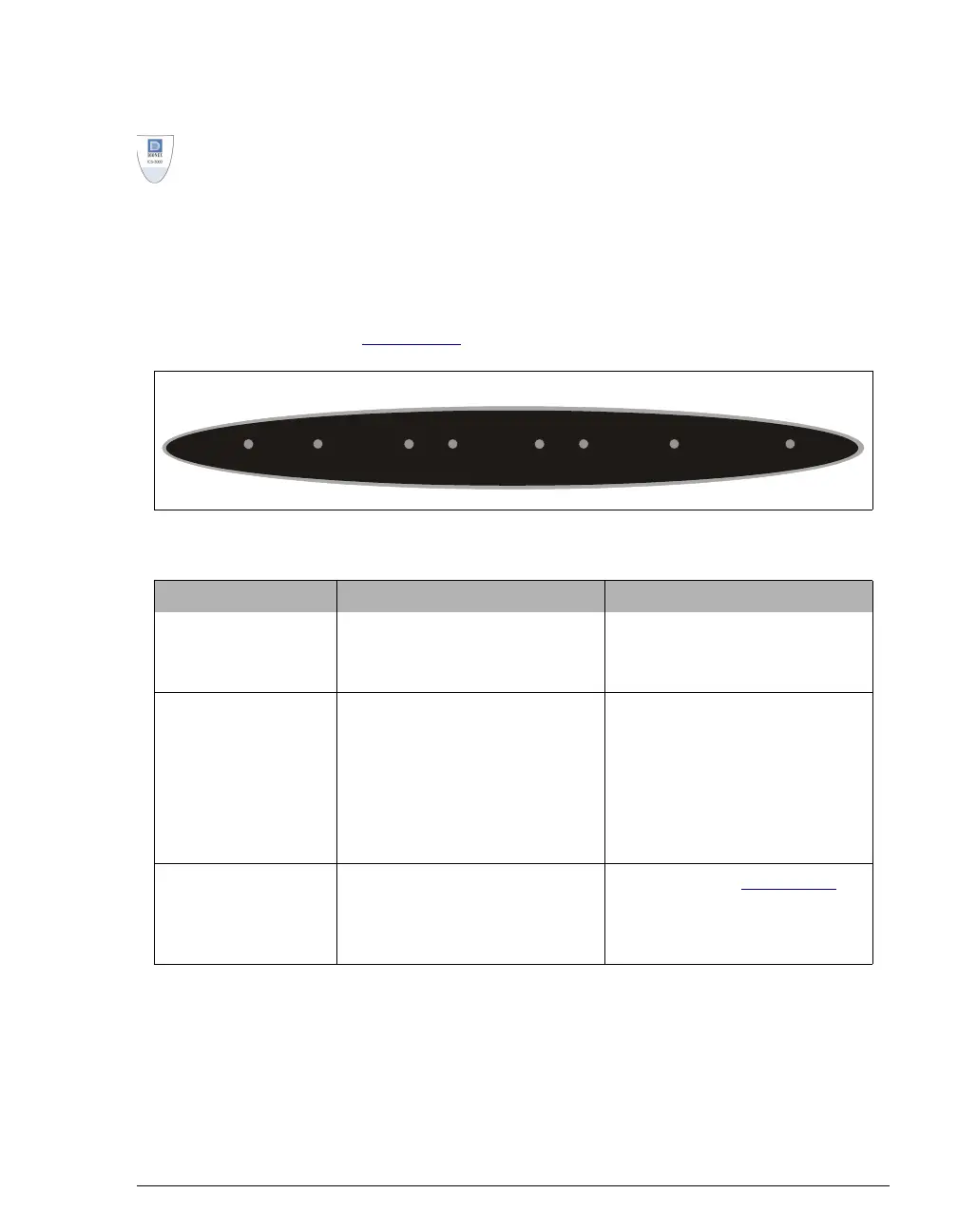
A status bar on the front of the ICS-3000 Thermal Compartment (TC) includes
LEDs (light emitting diodes) that indicate the status of several TC components
and functions (see Figure 2-51
).
Figure 2-51. TC Status Bar
LED Label If the LED Is On If the LED Is Flashing
CONNECTED
The TC is connected to a
Chromeleon or Chromeleon
Xpress timebase.
Does not flash.
ALARM
A sensor detected the presence
of a gas or humidity leak inside
the TC, or a valve or oven error
was detected. Check the
Chromeleon or Chromeleon
Xpress Audit Trail for the
cause.
Does not flash.
VALVE 1 LOAD
VALVE 2 LOAD
VALVE 1 INJECT
VALVE 2 INJECT
Indicates whether the injection
valve is in the Load or Inject
position.
Valve error. See Section 8.30
for troubleshooting.
CONNECTED
ALARM
VALVE 1 VALVE 2 POWEROVEN
LOAD INJECT LOAD INJECT



 To Next Page