8 • DC Troubleshooting
Doc. 065031-04 1/08 223
8.28 Amperometry Cell Troubleshooting
8.28.1 Amperometry Cell pH Readout Always 7.0
The pH reading is displayed on the Chromeleon or Chromeleon Xpress
EC Detector Control panel.
• Disconnected reference electrode
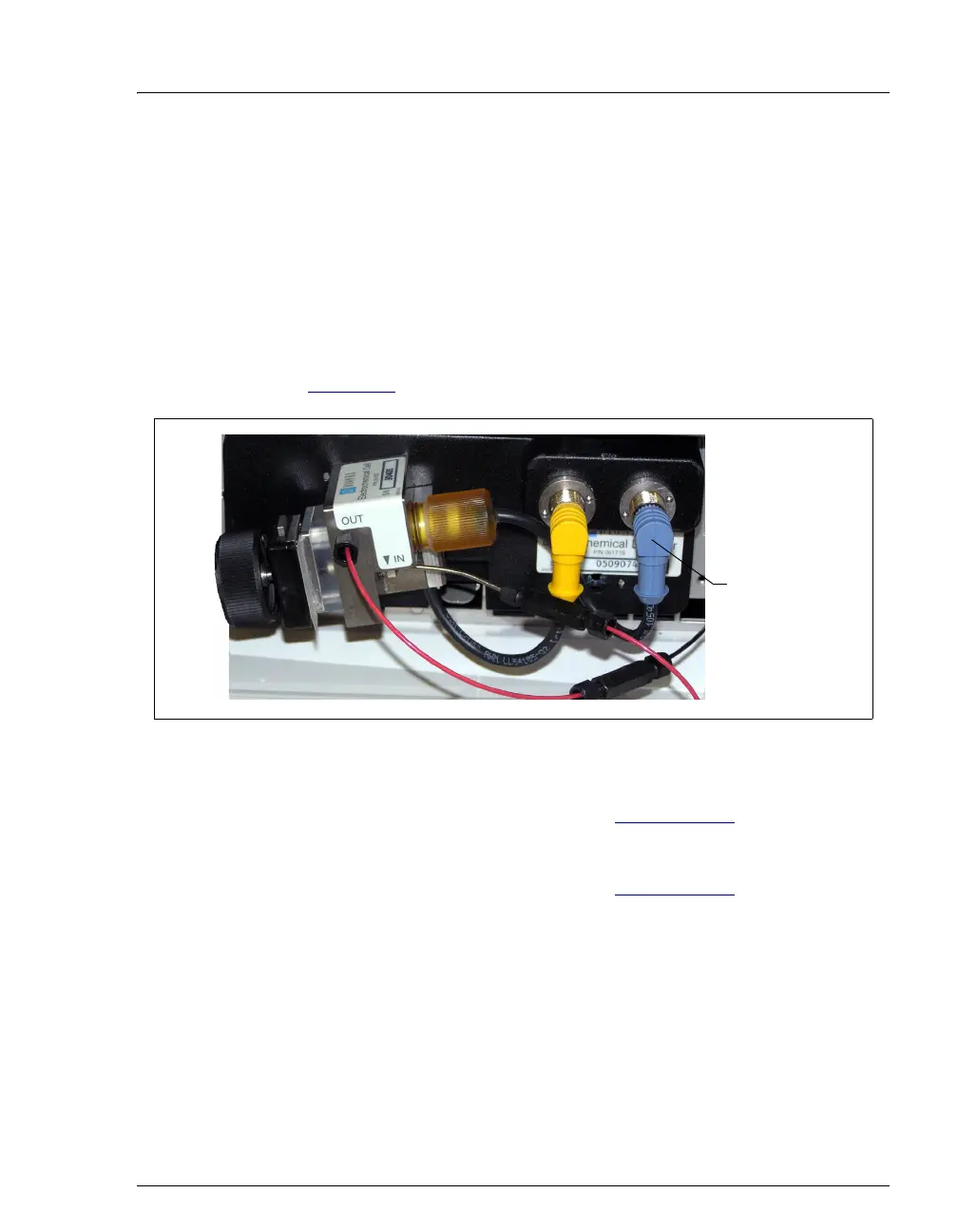
Verify that the reference electrode cable is securely connected (see
Figure 8-7
).
• Reference electrode short circuit
Replace the reference electrode (see Section 9.24.4
).
• Reference electrode glass membrane broken or cracked
Replace the reference electrode (see Section 9.24.4
).
Figure 8-7. Amperometry Cell Electrical Connections
Check the cable
connection



 To Next Page