ICS-3000 Ion Chromatography System
80 Doc. 065031-04 1/08
2.18.1 I/O Option Connections
1. Locate the twisted
pair of wires
(P/N 043598) and 12-
position connector
plugs (P/N 923686)
(see Figure 2-45
)
provided with the I/O
option board.
2. For each I/O function
to be used, connect
an active wire (red) and a ground wire (black) to the 12-position
connector plug at the appropriate pin locations. Refer to Figure 2-44
or the label on the DC rear panel for the connector pin assignments.
To attach a wire to the plug, strip the end of the wire, insert it into the
plug, and use a screwdriver to tighten the locking screw. If necessary,
multiple ground wires can be attached to a single ground pin.
3. Plug the connector into the appropriate 12-pin connector on the DC
rear panel.
4. Connect the wires from the DC connector plug to the appropriate
connector pins on the other modules. Additional connector plugs are
provided with other Dionex modules.
NOTE Check the polarity of each connection. Connect
signal wires to signal (+) pins and ground wires
to ground (-) pins.
5. If you connected a TTL input, verify that the correct function is
assigned to the input and that the correct input control type is
selected. Select different settings if necessary. Input functions and
control types are assigned from the Chromeleon Server Configuration
program (see Section 2.18.4
).
When attaching wires to the connector plug, be careful not to allow
stray strands of wire to short to an adjoining position on the
connector.
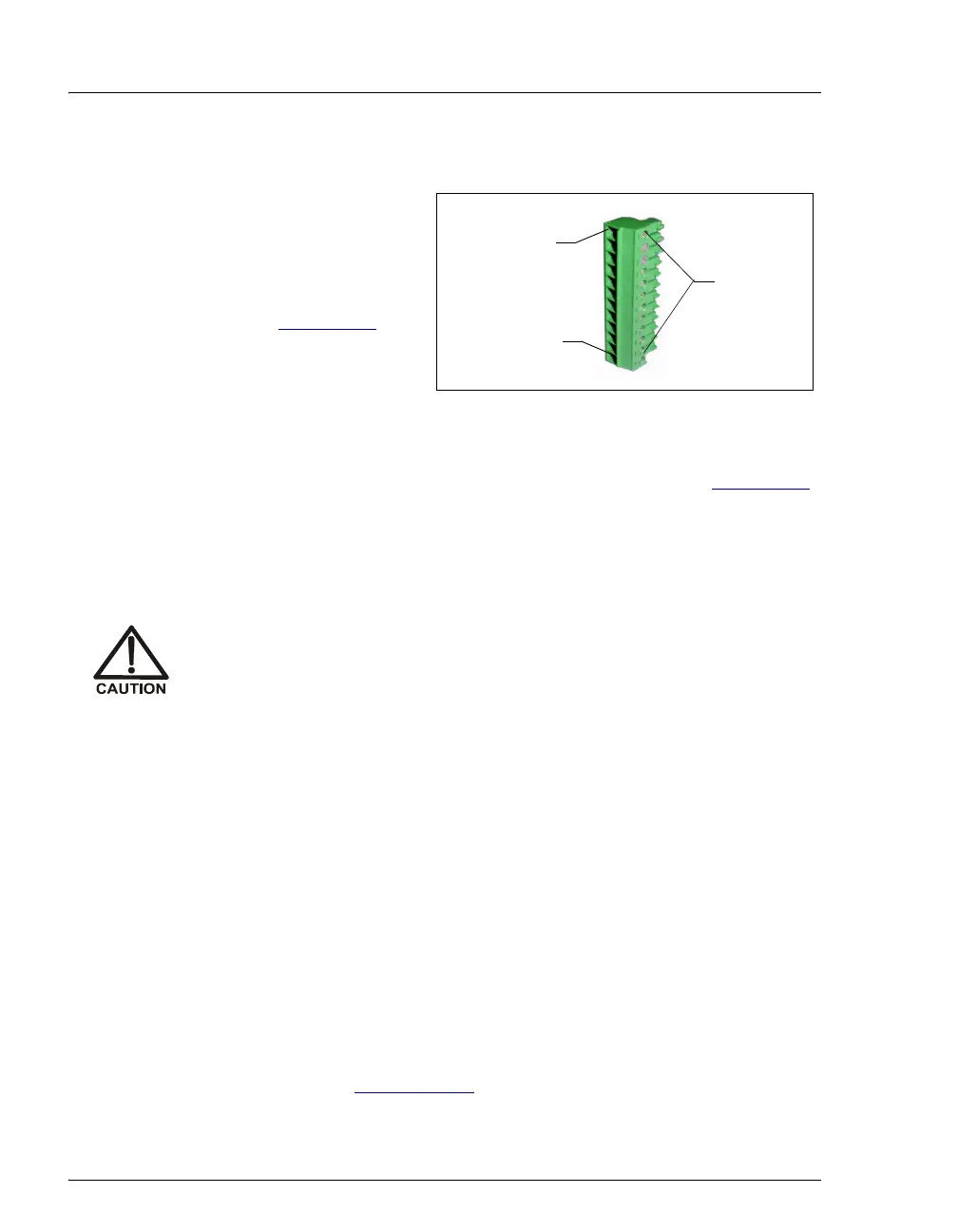
Figure 2-45. 12-Position Connector Plug
Position 1
Position 12
Locking
Screws



 To Next Page