9 • DC Service
Doc. 065031-04 1/08 305
9.21 Installing or Replacing an I/O Option Board
1. Press the POWER button on the front of the DC to turn off the power.
2. Turn off the main power switch on the DC rear panel (see Figure 2-15
).
3. Disconnect the main power cord from both its source and from the DC rear
panel.
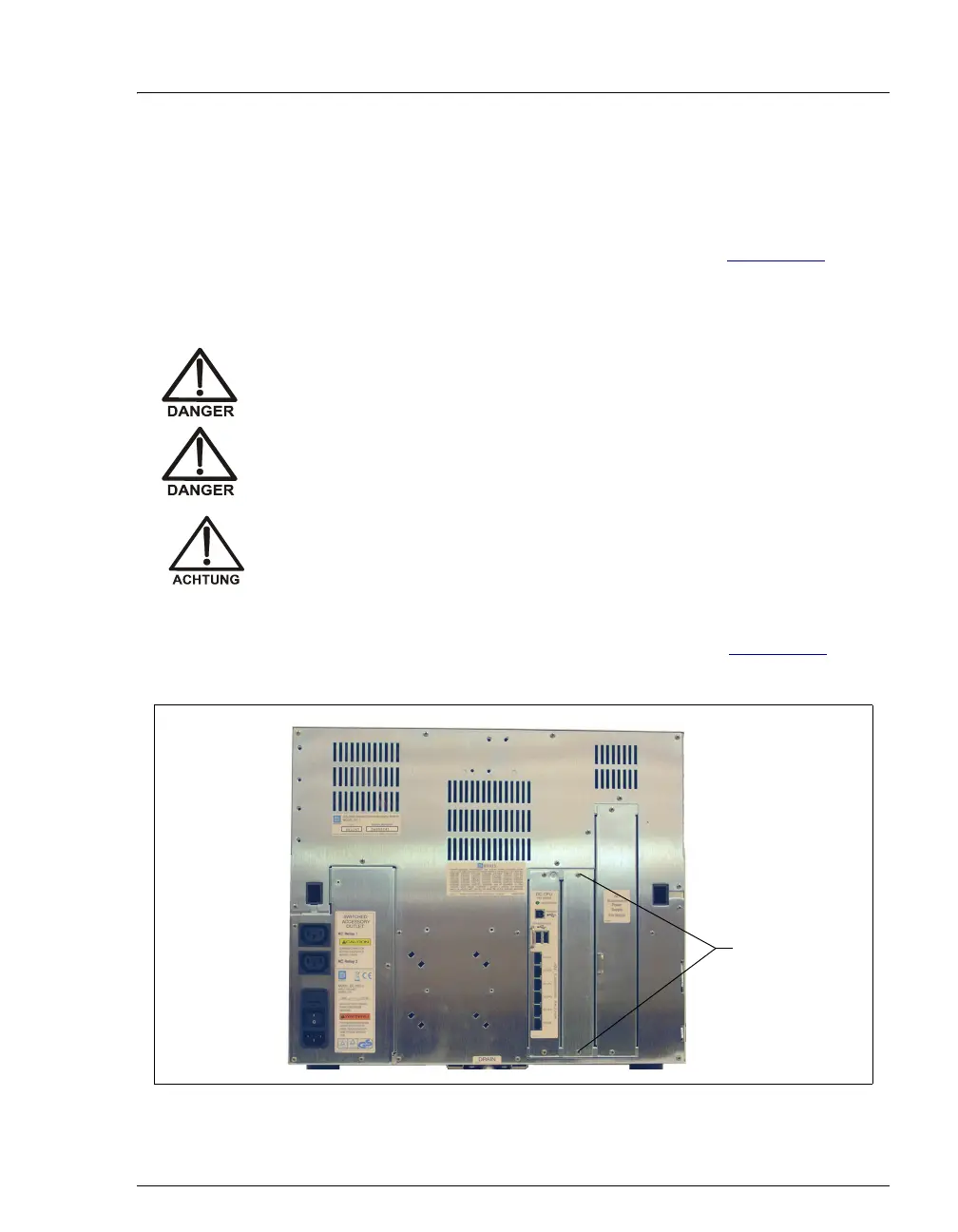
4. On the DC rear panel, remove the two screws that attach the I/O option cover
plate or the existing I/O option board to the rear panel (see Figure 9-26
). Save
the screws.
HIGH VOLTAGE—Disconnect the main power cord from its source and
also from the rear panel of the DC.
HAUTE TENSION—Débranchez le cordon d'alimentation principal de
sa source et du panneau arrière du DC.
HOCHSPANNUNG—Ziehen Sie das Netzkabel aus der Steckdose und
der Netzbuchse auf der Rückseite des DC.
Figure 9-26. DC Rear Panel: Removing the I/O Option Cover Plate
Remove two
screws



 To Next Page