ICS-3000 Ion Chromatography System
308 Doc. 065031-04 1/08
9.23 CD Service Procedures
9.23.1 Calibrating the CD Cell
When to Calibrate
• After every 6 months of use
NOTE Do not use this procedure to calibrate a new
cell. New cells are calibrated at the factory.
1. Click the Cond. Detector tab in Chromeleon Xpress or on the panel
tabset in Chromeleon.
2. Click the Calibration button under Conductivity Detector Settings.
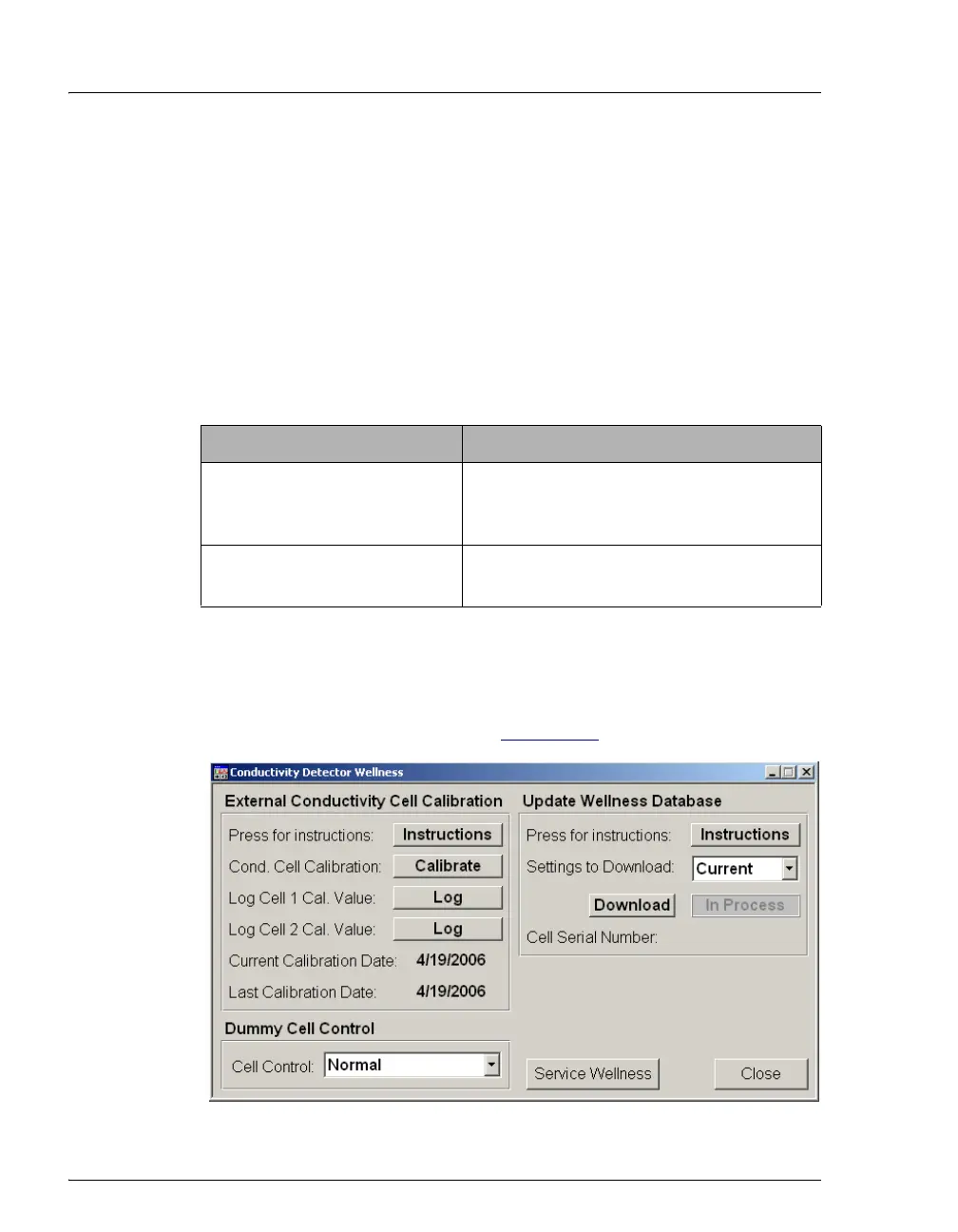
The Wellness panel opens (see Figure 9-29
).
Items Needed Description
1.0 mM KCl solution Prepare by dissolving 0.07456 g of reagent-
grade KCl in 1 liter of 18 megohm-cm DI
water.
Backpressure tubing to provide
at least 7 MPa (1000 psi)
Use 0.25-mm (0.010-in) ID black PEEK
tubing (P/N 042690).
Figure 9-29. Wellness Panel: ICS-3000 Conductivity Detector



 To Next Page