ICS-3000 Ion Chromatography System
284 Doc. 065031-04 1/08
9.12.2 Removing the Old EluGen Cartridge
1. Click Motor on the pump Control panel in Chromeleon or
Chromeleon Xpress to turn off the pump flow. (This turns off the
power to the EluGen cartridge and the suppressor, also.)
2. Open the front door of the EG.
3. Push down on the slide release latch and pull the tray forward until it
reaches the stop.
4. Disconnect the EluGen cartridge electrical cable from the
EGC 1 (or
EGC 2) bulkhead connector (see Figure 2-8). Twist the ring on the
cable counterclockwise to loosen it, and then pull the cable straight
out of the connector.
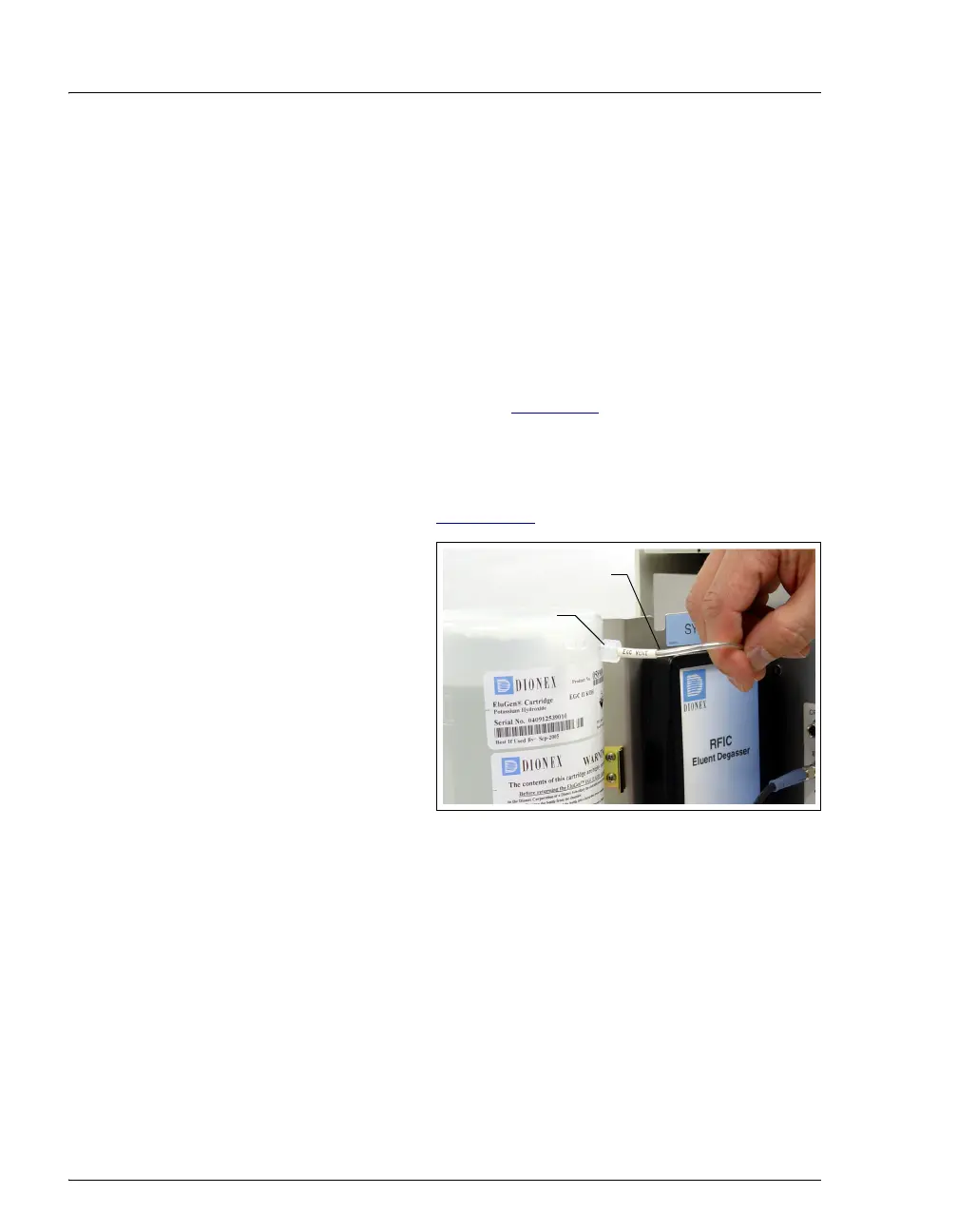
5. Remove the
VENT line from the EluGen cartridge by unscrewing the
10-32 luer adapter (see Figure 9-13
).
Tip: If necessary, use
a wrench to hold the
luer adapter in place
while unscrewing the
vent line.
Figure 9-13. Detaching the EluGen Cartridge Vent Line
EGC
Vent Line
Luer
Adapter



 To Next Page