TC Description
Doc. 065031-04 1/08 101
2.23 Column Identification (ID) System
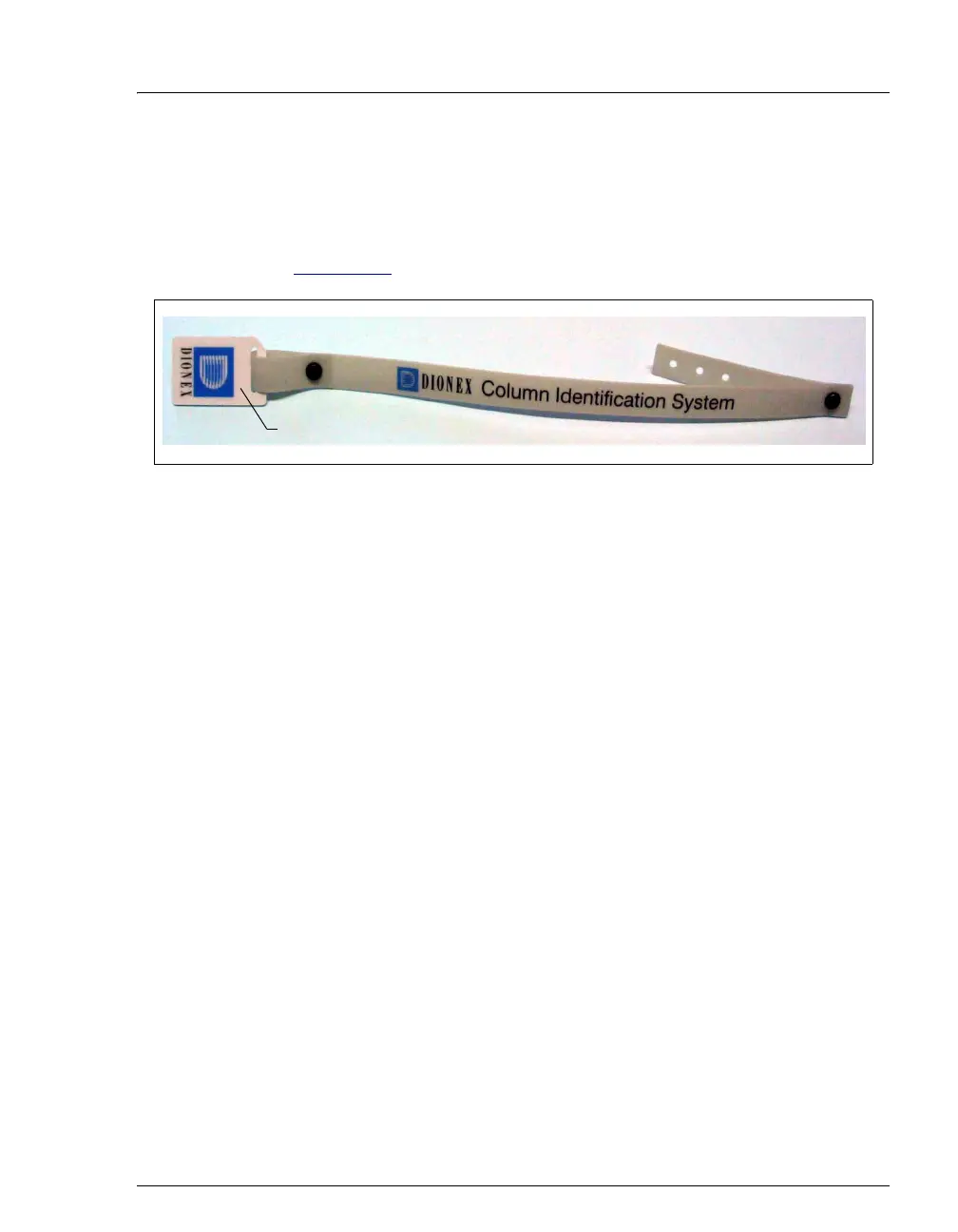
The electronic column ID system stores column-specific information on a column
ID chip card (P/N 5710.1500) that is connected to a column for the column life
cycle (see Figure 2-58
).
The columns to be monitored are selected in the TC Properties dialog box in the
Server Configuration program. Use the TC Control panel (or the Commands
dialog box) in Chromeleon or Chromeleon Xpress to select column properties (see
below) for storage and to review the stored information at any time. Information
on the column ID chip card is continuously updated, as long as the column and the
chip card are installed in the TC.
Column Properties
Two types of information can be stored on the column ID chip card:
• Primary column properties are entered once by the column manufacturer or
the user and are never changed during the lifetime of the column. The primary
properties are the product ID, serial number, batch/lot number, date of
manufacture, and custom information.
• Secondary column properties are entered by the user and can be changed
whenever required by any Chromeleon or Chromeleon Xpress user with
Expert privileges. Secondary properties include the column manufacturer,
diameter, length, particle size, maximum number of injections, pH limits, and
upper pressure limit. For a complete list of secondary properties, refer to the
Chromeleon or Chromeleon Xpress Help.
Figure 2-58. Column ID (Identification) System
Column ID Chip Card



 To Next Page