Doc. 065031-04 1/08 169
8 • Troubleshooting
This chapter is a guide to troubleshooting minor issues that may arise during
operation of the ICS-3000 system. Turn to the section of this chapter that best
describes the operating problem or symptom that has been observed. Each section
lists possible causes of the problem or symptom in order of probability. A
systematic troubleshooting approach is the most effective way to determine the
root cause.
If you are unable to resolve a problem by following the instructions here, contact
Dionex Technical Support. In the U.S., call 1-800-346-6390. Outside the U.S.,
call the nearest Dionex office. Please have this chapter at hand when talking with
Technical Support personnel.
8.1 Audit Trail Error Messages
The Moduleware (the instrument control firmware installed in each ICS-3000
module) periodically checks the status of certain parameters. If a problem is
detected, it is reported to Chromeleon or Chromeleon Xpress and logged in the
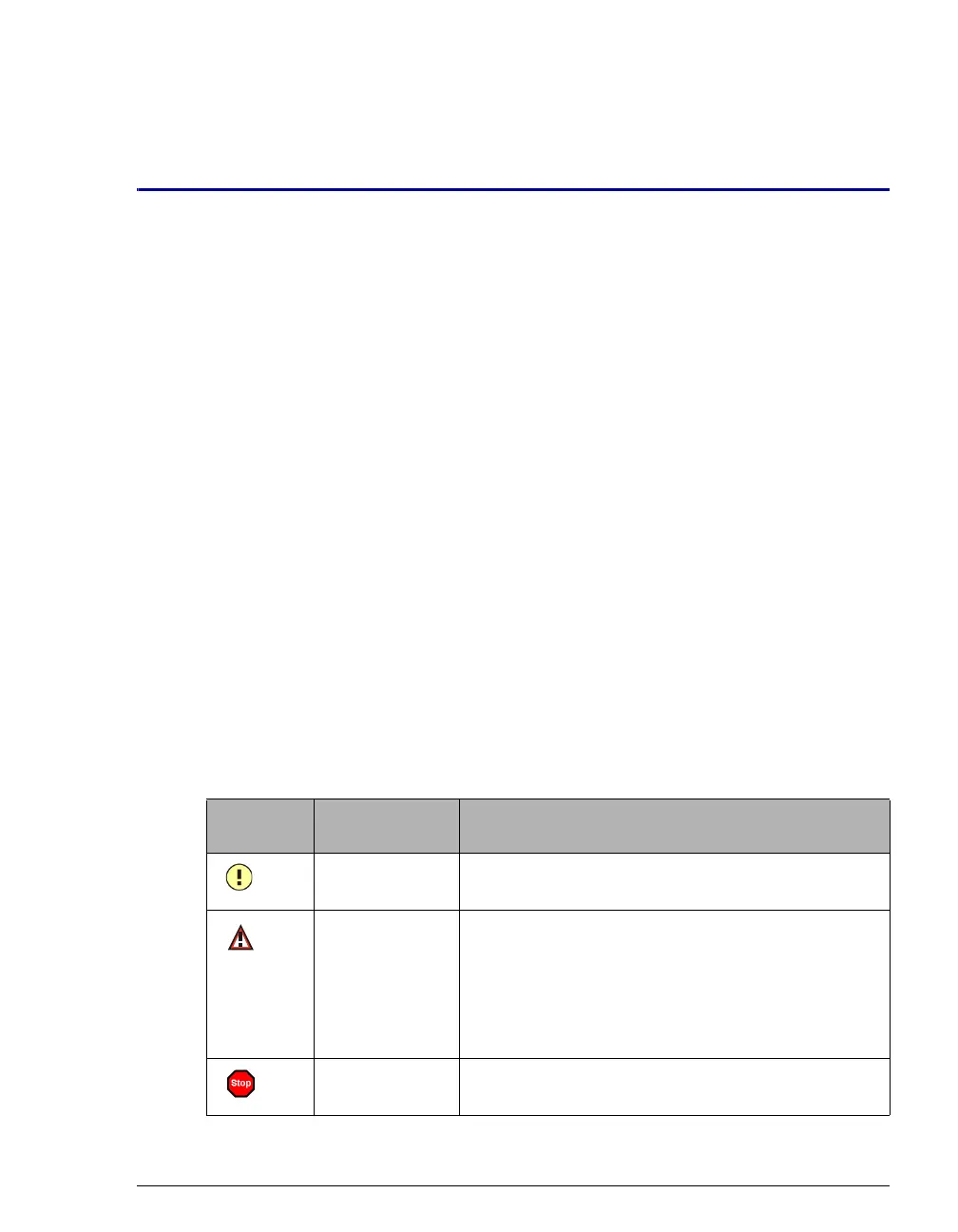
Audit Trail. Each error message is preceded by an icon that identifies the
seriousness of the underlying problem (see the table below). For most modules
(except for the TC), you can change the severity level assigned to a problem
whenever appropriate.
Icon Default
Severity Level
Description
Warning A message is displayed in the Audit Trail, but the
current run is not interrupted.
Error A message is displayed in the Audit Trail, and the
system attempts to correct the problem (sometimes
by using an alternative parameter). An Error never
interrupts the current analysis; however, if it occurs
during the Ready Check, the analysis will not be
started.
Abort A message is displayed in the Audit Trail, and the
running batch is aborted.



 To Next Page