ICS-3000 Ion Chromatography System
140 Doc. 065031-04 1/08
5.2 Loading Samples with an Autosampler
1. Verify that the autosampler output line is connected to port S (5) on the DC (or
TC) injection valve. Direct the waste line as required for this autosampler
model.
2. Prepare and fill the sample vials and place them in the autosampler tray or
cassette. Refer to the autosampler manual for detailed instructions.
Autosampler manuals are provided on the Dionex Reference Library CD-
ROM (P/N 053891)
3. Use one of the following methods to load sample into the injection valve
sample loop:
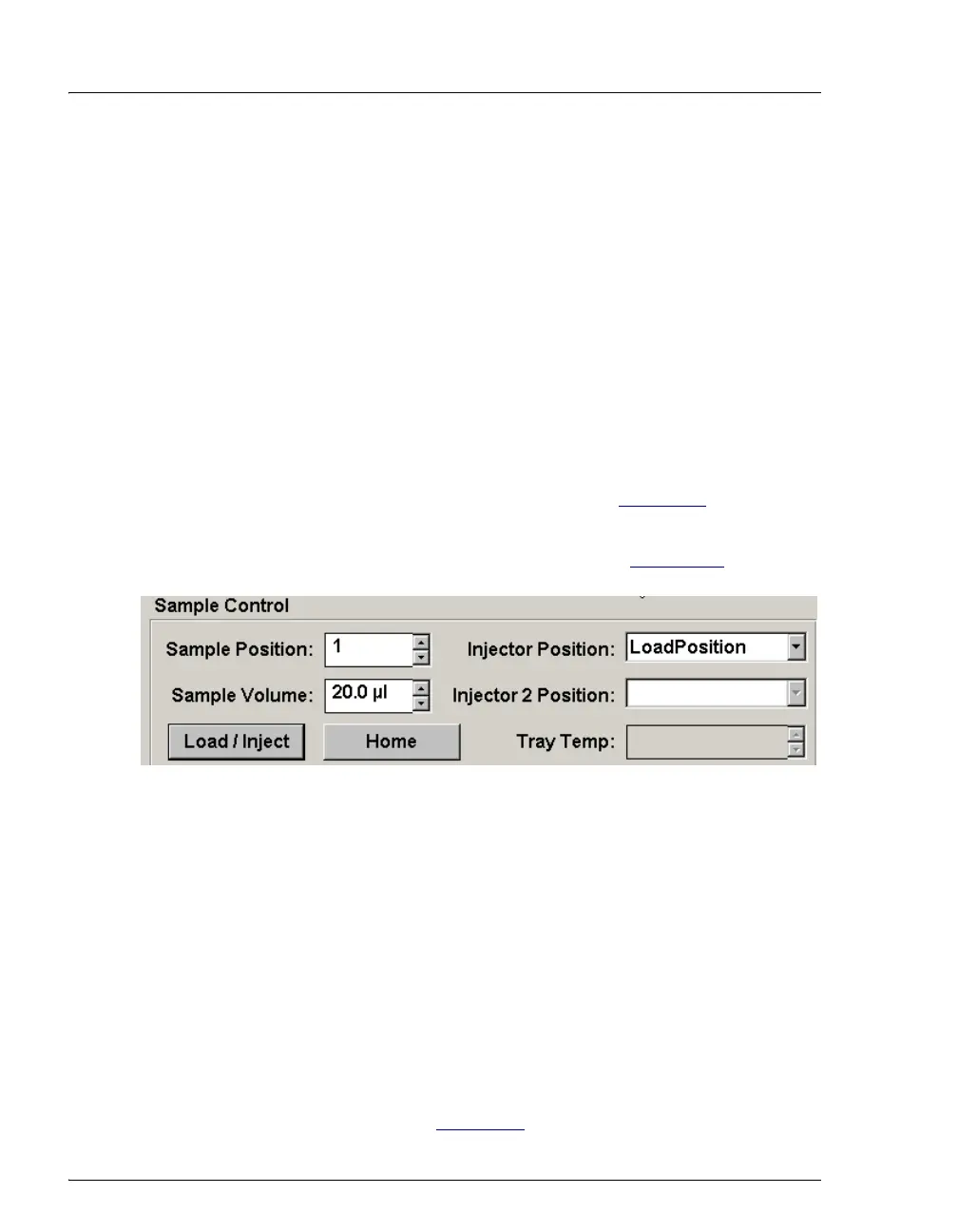
• Manually: Click the Load/Inject button on the Autosampler Control
panel in Chromeleon or Chromeleon Xpress (see Figure 5-2
).
• Automatically: Include the Load command in a Chromeleon or
Chromeleon Xpress program. See the examples in Section 5.4
.
5.3 Loading Samples with a Syringe
This section describes two methods for using a syringe to load sample into the DC
injection valve sample loop:
• Loading sample with a syringe through the sample loading port on the front of
the DC (push method)
• Loading sample with a vacuum syringe through the sample loading port on
the front of the DC (pull method)
NOTE For instructions on how to load and inject samples with
an autosampler, see Section 5.2
.
Figure 5-2. Control Panel Load/Inject Button



 To Next Page