ICS-3000 Ion Chromatography System
148 Doc. 065031-04 1/08
5.6.1 Creating a New Sequence
Two wizards are available to help you create a new sequence: Sequence
Wizard and Application Wizard.
• If the program and quantification method have already been created,
use the Sequence Wizard.
• If you want to create a new program and quantification method, in
addition to the sequence, use the Application Wizard.
Using the Sequence Wizard
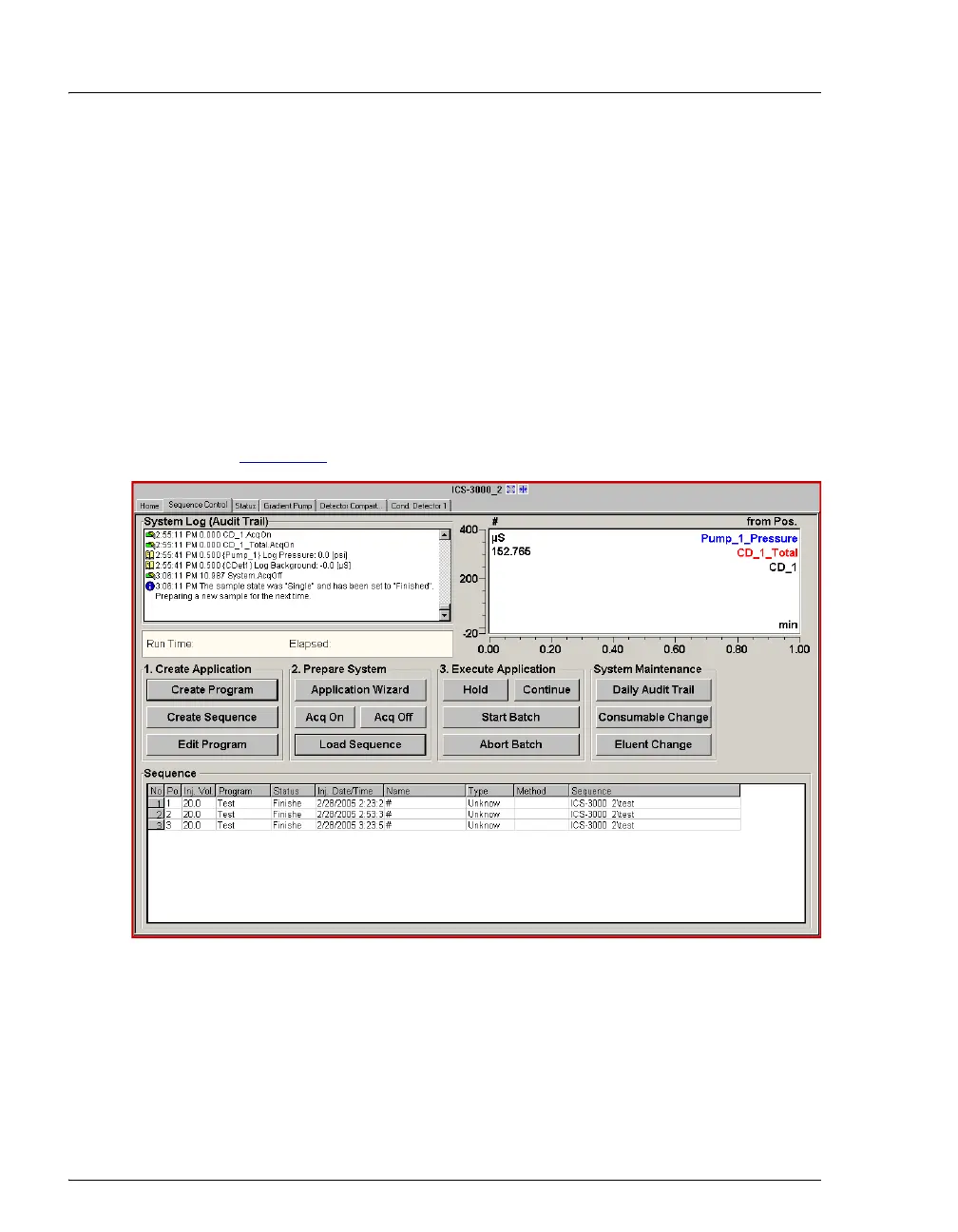
1. Click Create Sequence on the Sequence Control panel (see
Figure 5-7
).
2. Complete the steps in the Sequence Wizard, adding the desired
number of samples and standards to the list. For help at any time,
click the Help button on the Sequence Wizard page.
Figure 5-7. Sequence Control Panel



 To Next Page