Doc. 065031-04 1/08 213
DC Troubleshooting
8.25 Troubleshooting DC Error Messages
If any of the following alarm conditions occurs, a message is displayed in the
Chromeleon or Chromeleon Xpress Audit Trail.
This error occurs when the conductivity cell is disconnected.
To troubleshoot:
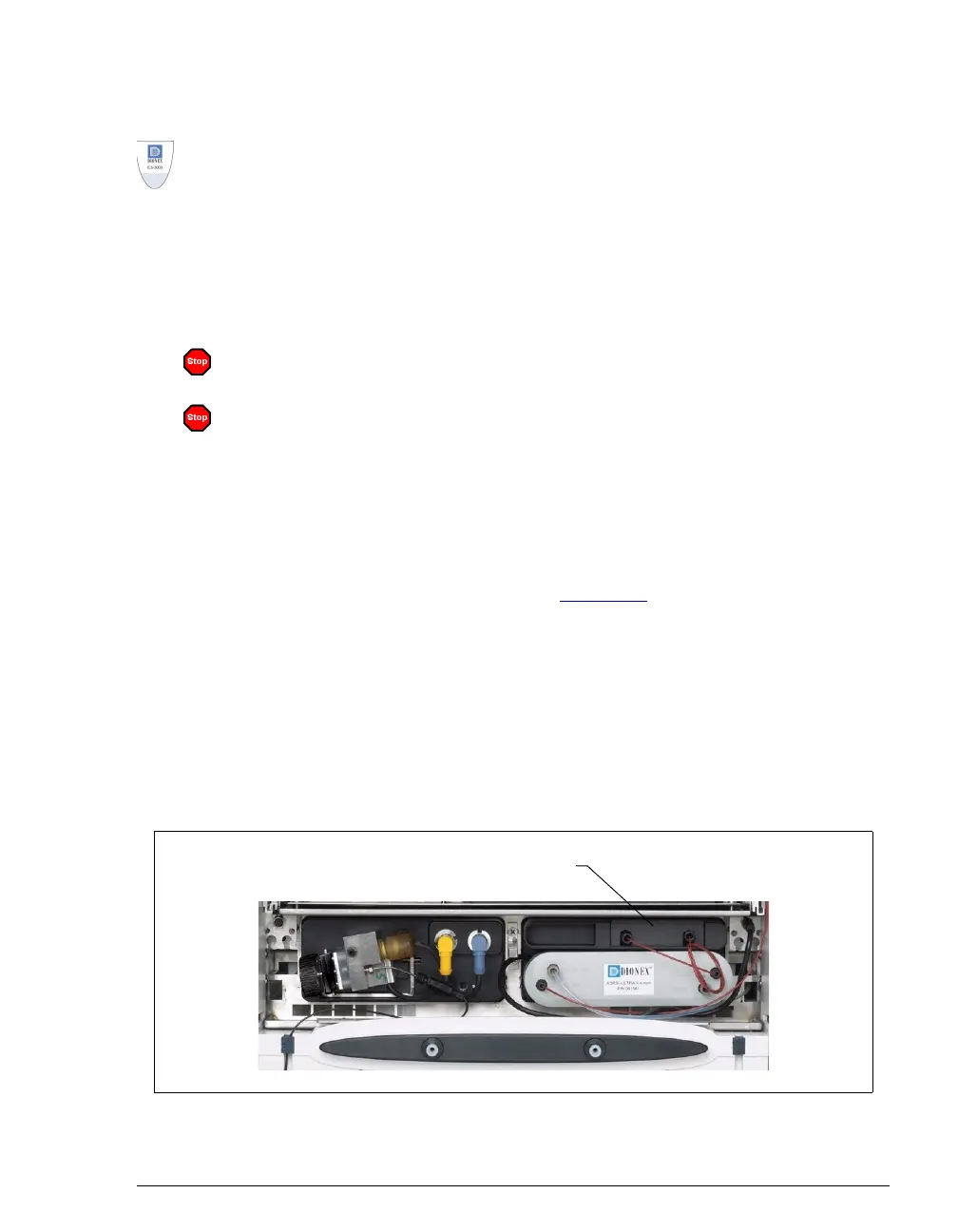
1. Check the detector connection: An electronics connector on the back of
the detector plugs into a receptacle on the detector compartment. Push on
the upper part of the detector (see Figure 8-3
) to make certain the
connector is securely connected.
2. If the error persists, there may be a problem in the detector electronics.
Contact Dionex for assistance.
NOTE The ICS-3000 Ion Chromatography System
electronics components cannot be serviced by the
user.
CD cell 1 option disconnected.
-or-
CD cell 1 option disconnected.
Figure 8-3. Conductivity Detector Connection
Push here to ensure the detector’s
electrical connection is secure.



 To Next Page