Doc. 065031-04 1/08 135
DC Startup
4.8 Start the DC
1. Press the POWER button on the front of the DC.
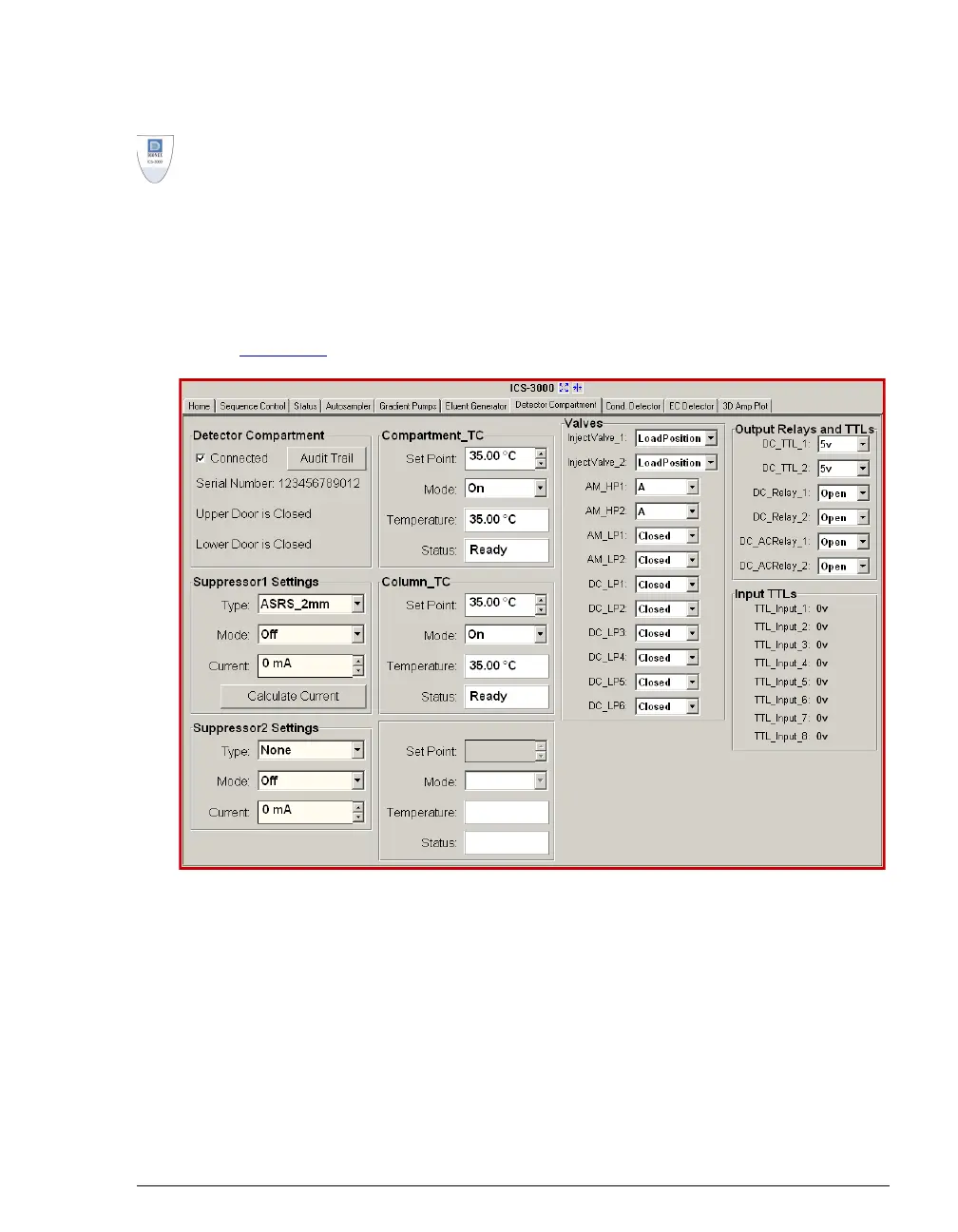
2. To display the DC Control panel, select the Detector Compartment tab (see
Figure 4-5
).
3. Turn on all temperature control devices installed in the DC and set the desired
temperatures:
• Compartment temperature control
• Column temperature control
• Reaction coil heater
• Conductivity detector cell heater (select the Cond. Detector tab)
Figure 4-5. DC Control Panel



 To Next Page