ICS-3000 Ion Chromatography System
288 Doc. 065031-04 1/08
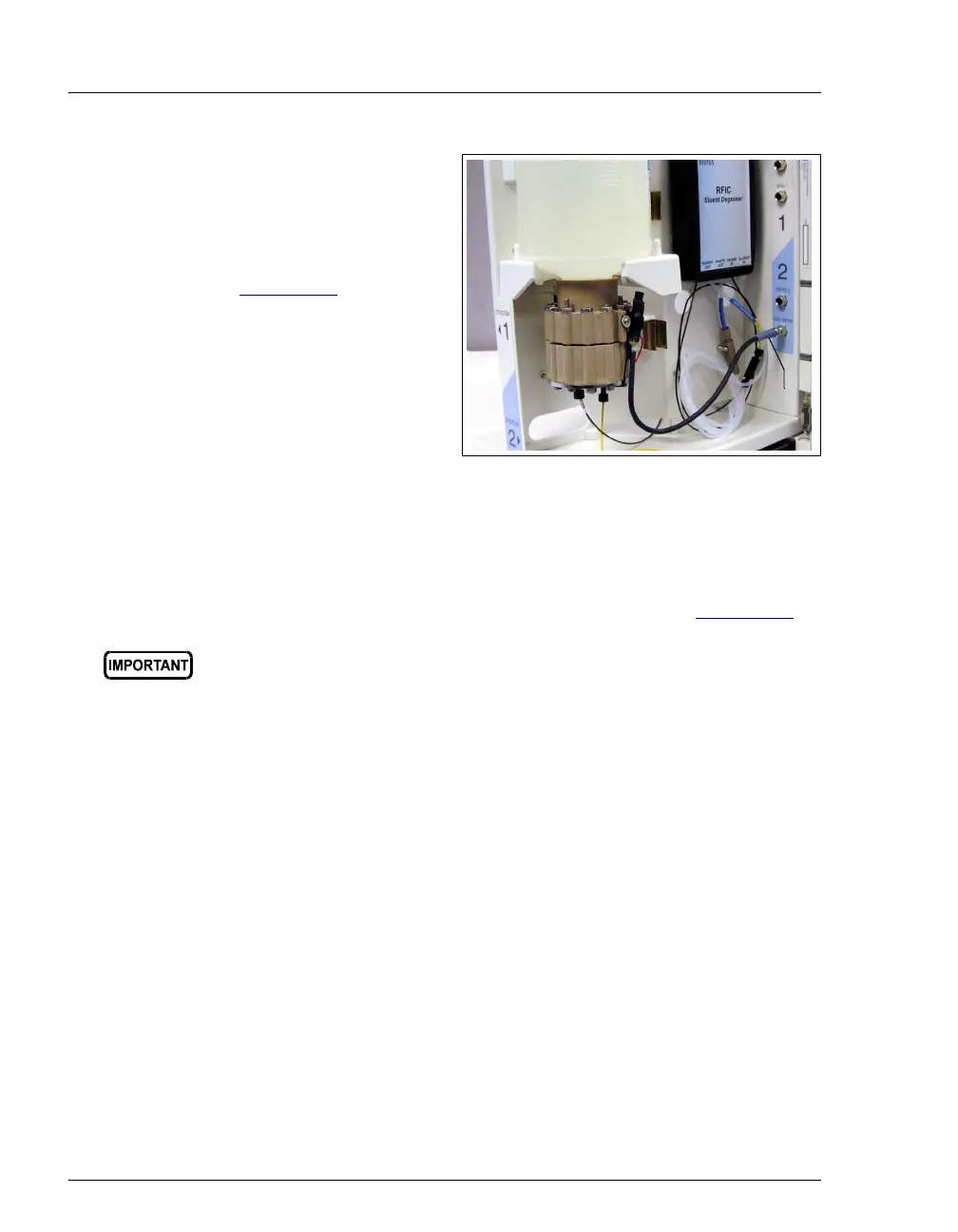
10. Push the cartridge’s blue
electrical cable
connector onto the
EGC 1
(or EGC 2) bulkhead
connector (see
Figure 9-17
). Twist the
ring on the cable
connector fingertight to
secure it.
Figure 9-17. Connecting the EluGen Cartridge Electrical Cable
11. Remove the 10-32 plug from the EluGen cartridge vent opening.
Install a 10-32 luer adapter in the vent opening.
12. Connect the luer adapter and
VENT line removed from the old
cartridge to the vent opening in the new cartridge (see Figure 9-13
).
NOTE Place the 10-32 plug removed from the vent opening
in a safe place for storage. The 10-32 plug is
required for shipping or storing the cartridge.
9.12.5 Conditioning the New EluGen Cartridge
Always condition a new EluGen cartridge before initial use. This requires
directing a backpressure coil connected to the cartridge outlet to waste,
and then generating 50 mM of eluent at 1.0 mL/min for 30 minutes.
1. Start the Chromeleon Server Configuration program and open the EG
Properties dialog box. Click the Cartridges tab and enter the serial
number of the EluGen cartridge.
2. Set a small temporary waste container (for example, a beaker) next to
the EG. Direct the yellow backpressure coil from the EluGen
cartridge
OUTLET port to the waste container. The backpressure must
be at least 1.4 MPa (200 psi).
The vent line must be connected to the EluGen cartridge to ensure
proper ventilation.
Cable



 To Next Page