Doc. 065031-04 1/08 131
EG Startup
4.7 Setting the Eluent Concentration
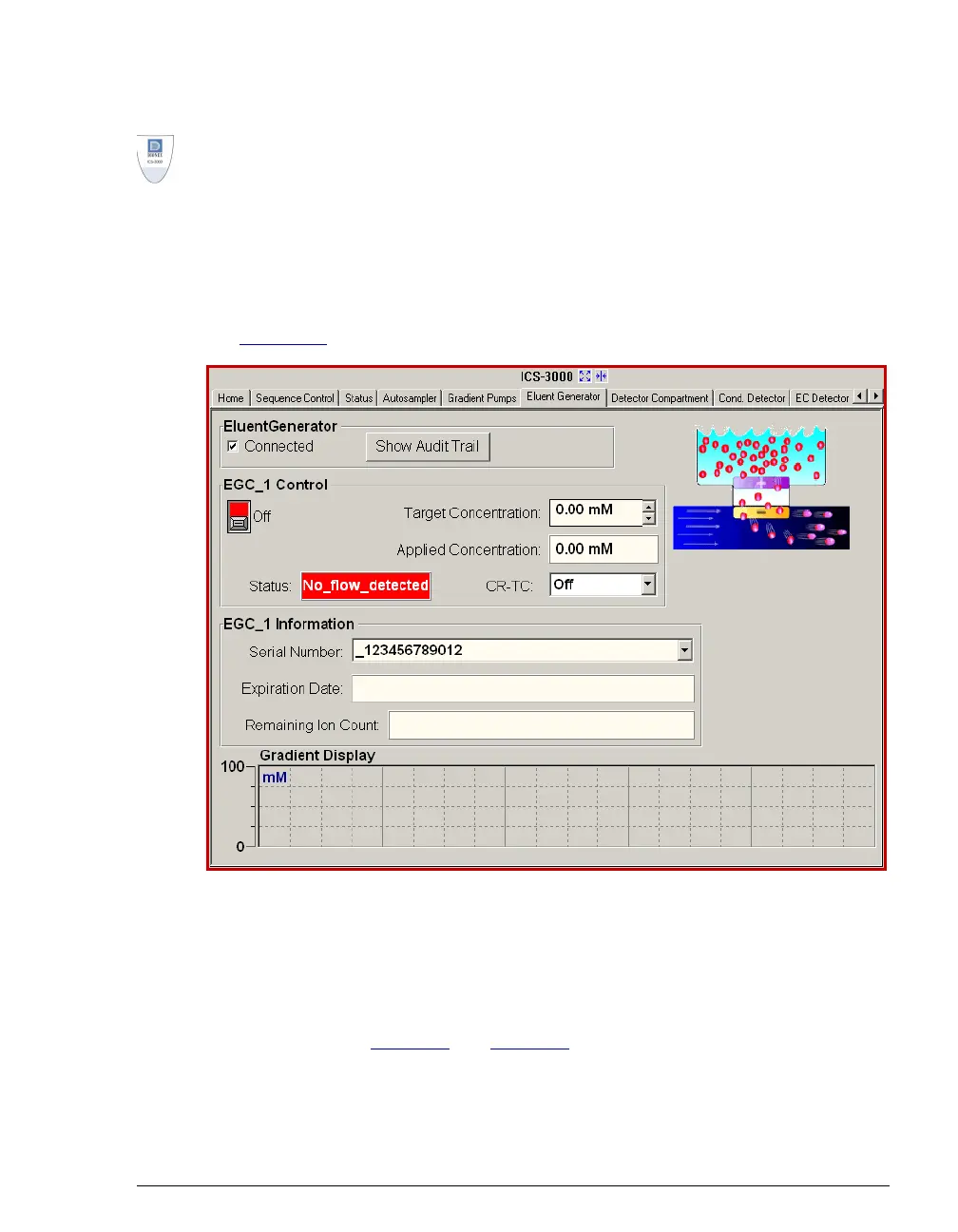
1. In Chromeleon or Chromeleon Xpress, select the Eluent Generator tab on
the ICS-3000 panel tabset. This displays the EG Control panel (see
Figure 4-4
).
2. Under EGC Control, enter a value in the Target Concentration field.
The allowable eluent concentration depends on several factors: the flow rate,
suppressor type, EluGen cartridge type, and cartridge configuration. For
details, refer to Table 4-1
and Table 4-2.
Figure 4-4. EG Control Panel



 To Next Page