ICS-3000 Ion Chromatography System
324 Doc. 065031-04 1/08
10. Orient the cell assembly with the PEEK yoke knob (see Figure 9-34)
on the left and push the cell onto its mounting location in the DC
compartment.
11. Reconnect the cell’s inlet and outlet lines.
12. Start the pump flow.
13. Turn on the DC power.
14. Wait until the pump pressure has stabilized (30 to 60 seconds) and
then turn on the cell voltage.
9.24.6 Replacing the Reference Electrode O-Ring
1. Turn off the cell voltage from the Control panel in Chromeleon or
Chromeleon Xpress.
2. Turn off the pump flow from the Control panel in Chromeleon or
Chromeleon Xpress or press
PUMP FLOW on the front of the pump.
3. Disconnect the cell (see Section 9.24.1
).
4. Unscrew the reference electrode and remove it from the cell body
(see Figure 9-40
).
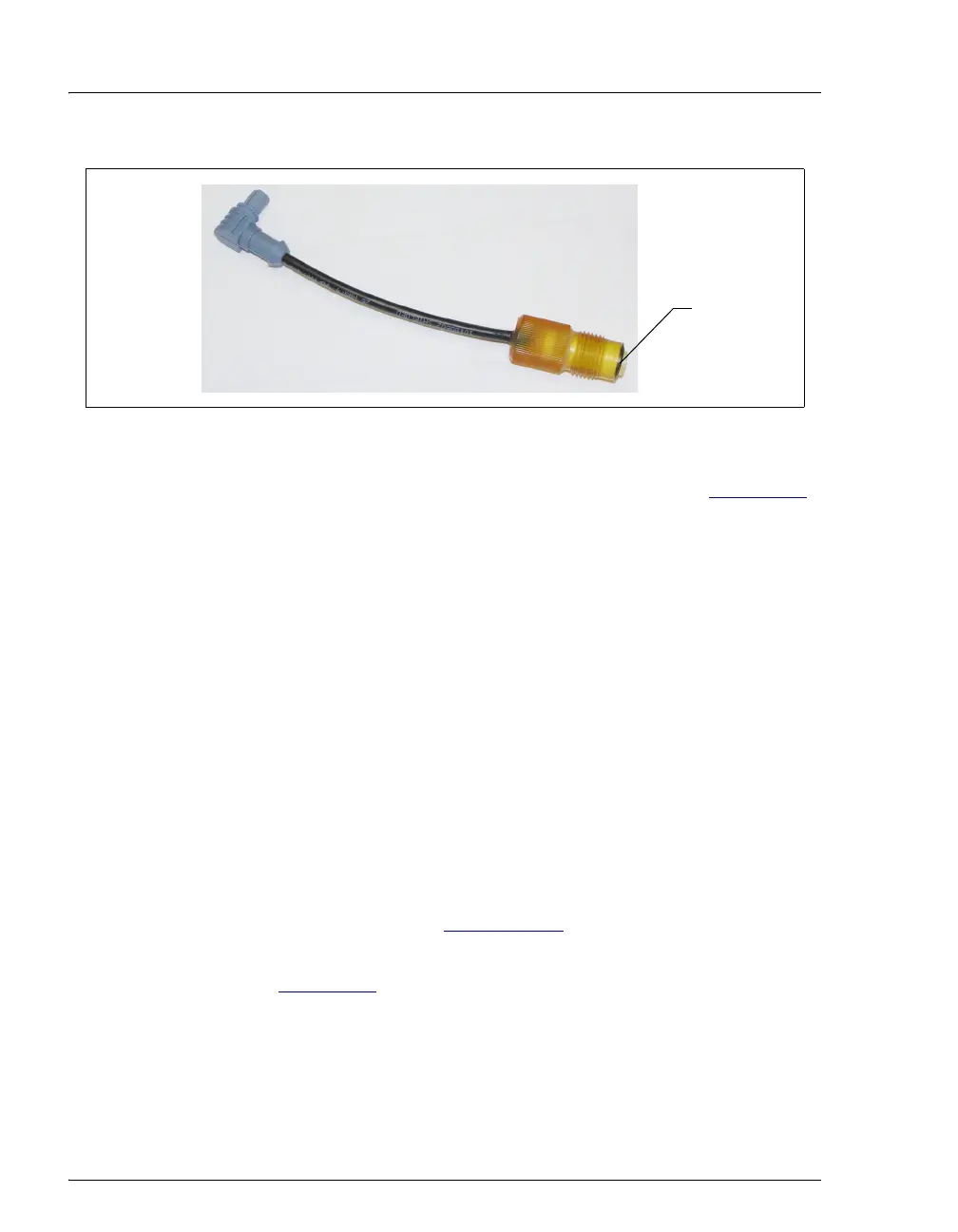
Figure 9-39. Reference Electrode O-Ring
Reference
Electrode
O-Ring



 To Next Page