9 • DC Service
Doc. 065031-04 1/08 323
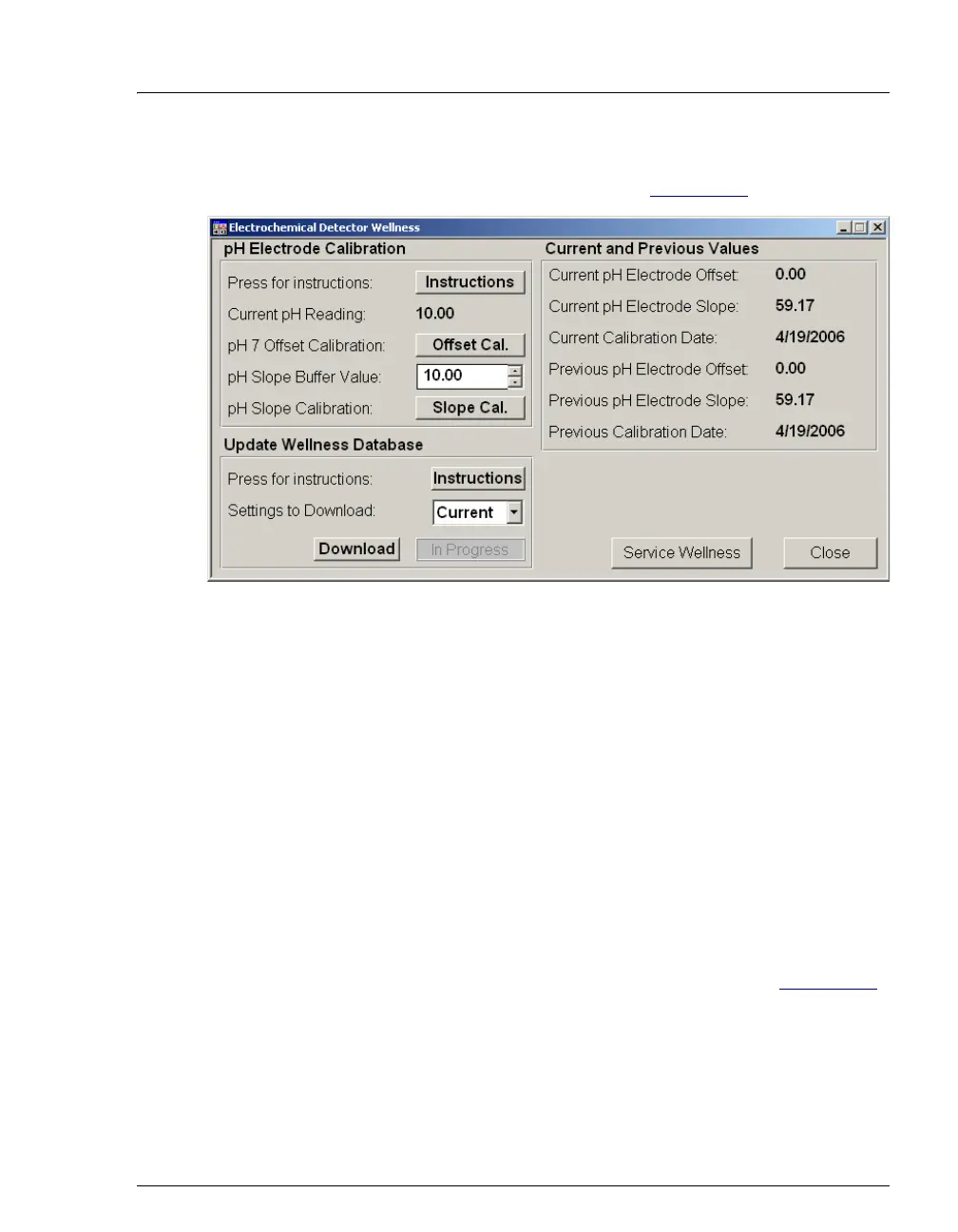
4. Click the Calibration button under Electrochemical Detector
Settings. The Wellness panel opens (see Figure 9-38
).
5. Place the electrode in the pH 7.00 buffer. Allow the pH to stabilize
(about 1 minute) until the reading fluctuates no more than 0.05, and
then click the Offset Cal. button.
6. Remove the electrode from the first buffer, rinse, and then dry it.
Place the electrode in the second buffer solution. Allow the pH to
stabilize until the reading fluctuates no more than 0.05.
7. On the Wellness panel, enter the pH of the second buffer in the pH
Slope Buffer Value field and then click the Slope Cal. button.
8. To avoid any hydraulic pressure buildup when inserting the reference
electrode into the cell, make sure that fitting plugs are not installed on
the cell inlet and outlet fittings.
9. Verify that the reference electrode O-ring is present (see Figure 9-39
)
and then screw the reference electrode into the reference electrode
cavity.
Figure 9-38. Wellness Panel: ICS-3000 Conductivity Detector



 To Next Page