Doc. 065031-04 1/08 139
5•Operation
5.1 Overview
Samples can be run manually, one at a time, or else grouped in batches and run
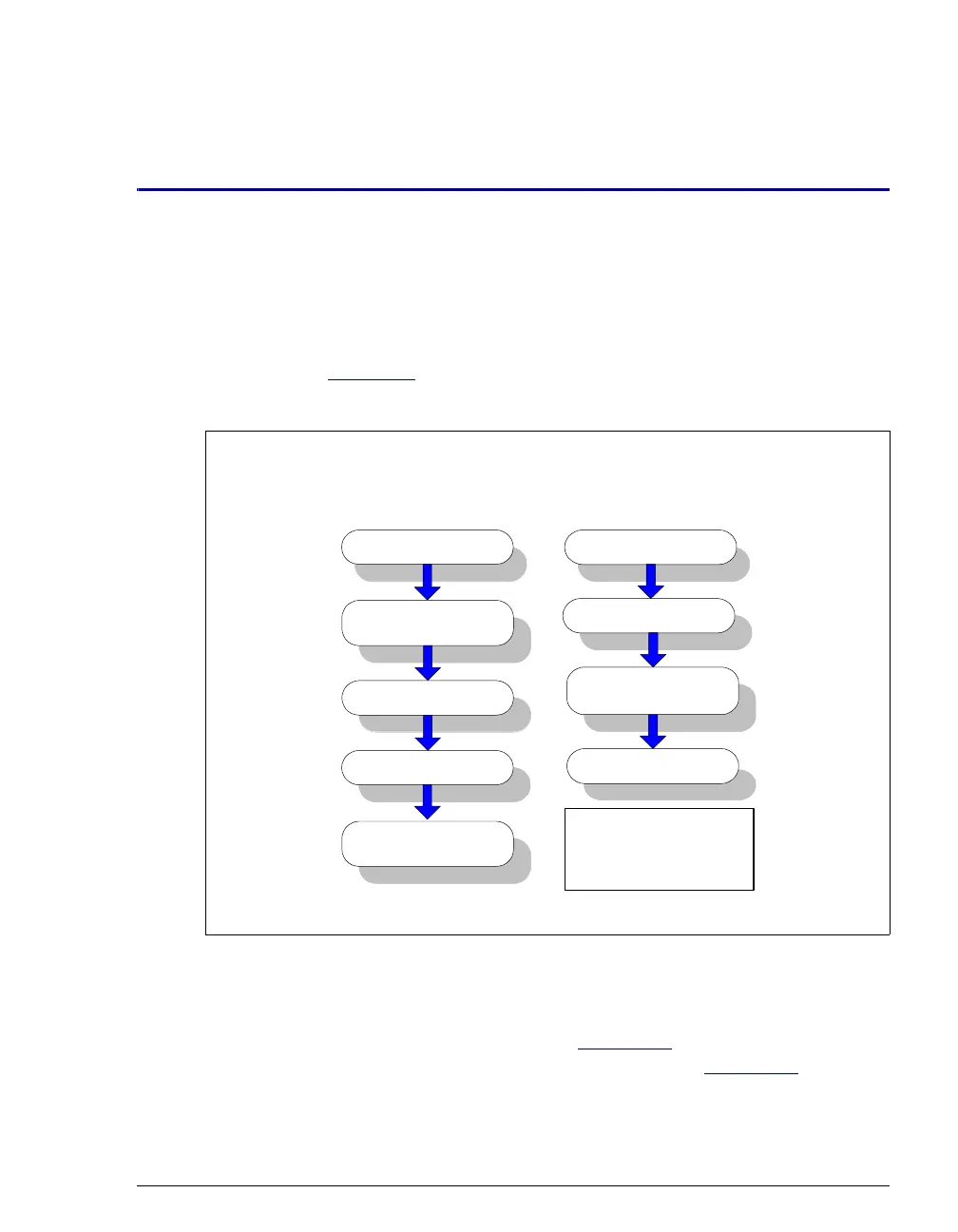
automatically. Figure 5-1
compares the typical steps performed in manual and
batch sample processing.
With either manual or batch sample processing, you can load samples into the
sample loop with either an autosampler (see Section 5.2
), or with a syringe
through the sample loading ports on the DC front door (see Section 5.3
).
Figure 5-1. Sample Processing Overview
Manual Sample
Processing
Inject the sample
Autozero
Stop data
acquisition
Start data
acquisition
Batch Sample
Processing
Start the batch
Load the
sequence
Create a sequence
Load the sample
*Includes commands
for sample loading,
autozero, injection,
and data acquisition.
Create a program*



 To Next Page