ICS-3000 Ion Chromatography System
146 Doc. 065031-04 1/08
5.5 Manual Sample Processing
To process samples manually, select operating parameters and commands from
the panel tabset. Commands are executed as soon as they are entered.
1. Load and inject the sample, using a syringe (see Section 5.3.1
), vacuum
syringe (see Section 5.3.2
), or autosampler (see Section 5.2).
2. On the Sequence Control panel, click Acq On.
3. On the Detector Control panel, click Autozero.
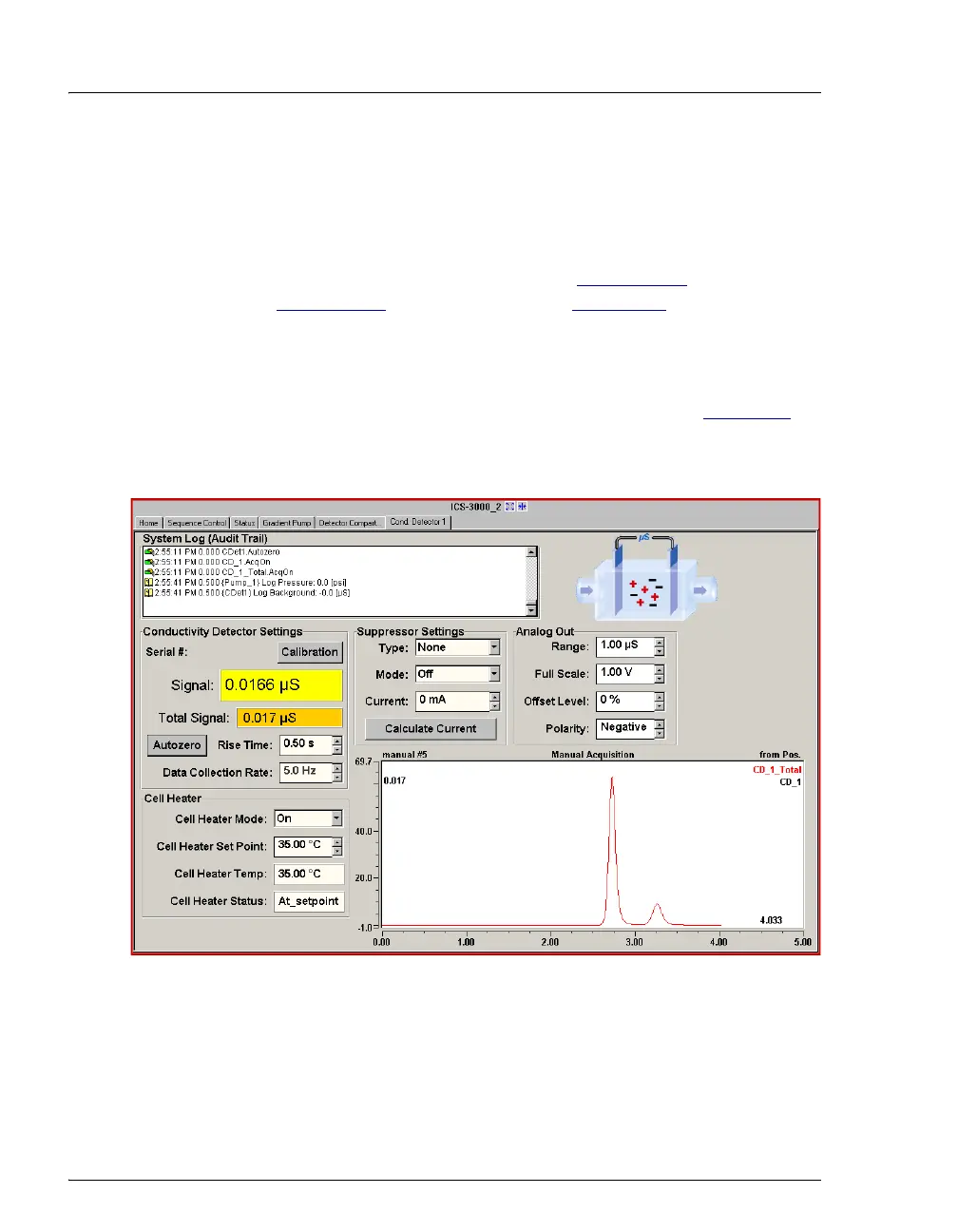
4. The signal plot is displayed on the Detector Control panel (see Figure 5-6
).
Monitor the chromatogram and when sample data has been collected, click
Acq Off.
Figure 5-6. Manual Data Acquisition



 To Next Page