Doc. 065031-04 1/08 41
DC Description
2.11 DC Front Features
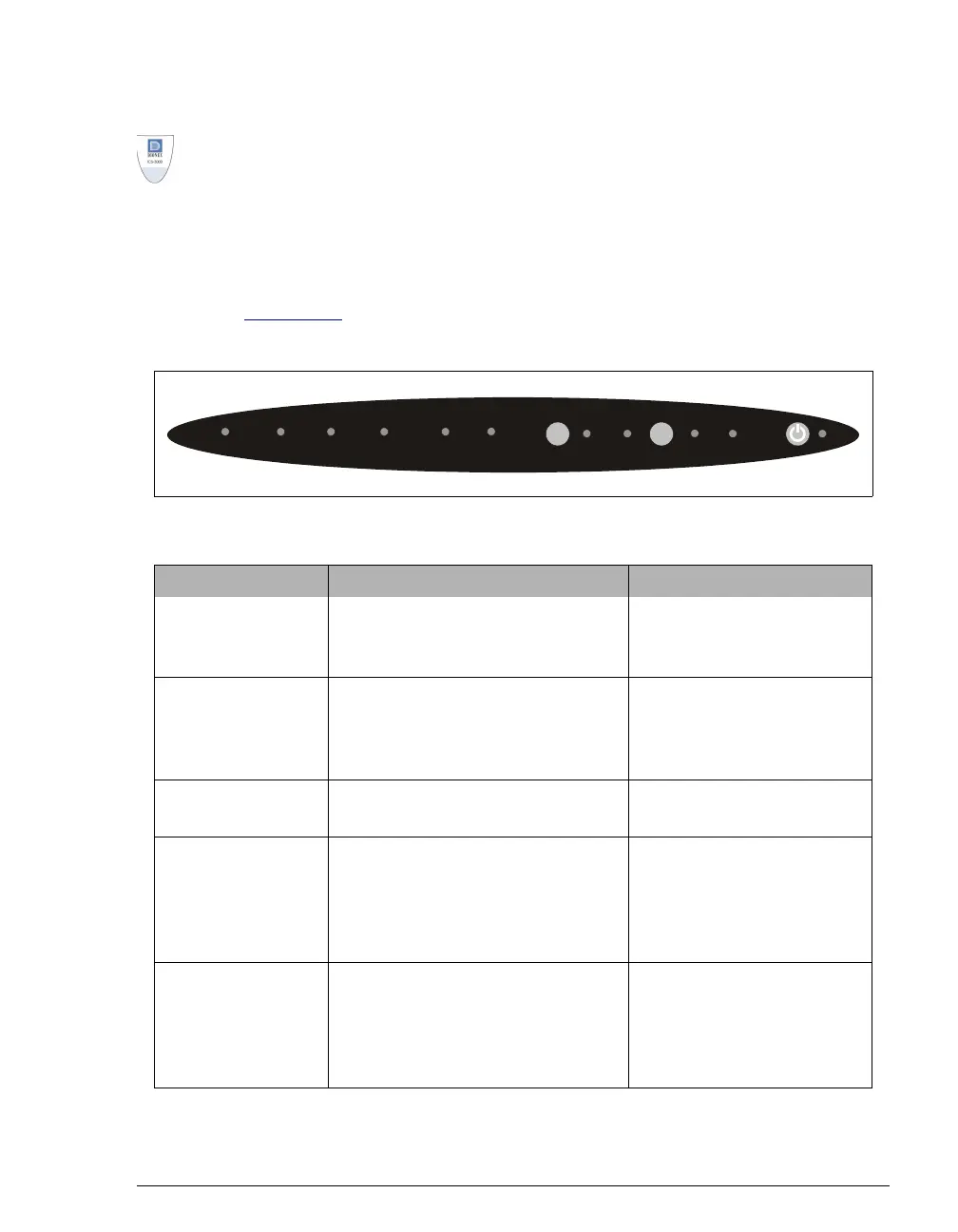
A status bar on the front of the ICS-3000 Detector/Chromatography Module (DC)
(see Figure 2-12
) includes buttons for controlling certain DC functions, as well as
LEDs that indicate the status of several DC components and functions.
Figure 2-11. DC Status Bar
Button/LED Label If the LED Is On If the LED Is Flashing
CONNECTED
The DC is connected to a
Chromeleon or Chromeleon Xpress
timebase.
Does not flash.
ALARM
The leak sensor is wet or there was a
valve or suppressor error. Check the
Chromeleon or Chromeleon Xpress
Audit Trail for the cause.
Does not flash.
SUPPRESSOR 1
SUPPRESSOR 2
The suppressor is on and current is
being applied.
Does not flash.
OVEN UPPER
The upper compartment is at its set
temperature.
The upper compartment is
transitioning to the set
temperature. The
compartment is not ready for
operation.
OVEN LOWER
The lower compartment is at its set
temperature.
The lower compartment is
transitioning to the set
temperature. The
compartment is not ready for
operation.
CONNECTED
ALARM
SUPPRESSOR OVEN VALVE 1 VALVE 2
12UPPER
LOWER LOAD INJECT LOAD INJECT



 To Next Page