ICS-3000 Ion Chromatography System
306 Doc. 065031-04 1/08
5. Slide the new I/O option board (P/N 062201) into the rear panel opening and
press firmly to connect the board to the DC motherboard.
6. Replace the two screws.
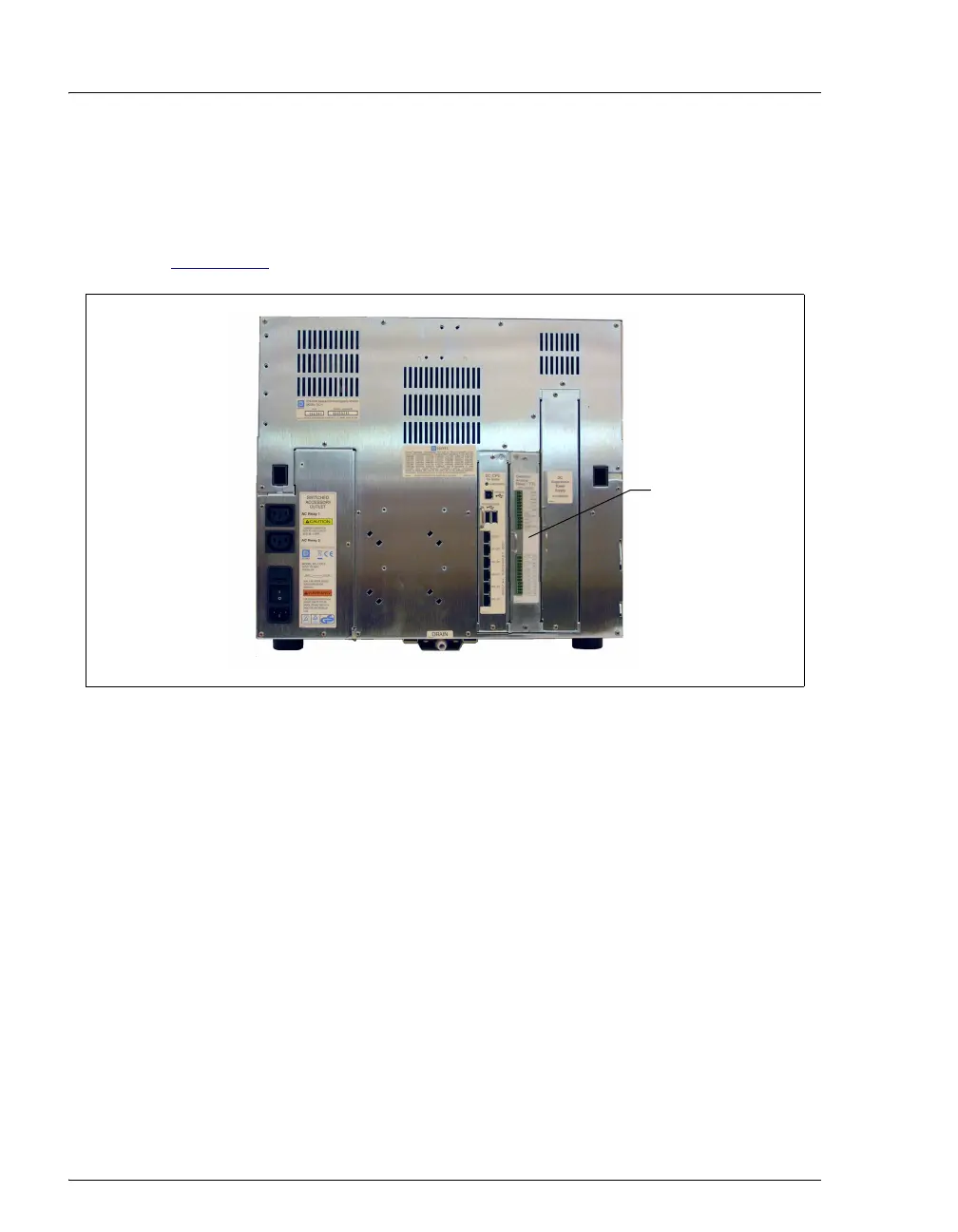
Figure 9-27
shows the I/O option installed.
7. Reconnect the main power cord and turn on the power.
Figure 9-27. DC Rear Panel: I/O Option Installed
I/O Option



 To Next Page