ICS-3000 Ion Chromatography System
116 Doc. 065031-04 1/08
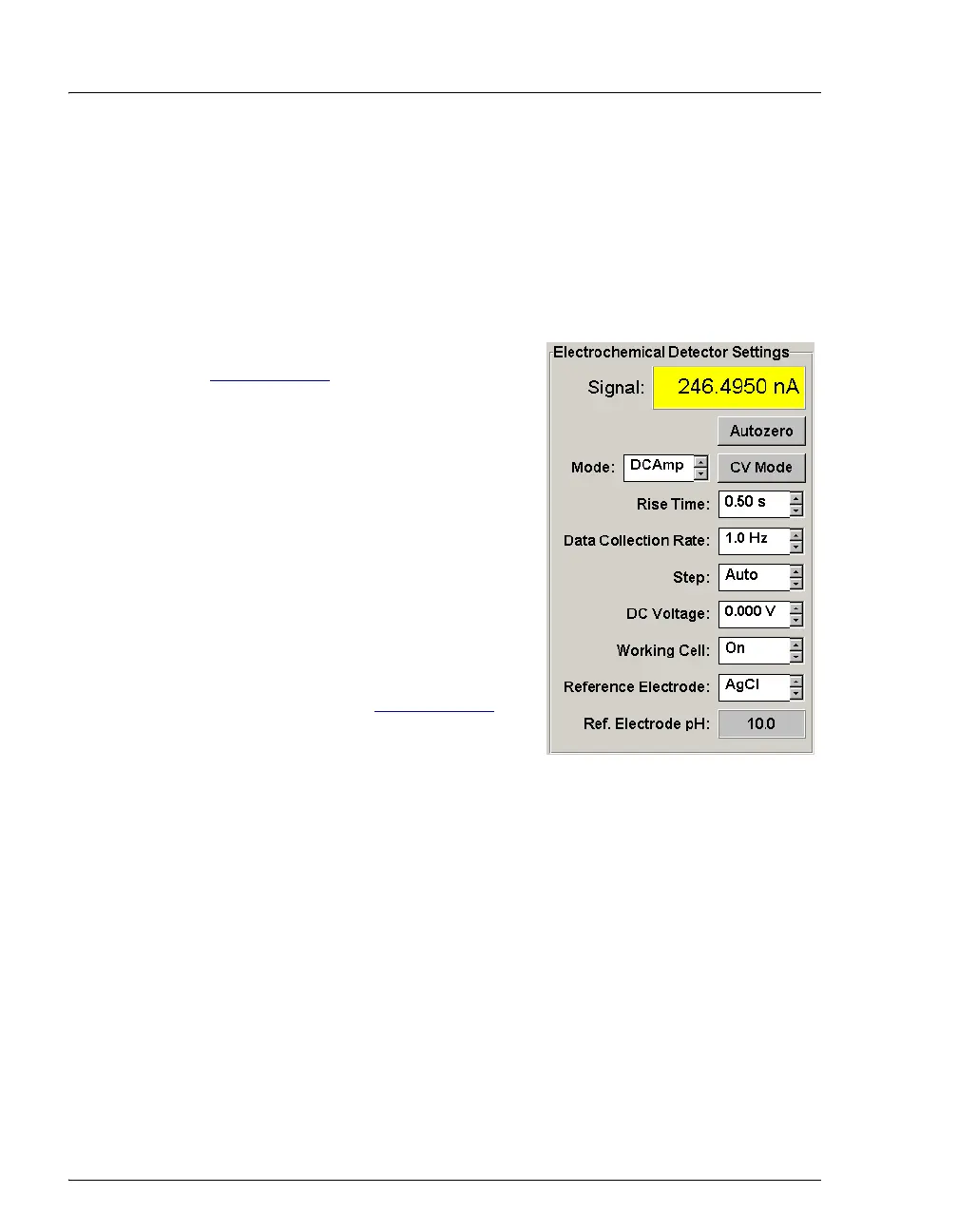
• To help determine when the reference electrode needs regenerating or
replacing, monitor the pH value displayed on the Control panel in
Chromeleon or Chromeleon Xpress.
• To have an alarm displayed in the Audit Trail if the pH exceeds
certain values, set pH limits in Chromeleon or Chromeleon Xpress.
To monitor the cell pH:
1. At installation, calibrate the pH electrode
(see Section 9.24.5
).
2. When you run your first chromatographic
program, note the pH value displayed on
the Chromeleon or Chromeleon Xpress
Control panel.
3. Thereafter, monitor the pH value to
determine whether there is a shift in the
pH. A shift in the pH reading indicates a
change in the Ag/AgCl reference
potential.
If the pH value shifts by 0.5 pH unit from
the value first observed, check the
reference electrode (see Section 8.28.6
).



 To Next Page