9 • DP/SP Service
Doc. 065031-04 1/08 279
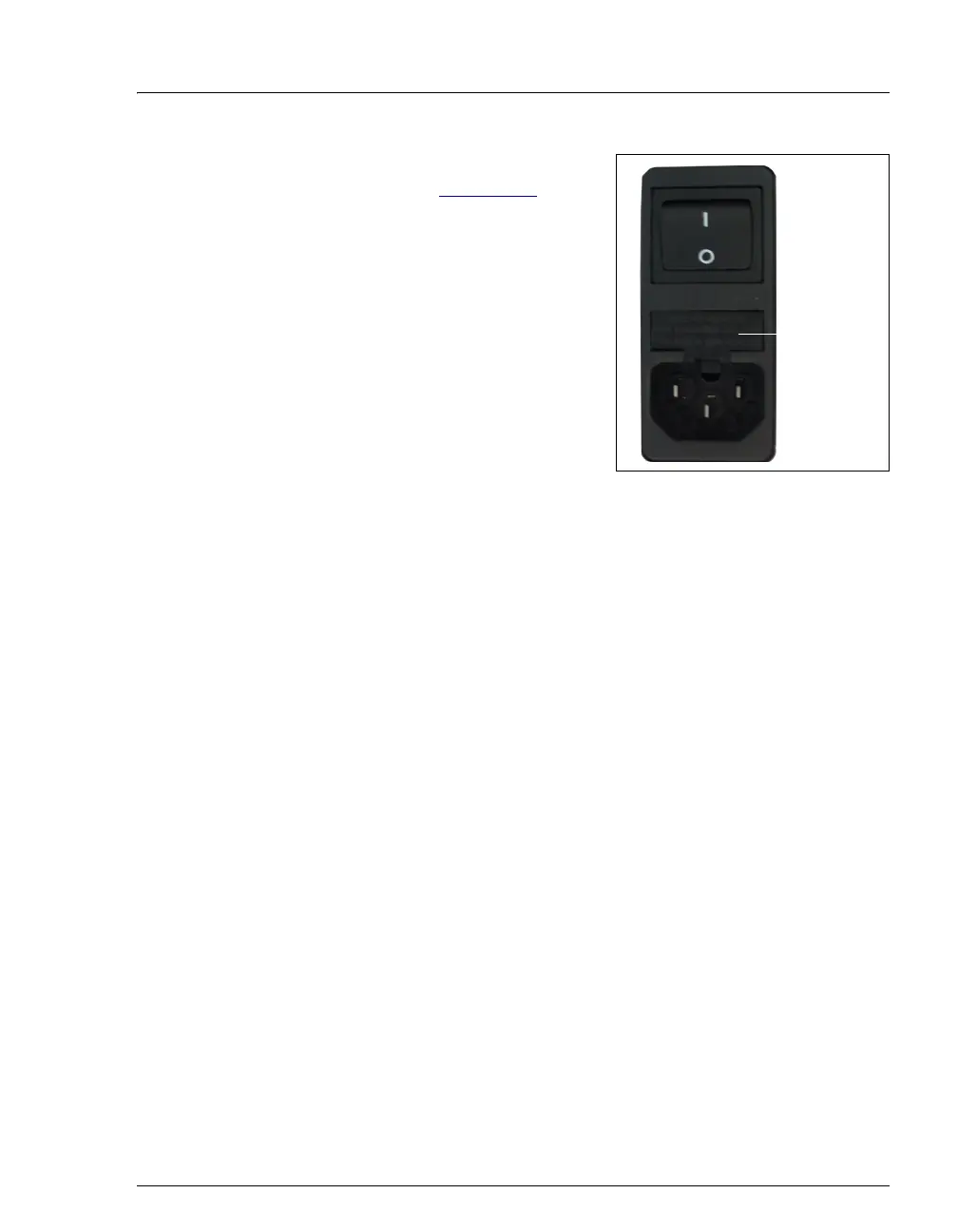
5. The fuse cartridge is located next to the
main power switch (see Figure 9-11
). Use a
small screwdriver to remove the fuse
cartridge.
6. Replace the two fuses with new 2 A IEC
60127-2 slow-blow fuses (P/N 954773).
Dionex recommends always replacing both
fuses.
7. Reinstall the fuse cartridge.
8. Reconnect the main power cord to its
source and to the DP/SP.
Figure 9-11. DP/SP Fuse Cartridge
9. Turn on the main power switch.
10. Press the
POWER button on the front of the DP/SP to turn on the pump.
11. Select the Connected check box on the Control panel to reconnect the pump
to the software.
12. Click Motor on the Control panel to turn on the pump flow.
Fuse
Cartridge



 To Next Page