9 • EG Service
Doc. 065031-04 1/08 293
6. Check that no liquid lines are caught under the CR-TC. Align the two
mounting holes on the CR-TC back plate with the ball studs on the
mounting plate, and then push the CR-TC firmly onto the mounting
ball studs. The CR-TC clicks into place when properly installed.
7. Connect the CR-TC electrical cable to the
CR-TC 1 (or CR-TC 2)
bulkhead connector. Twist the ring on the cable connector fingertight
to secure it.
8. Push the tray into the module until it locks into place. Close the EG
door.
9. Turn on the power and resume operation.
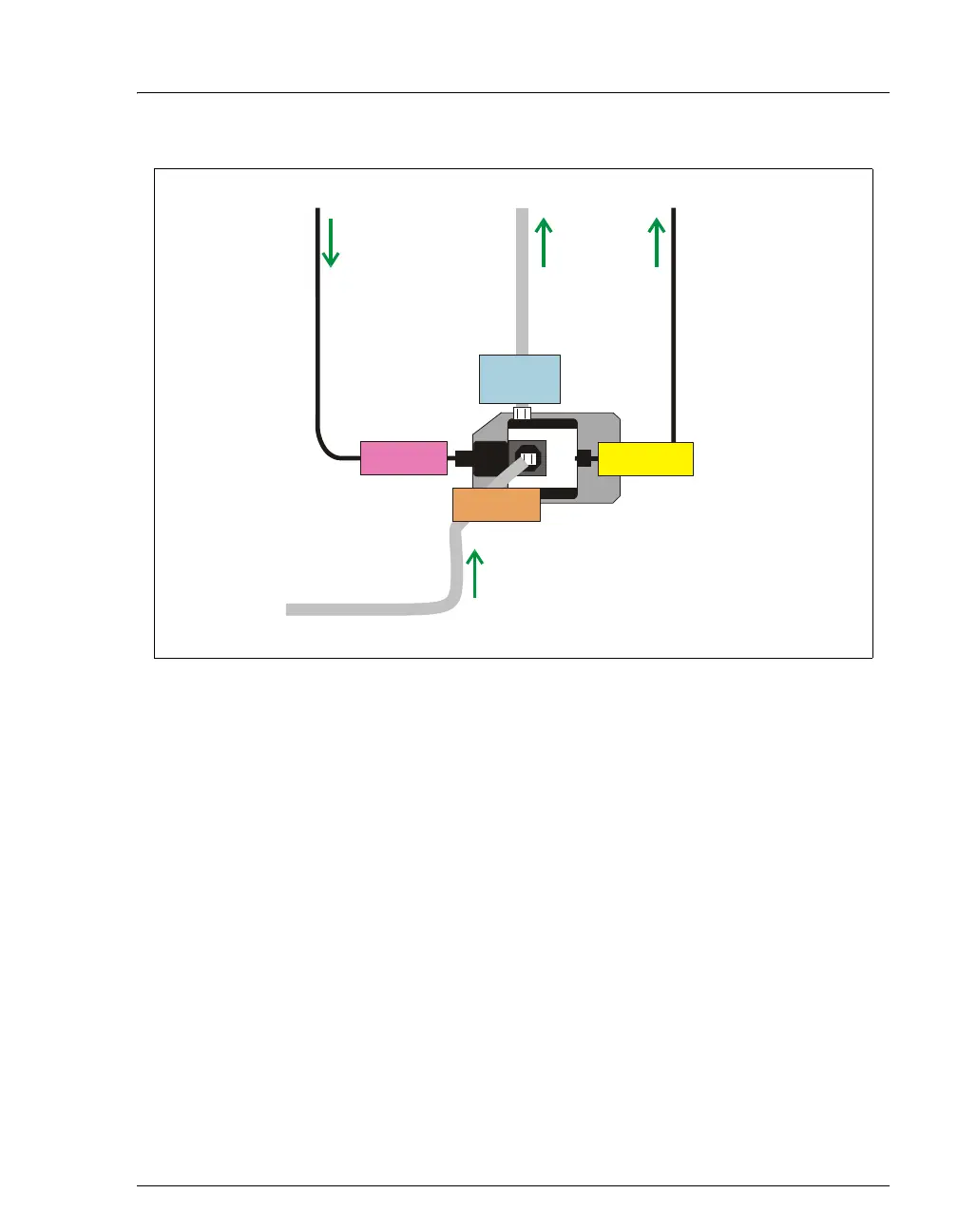
Figure 9-19. CR-TC Plumbing Diagram: Installation Completed
CR-TC
Regen Out
Regen In
TO CR-TC
REGEN OUT
(blue label)
Preplumbed to
RFIC Eluent Degasser
REGEN IN Port
Preplumbed to
RFIC Eluent Degasser
ELUENT IN Port
Connect to
Suppressor
REGEN OUT
P
r
Connect to
EGC OUTLET Port
Eluent Out Port
(yellow label)
Regen In Port
(orange label)
Eluent In Port
(red label)



 To Next Page