ICS-3000 Ion Chromatography System
18 Doc. 065031-04 1/08
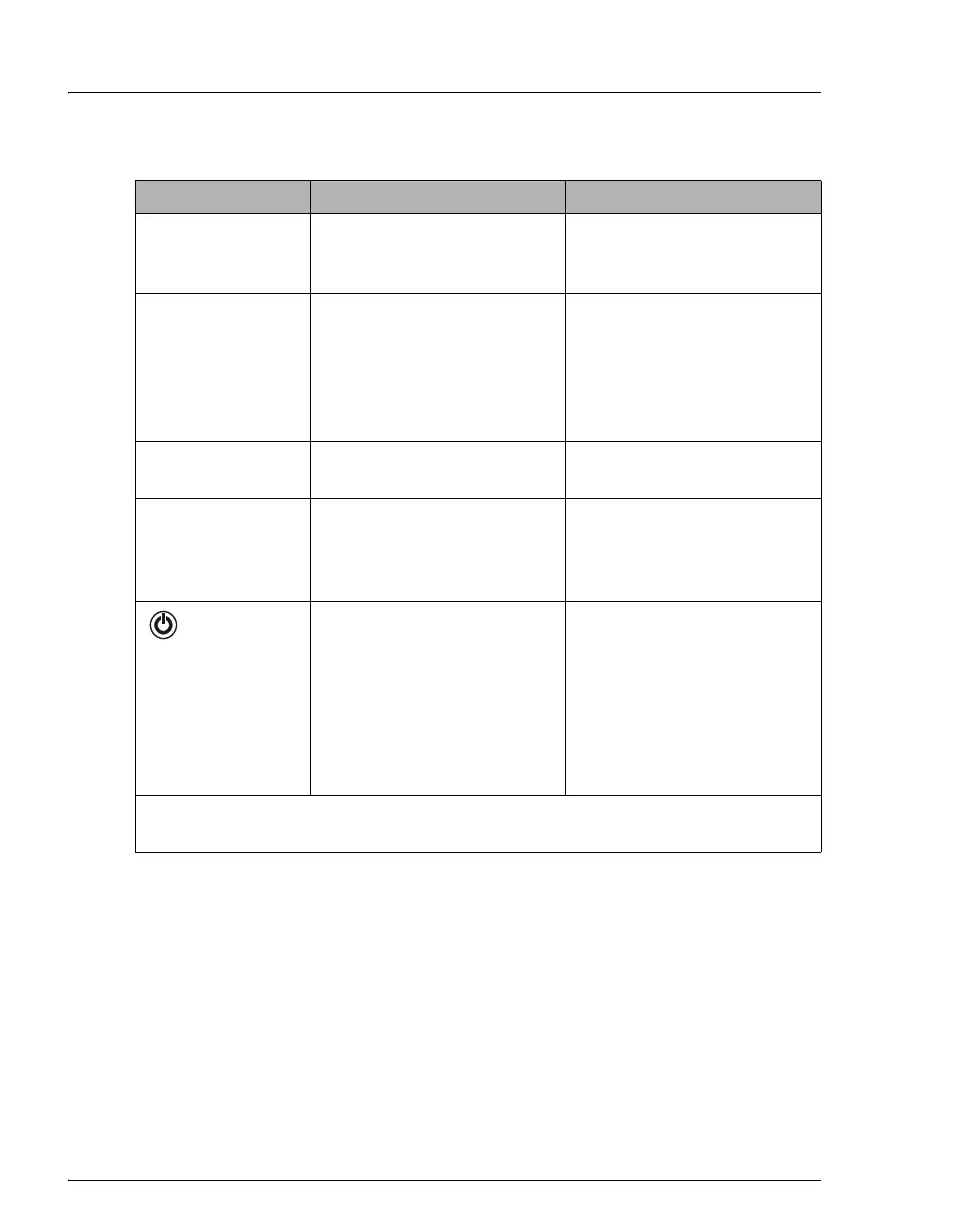
Button/LED Label If the LED Is On If the LED Is Flashing
CONNECTED
The DP/SP is connected to a
Chromeleon or Chromeleon
Xpress timebase.
Does not flash.
ALARM
A DP/SP-related problem has
occurred (for example, a
pressure limit was activated).
Check the Chromeleon or
Chromeleon Xpress Audit
Trail for the cause.
Does not flash.
PUMP 1 FLOW*
PUMP 2 FLOW**
The DP/SP is on and is
delivering flow.
Does not flash.
PUMP 1 PRIME*
PUMP 2 PRIME**
Use the
PRIME button to
prime the pump.
The LED indicates whether
the pump is being primed.
The pump is being primed.
POWER
Use this POWER button for
routine on/off control of the
DP/SP. When the power is on,
this LED is lighted. To turn off
the DP/SP, press and hold this
POWER button for 2 seconds.
Note: The main power switch
is on the rear panel.
Does not flash.
* Pump 1 is always installed in the lower half of the DP/SP enclosure.
** SP only: This button is not present.



 To Next Page