ICS-3000 Ion Chromatography System
32 Doc. 065031-04 1/08
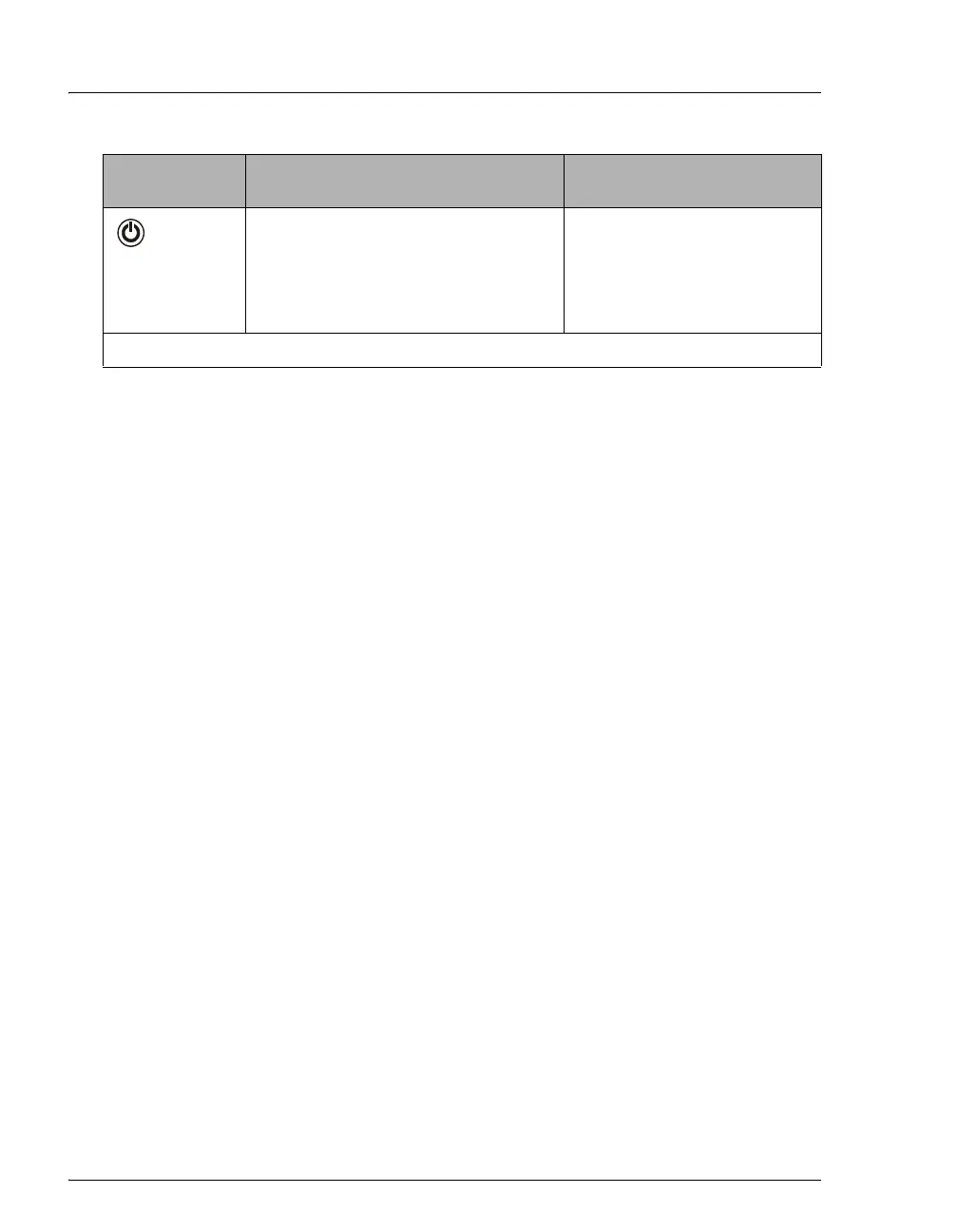
POWER
Use this POWER button for routine
on/off control of the EG. When the
power is on, this LED is lighted. To
turn off the EG, press and hold this
POWER button for 2 seconds.
The main power switch is on
the EG rear panel.
NOTE: The EG status bar LEDs do not flash.
Button/LED
Label
If the LED Is On Comment



 To Next Page