C
C-6 Connectrix DS-32M2 User Guide
Configuring the Switch from a Web Server
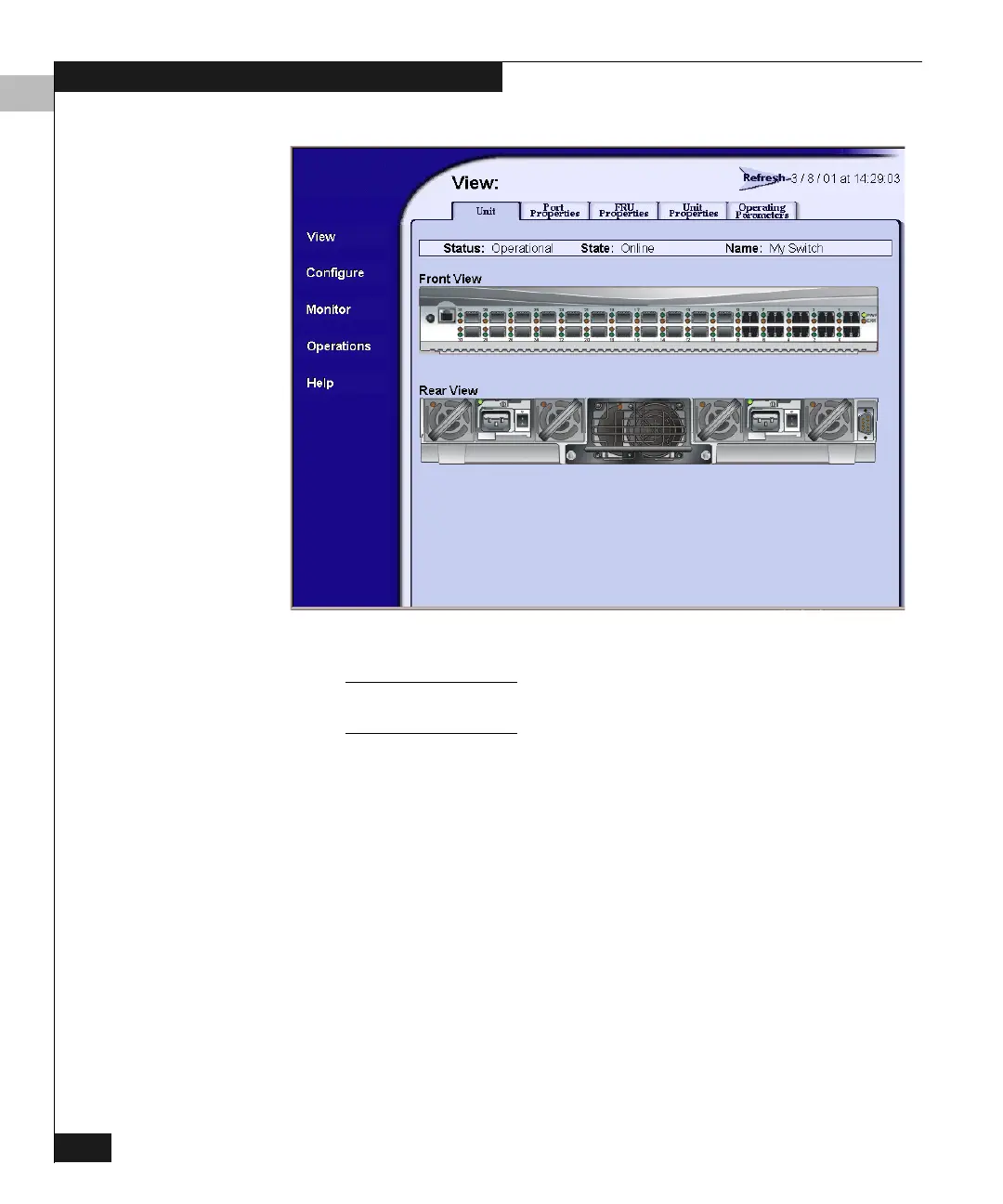
Figure C-2 Web Server Interface — View Window
The Name is taken from the switch configuration. Refer to Configuring Switch
Identification on page C-8.
The menu at the left side of the provides access to most of the same
configuration and monitoring operations that you can perform using
tthe Connectrix Manager. Clicking Help provides comprehensive
information on performing these operations.
Accessing
Configuration
Operations
To access configuration operations, click Configure on the left side of
the window. This displays the window shown in Figure C-3 on
page C-7.



 To Next Page