2. RADAR, CHART RADAR OPERATION
2-61
2.39.6 How to select the chart color and tone
You can select color and tone for chart display.
1. Open the menu then select the [6 CHART DISPLAY] menu.
2. Select [7 CHART MONOCHROME].
3. Select [OFF] or [ON] as appropriate.
[OFF]: Displays the chart in multicolor.
[ON]: Displays the chart in monochrome.
4. Select [8 AREA COLOR].
5. Select [COLOR FILL], [GRAY SCALE], or [NO COLOR] as appropriate.
[COLOR FILL]: Displays chart in multi color.
[GRAY SCALE]: Displays water area in gray scale.
[NO COLOR]: Does not fill the chart.
6. Close the menu.
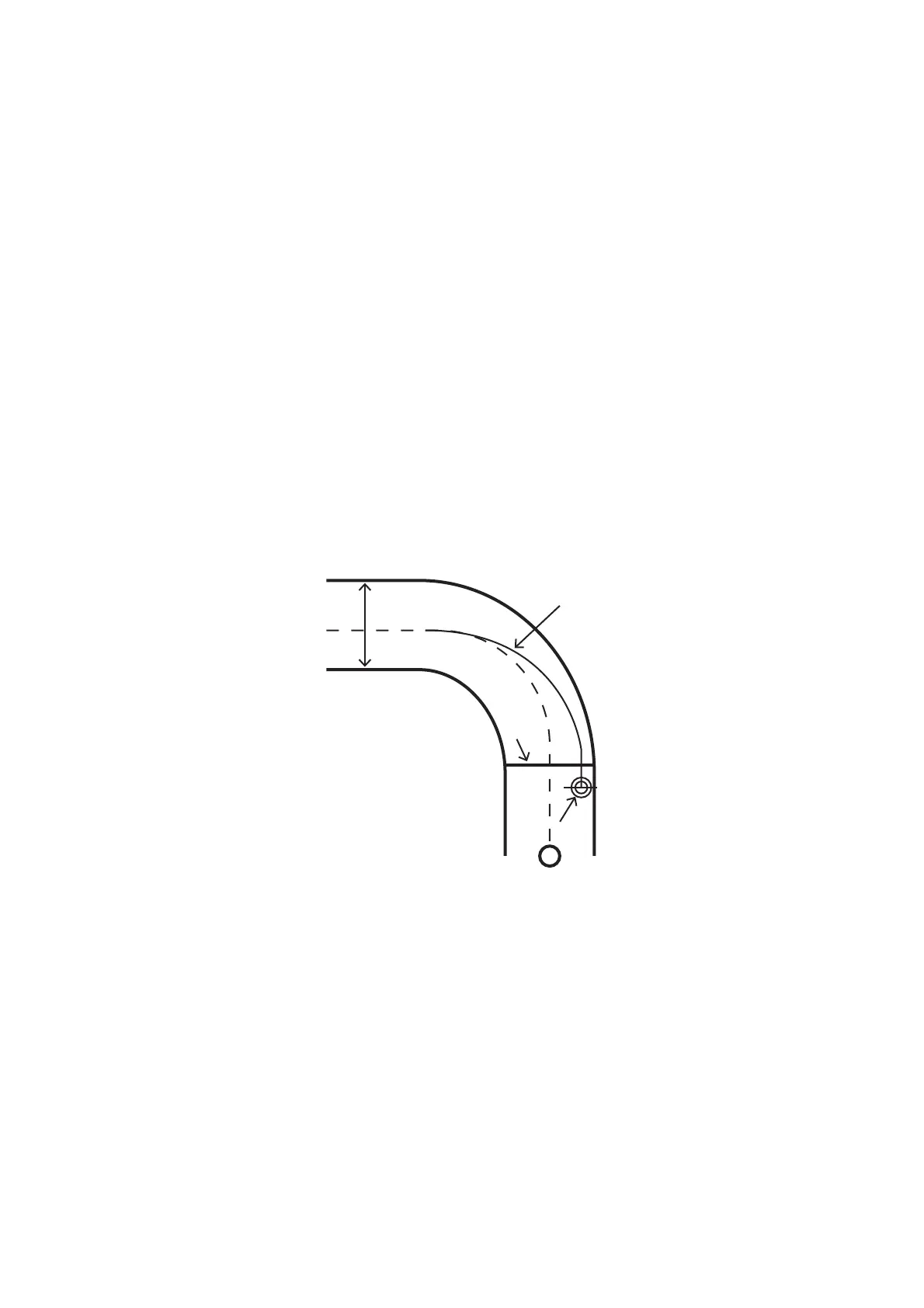
2.39.7 How to show/hide the curved EBL
The [Curved EBL] function shows the planned steering radius. You can use this func-
tion to determine the best location to begin a turn. You can also use the [Curved EBL]
function to determine whether a turn is conduct as planned.
To show/hide the [Curved EBL], click the [ON]/[OFF] button on the [Curved EBL] page
of the [Overly/NAV Tools] box.
Note: This function is only available when a EC-3000 with TCS functionality is con-
nected to the network.
1. Open the menu and select [5 MAP•MARK] and [MARK SETTING].
2. Select [DISP CURVED EBL] from page 2 of the [MARK SETTING] menu.
3. Select [ON] to display the curved EBL, [OFF] to hide the curved EBL.
4. Close the menu.
WPT1
Curved EBL
Steering line
OS mark
XTD limit



 To Next Page