18-1
18. TT AND AIS DISPLAYS
Tracked targets and AIS targets can be overlaid on the chart. Only the differences be-
tween the radar and chart TT and AIS displays are described here.
The data of received radar-tracked targets must have reference to ground. If the data
does not meet that criteria, target vectors are not shown and the indications COG and
SOG in the TT info data box show [missing].
18.1 TT Display
18.1.1 TT symbols
Refer to section 3.7.1.
18.1.2 TT symbol color and size
Do the following to select TT symbol color and size. Note that the color of the AIS sym-
bol is also changed.
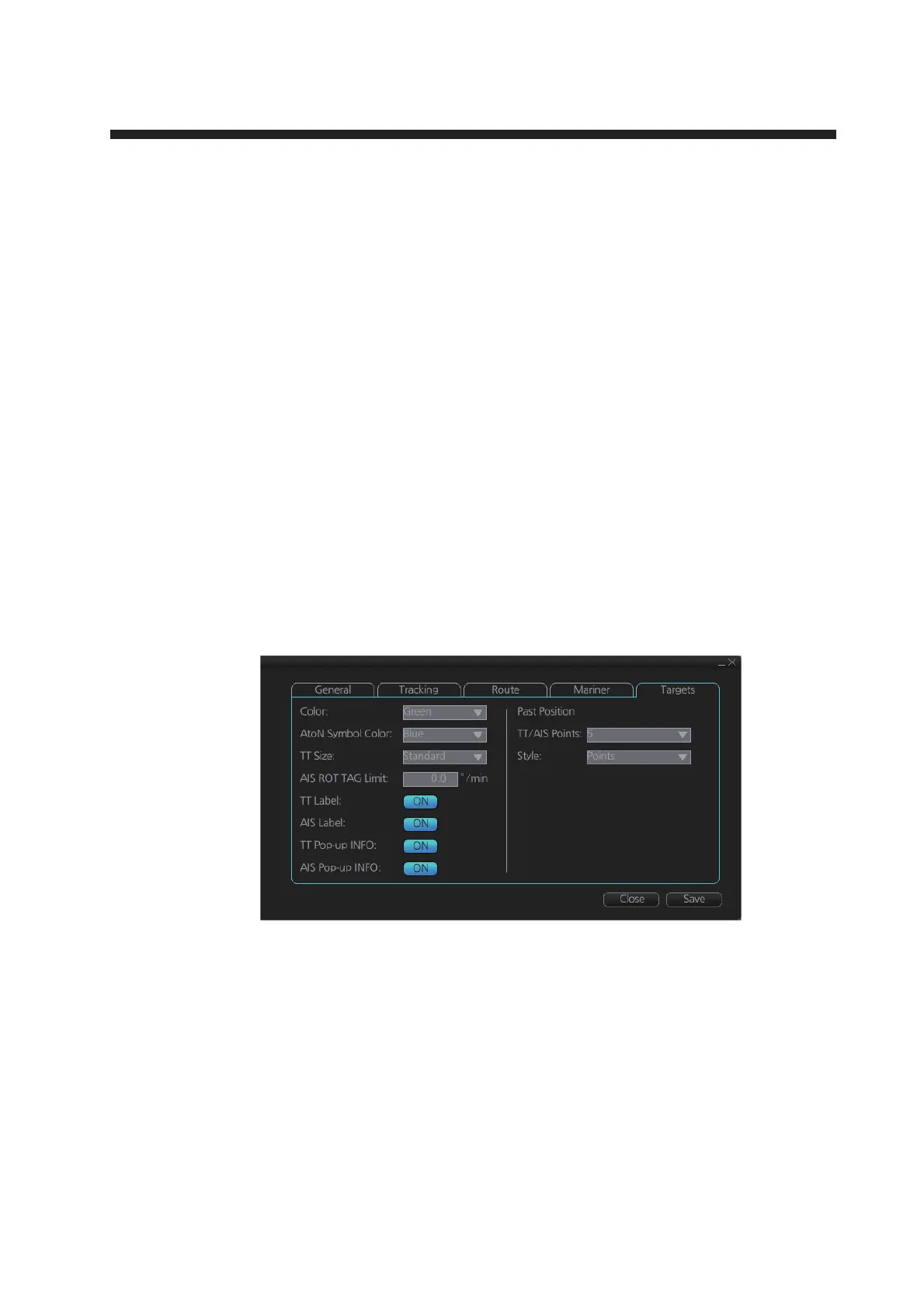
1. Click the [DISP], [SET] and [Symbol DISP] buttons on the InstantAccess bar™ to
show the [Symbol Display] menu.
2. Click the [Targets] tab.
3. Select the color among, green, blue, black, magenta and brown, with the [Color]
pull-down list.
4. Select the size from standard or small, with the [TT Size] pull-down list.



 To Next Page