19. RECORDING FUNCTIONS
19-11
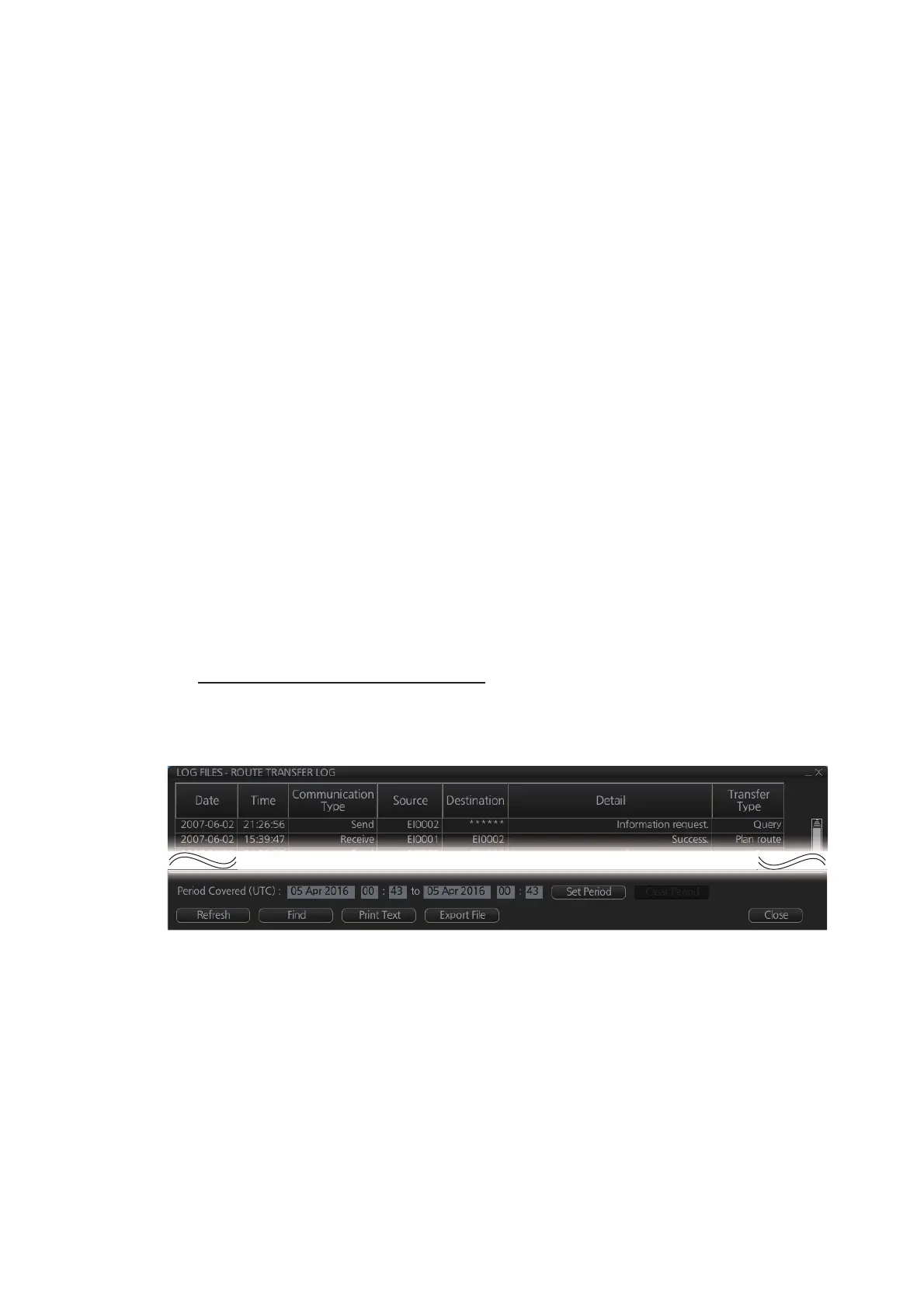
19.6 Route Transfer Log
The [Route Transfer] log keeps a tab of sent and received route-related communica-
tions. When one or more of the following conditions are met, an entry is made in the
[Route Transfer] log.
• RRT sentence is sent from this system.
• RRT sentence is received by this system.
• A sent RRT sentence is not acknowledged by an external device.
The log data includes the following:
• Date: Date of entry
• Time: Time of entry
• Communication Type: Send, Receive or No Response
• Source: UID of route related communication
• Destination: UID of destination of route related communication
• Detail: Content of transfer
• Transfer Type: Type of communication - Monitor route, Plan route, or Query
• Transfer Name: Name of transferred route
• Transfer Version: Transferred route’s version
• Current WPT: Current waypoint
• Transfer Status: Current transfer status of the transferred route
• Application Status: Current status of the transfer application
How to view the route transfer log
On the InstantAccess bar™, click the [Log], [Target Log] and [Route TRANS Log] but-
tons
• To show the logs of a specific period, enter the period to show with [Period Cov-
ered (UTC)] then click the [Set Period] button. Use the [Clear Period] button to dis-
play all logs. Log entries outside the set period become gray and the entries inside
the set period remain visible. To show log entries which are not visible, spin upward
to scroll up the log, downward to scroll down the log.
• To refresh the log, click the [Refresh] button.
• To search the log, do as follows:
1) Click the [Find] button to show the [Find text] box.
2) Click the input box then enter the text to search.
3) Select the search direction with the up or down radio button.



 To Next Page